NOTE
Under the following conditions, the
ALH may not operate normally.
Manually switch between the high and
low beams according to the visibility,
and the road and trac conditions.
When there are other sources of light
in the area such as street lamps,
illuminated signboards, and trac
signals.
When there are
reflective
objects in
the surrounding area such as
reflective
plates and signs.
When visibility is reduced under rain,
snow and foggy conditions.
When driving on roads with sharp
curves or undulations.
When the headlights/rear lamps of
vehicles ahead or in the opposite
lane are dim or not illuminated.
When there is insucient darkness
such as at dawn or dusk.
When the luggage compartment is
loaded with heavy objects or the rear
passenger seats are occupied.
When visibility is reduced due to a
vehicle ahead spraying water from its
tyres onto your windscreen.
▼
To Operate the System
The ALH operates to control Glare-Free
High Beam, Wide-Range Low Beam
and Highway Mode automatically after
the ignition is switched ON and the
headlight switch is in the
and
low beam position.
The ALH determines that it is dark
based on the brightness of the
surrounding area. At the same time,
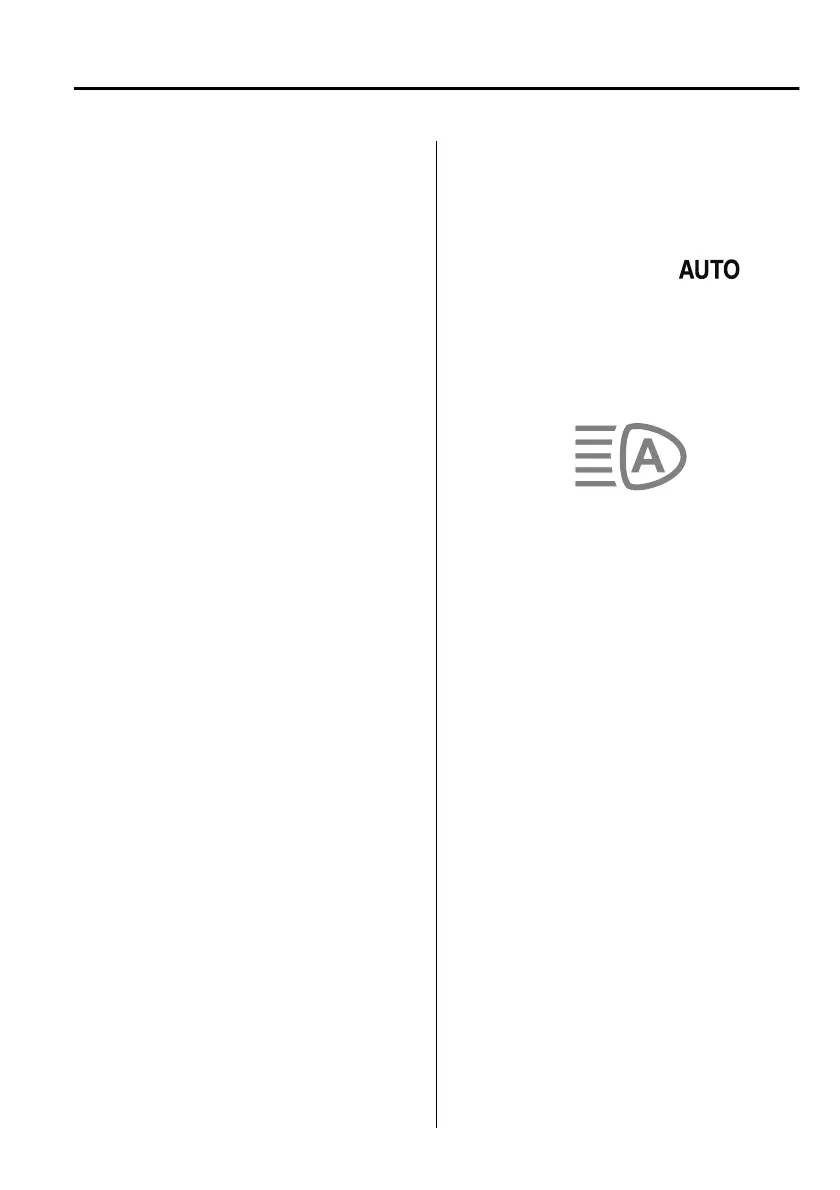
the ALH indicator light (green) in the
instrument cluster illuminates.
NOTE
Operation of the ALH function can be
disabled.
Refer to the Settings section in the
Mazda Connect Owner's Manual.
When Driving
i-ACTIVSENSE
4-109
Mazda3_8HS5-EE19I_Edition1_new 2019-7-1 10:56:36



 To Next Page