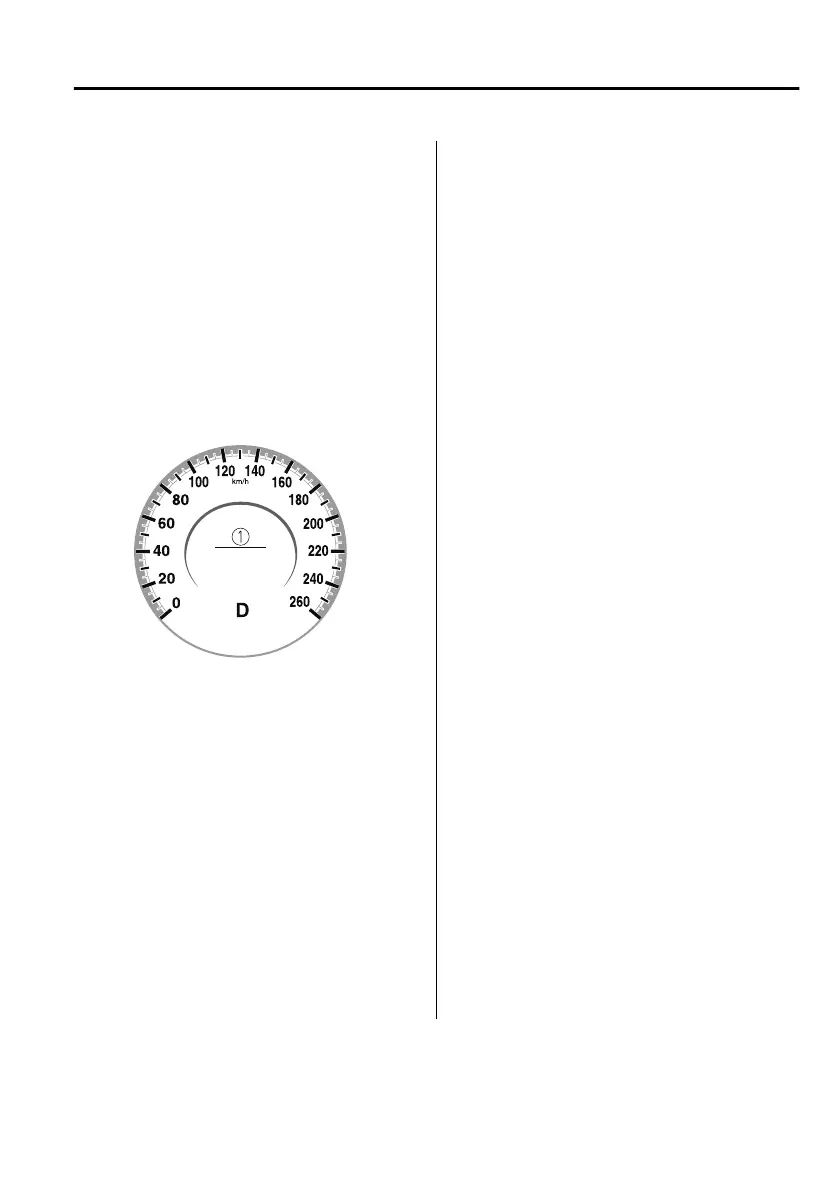
▼
Close Proximity Warning
If your vehicle rapidly closes in on the
vehicle ahead because the vehicle
ahead applies the brakes suddenly
while you are travelling in headway
control, the warning sound activates
and the brake warning is indicated in
the display. Always verify the safety of
the surrounding area and depress the
brake pedal while keeping a safe
distance from the vehicle ahead.
Additionally, keep a safe distance from
the vehicles behind you.
1. “Depress Brake Pedal” message is
displayed
NOTE
In the following cases, the warnings
and brakes may not operate even if
your vehicle starts closing in on the
vehicle ahead.
You are driving your vehicle at the
same speed as the vehicle ahead.
Directly after the MRCC system has
been set.
Directly after the accelerator pedal is
released.
Another vehicle cuts into the driving
lane in front of you.
When Driving
i-ACTIVSENSE
4-141
Mazda3_8HS5-EE19I_Edition1_new 2019-7-1 10:56:36



 To Next Page