NOTE
When the vehicle set speed is
displayed in the active driving
display/instrument cluster and speed
limit sign is not displayed, press the
RES switch to set the displayed
vehicle speed.
Manually setting the vehicle speed
limit from a speed limit sign
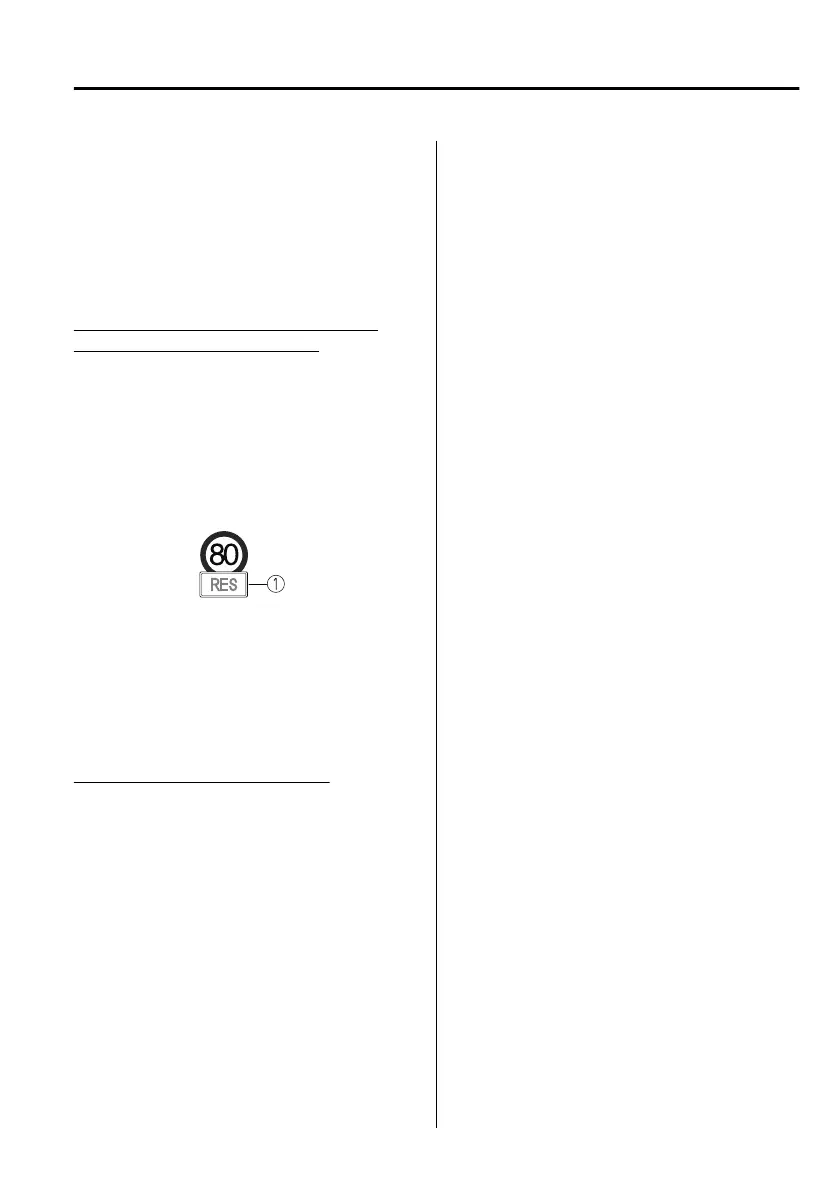
1. Press the LIM switch to turn the
system on.
2. Press the RES switch while the ISA
set indication is displayed on the
active driving display/instrument
cluster to set the vehicle speed limit
to the speed of the displayed speed
limit sign.
1. Speed limit sign setting indication
NOTE
The speed limit cannot be set from
the speed limit sign when the speed
limit sign indication is displayed in
gray.
Excessive speed range setting
The range of speed that can exceed the
set speed can be changed.
Refer to the Settings section in the
Mazda Connect Owner's Manual.
+ 0: The vehicle speed is restricted at
the set speed.
+ 5: If the vehicle speed exceeds the
set speed by 5 km/h (3mph), the
vehicle speed is restricted.
+ 10: If the vehicle speed exceeds
the set speed by 10 km/h (5 mph),
the vehicle speed is restricted.
▼
Temporarily Cancelling the System
The system is temporarily cancelled
(stand-by status) when any of the
following operations is done while the
ISA is displayed.
CANCEL switch is pressed
Accelerator pedal is strongly
depressed
Any door is opened
The driver’s seat belt is unfastened
NOTE
The set speed can be set by pressing
the RES switch up (SET+) or down
(SET) while the system is in stand-by
status.
The ISA is not cancelled by
depressing the brake pedal.
When Driving
i-ACTIVSENSE
4-185
Mazda3_8HS5-EE19I_Edition1_new 2019-7-1 10:56:36



 To Next Page