▼
Collision Warning
When there is a possibility of a
collision with a vehicle ahead, the
collision warning sound is activated
continuously and a warning is
displayed on the multi-information
display and the active driving display.
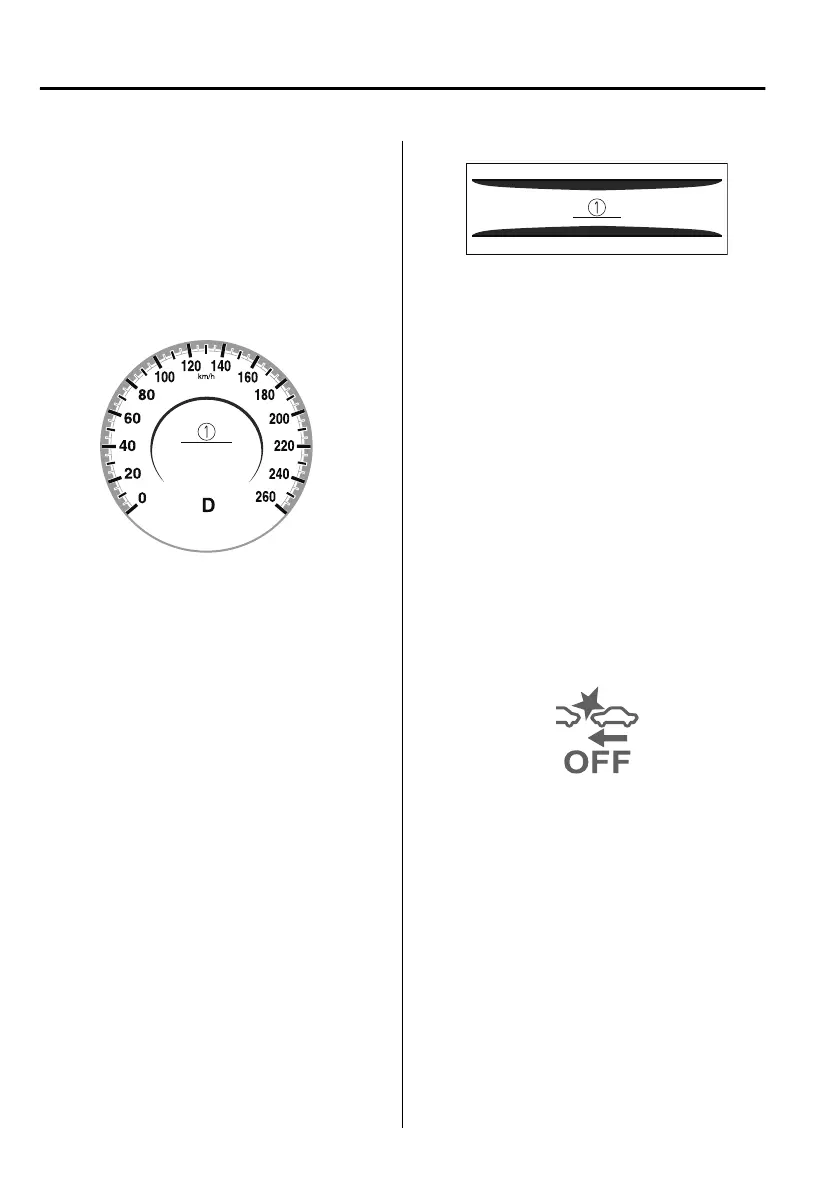
Multi-information display
1. “BRAKE!” message is displayed
Active driving display
1. “BRAKE!” message is displayed
NOTE
The collision warning sound is
activated intermittently while the SBS
brake or brake assist (SBS brake
assist) is operating.
The operation distance and volume
of the collision warning can be
changed.
Refer to the Settings section in the
Mazda Connect Owner's Manual.
▼
Stopping the Smart Brake Support
(SBS) System Operation
The SBS can be changed to inoperable.
Refer to the Settings section in the
Mazda Connect Owner's Manual.
When the SBS is cancelled, the SBS
OFF indicator light turns on.
NOTE
When the ignition is switched OFF
while the SBS is cancelled, the SBS is
automatically enabled the next time
the ignition is switched ON.
When Driving
i-ACTIVSENSE
4-188
Mazda3_8HS5-EE19I_Edition1_new 2019-7-1 10:56:36



 To Next Page