The shape of the switches varies depending on the vehicle model.
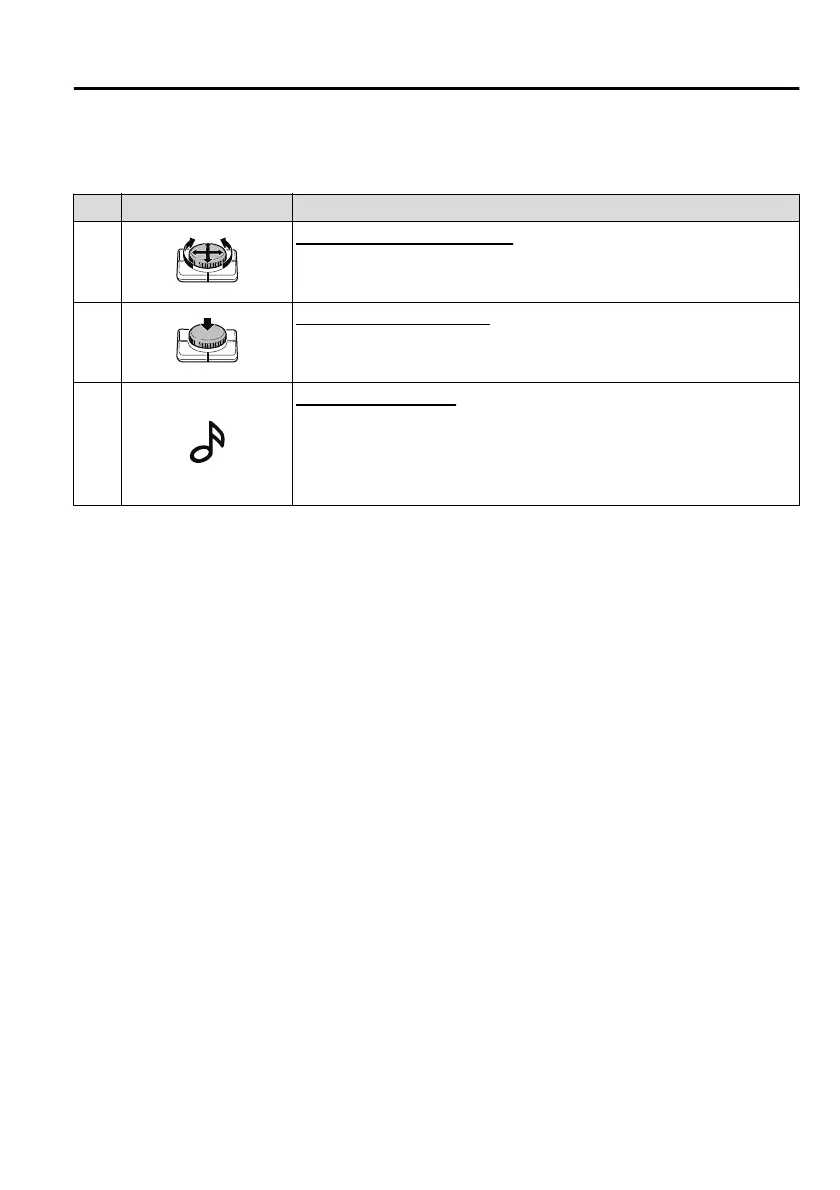
No. Item Explanation
1
Commander knob (selection):
Rotate or slide the commander knob to highlight/select the on-screen
functions you want to use.
2
Commander knob (select):
Depress the commander knob to select the desired on-screen function
you want to use
3
Entertainment button:
The audio source screen last used is displayed.
(During Apple CarPlay or Android Auto™ music playback)
Displays the Apple CarPlay or Android Auto™ playback screen.
Interior Features
Mazda Connect
5-19
Mazda3_8HS5-EE19I_Edition1_new 2019-7-1 10:56:36



 To Next Page