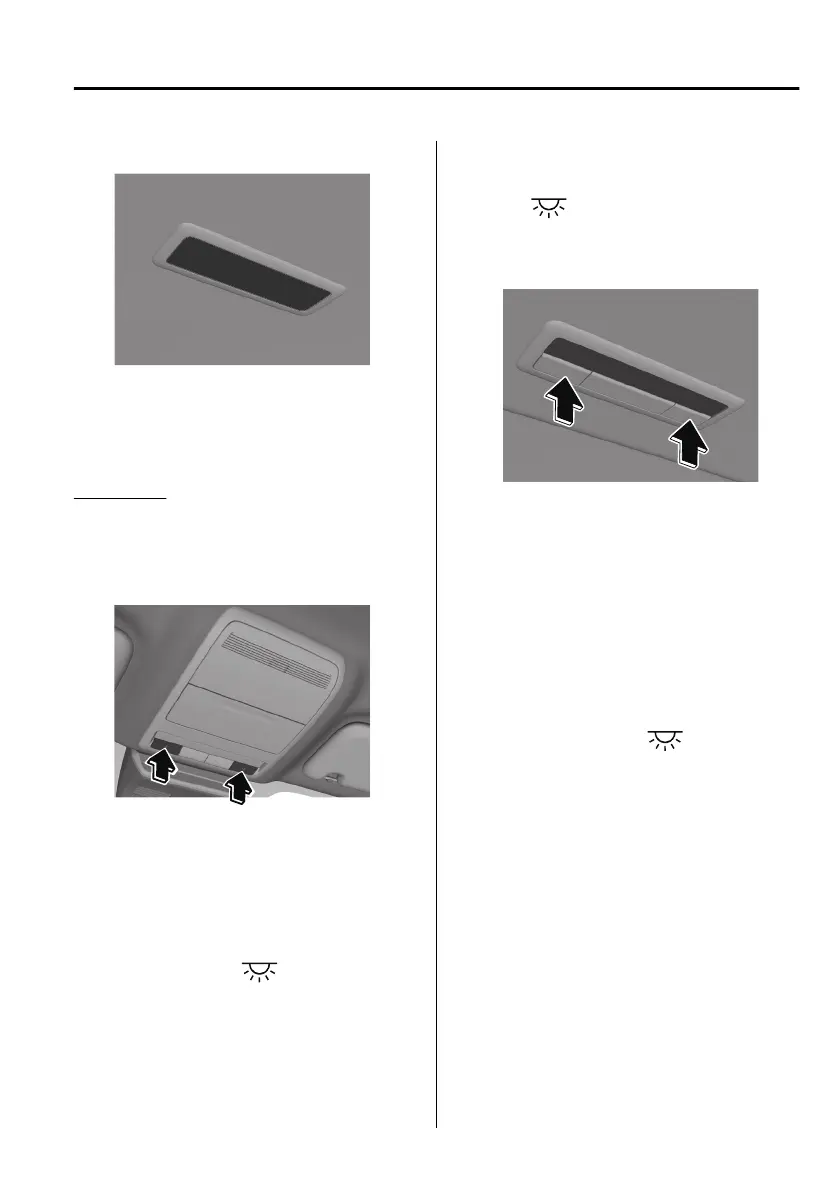
Rear
NOTE
The rear overhead light also turn on
and
o
when the front overhead light
switch is operated.
Map lights
Front
Press the switch to illuminate the front
map lights, and then press the switch
again to turn them o.
NOTE
The front map lights will not turn o
even if the switch is pressed in the
following cases:
The overhead lights turn on by
operating the overhead light
ON/OFF switch (
).
The overhead lights turn on in
conjunction with a door opening/
closing.
The illuminated entry system is on.
Rear
*
When the overhead light ON/OFF
switch (
) is
o,
press the switch to
illuminate the rear map lights, and
then press the switch again to turn
them
o.
NOTE
Once the rear map lights have been
turned o, they will turn on and o
in conjunction with the overhead
light operation.
The rear map lights will not turn o
even if the switch is pressed in the
following cases:
The overhead lights turn on by
operating the overhead light
ON/OFF switch (
).
The overhead lights turn on in
conjunction with a door opening/
closing.
The illuminated entry system is on.
Interior Features
Interior Equipment
*Some models.
5-35
Mazda3_8HS5-EE19I_Edition1_new 2019-7-1 10:56:36



 To Next Page