▼
Adjustable Speed Limiter (ASL) Display
The setting status of the ASL is displayed in the active driving display (Type A instrument
cluster
*1
) or the display in the instrument cluster (Type B instrument cluster
*1
).
*
1To determine which instrument cluster is equipped on your Mazda, Refer to Meters and
Gauges on page 4-21.
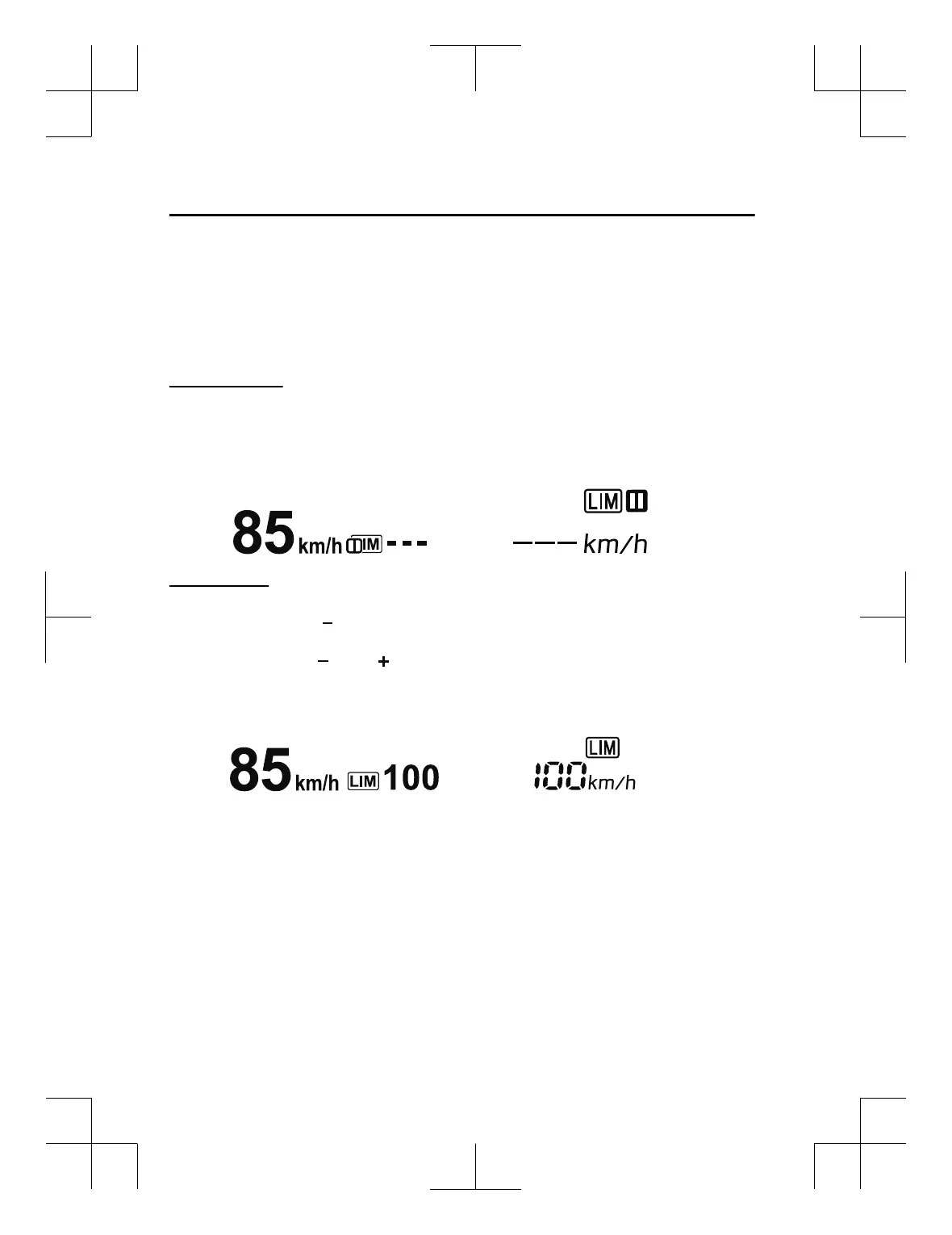
Stand-by display
Displays when the speed limiter switch is operated and the system is turned on.
Turns off when the system is turned off.
Active Driving Display Display in the instrument cluster
Setting display
With cruise control
Displays when the SET/
switch is operated and the speed is set.
With Mazda Rader Cruise Control (MRCC)
Displays when the SET
or SET switch is operated and the speed is set.
Active Driving Display Display in the instrument cluster
When Driving
i-ACTIVSENSE
4-166
CX-3_8GT4-EE-18D_Edition8_old 2019-11-14 12:53:52



 To Next Page