x
The 360°View Monitor has limitations. Objects under the bumper or near both ends of the
bumper cannot be displayed.
x
Obstructions above the upper image range of the camera are not displayed.
x
Under the following conditions, the screen might be difficult to view, however this does
not indicate a problem.
x
The temperature near the lens is high/low.
x
Rainy conditions, water droplets on the camera, or high humidity.
x
Mud or foreign matter near the camera.
x
Extremely bright light such as sunlight or headlights hitting the camera lens directly.
x
Because the 360°View Monitor camera uses a special lens, the distance displayed on the
screen differs from the actual distance.
x
Obstructions displayed on the screen may appear differently than in actuality.
(Obstructions may appear fallen, larger, or longer than they actually are.)
x
Do not apply stickers to a camera or the area around it. In addition, do not install
accessories or an illuminated number/character number plate to the area around a
camera. Otherwise, the camera may not correctly display the surrounding conditions.
▼
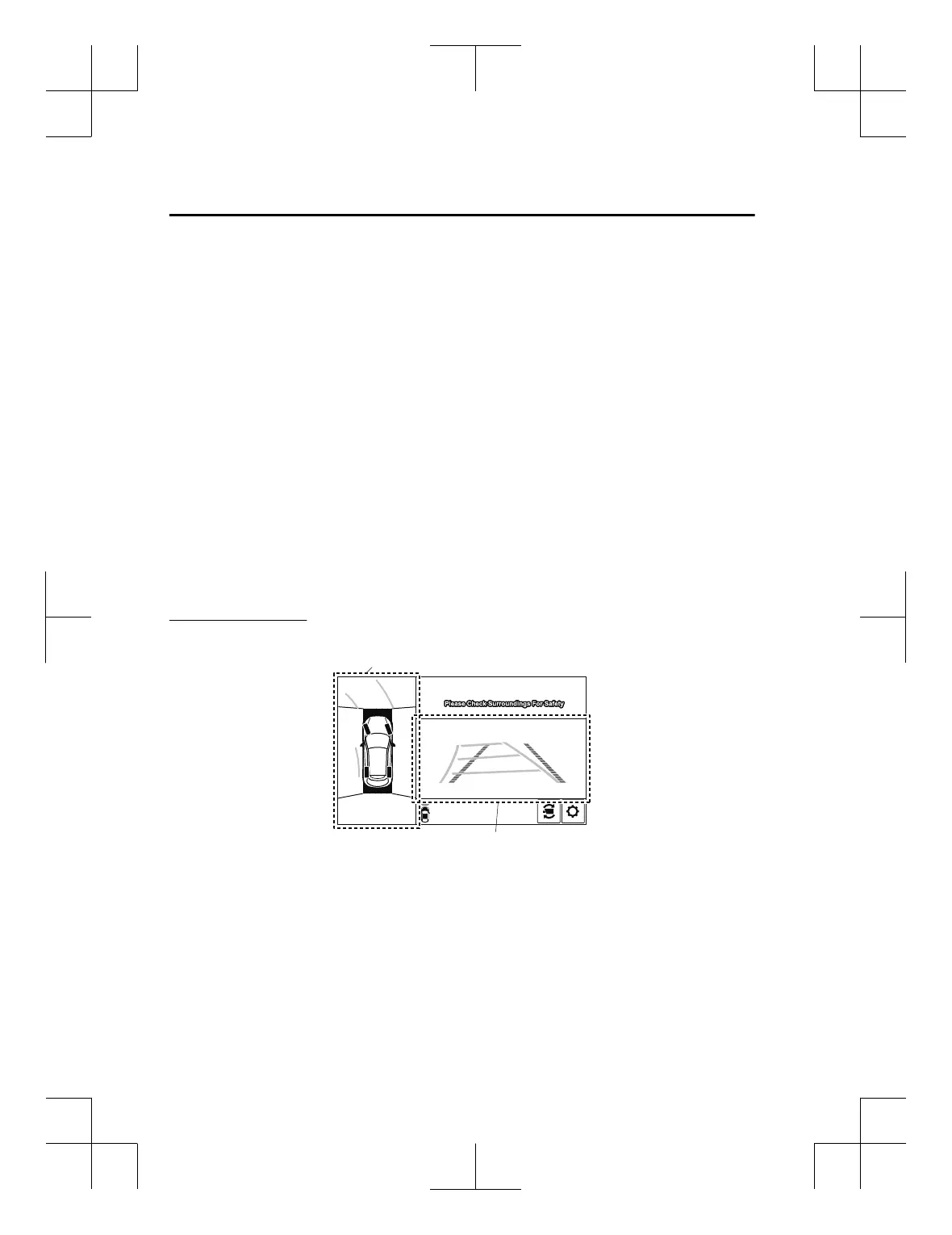
Types of Images Displayed on the Screen
Top vie w/ Front view
Displays the image of the area around the vehicle and the vehicle front.
Front view screen
Top view screen
When Driving
i-ACTIVSENSE
4-190
CX-3_8GT4-EE-18D_Edition8_old 2019-11-14 12:53:52



 To Next Page