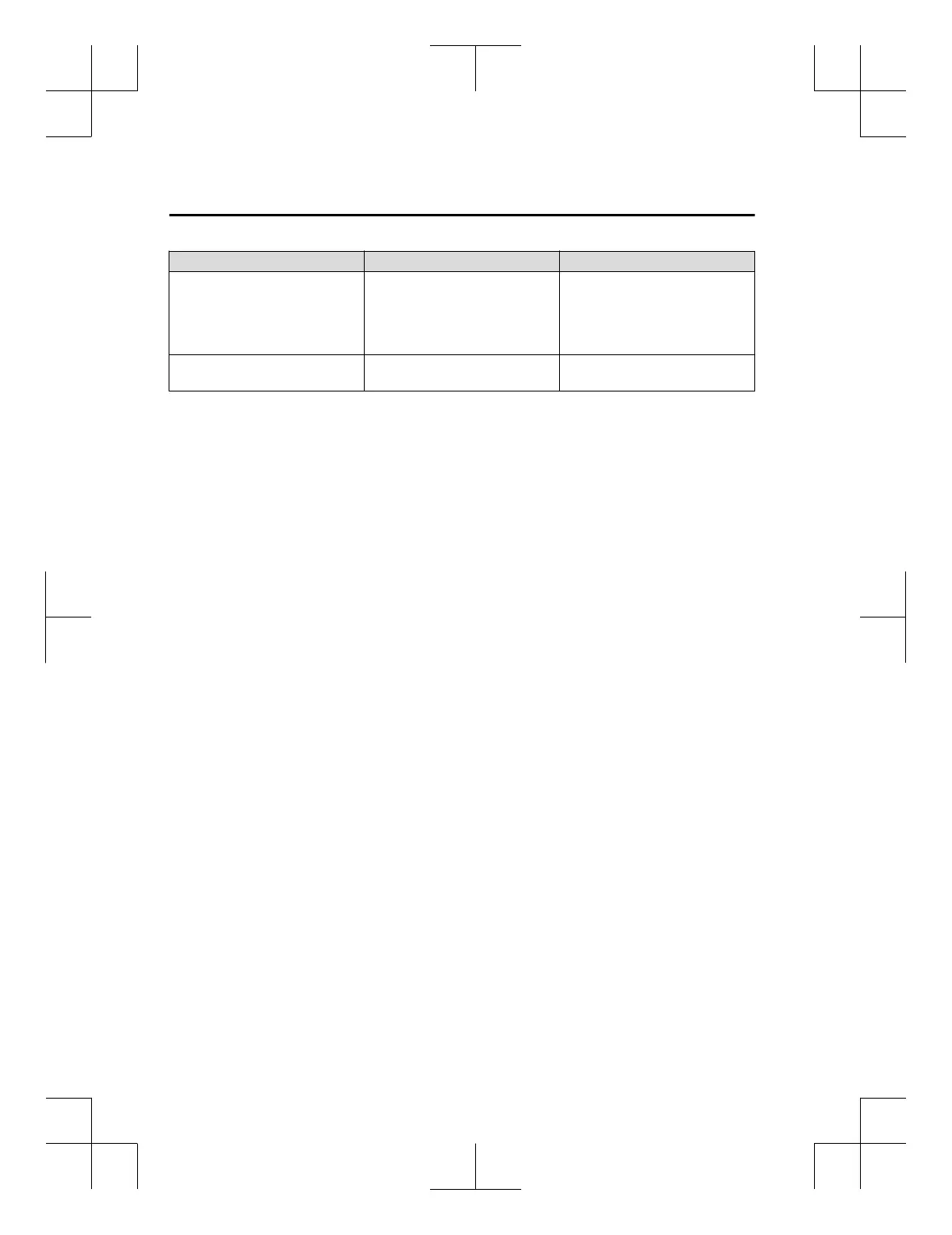
Symptom Cause Solution method
Disconnects intermittently
The device is in a location in which
radio wave interference can occur
easily, such as inside a bag in a rear
seat, in a rear pocket of a pair of
pants.
Move the device to a location in
which radio wave interference is
less likely to occur.
Does not connect automatically
when starting the engine
The pairing information is updated
when the device OS is updated.
Perform pairing again.
*
1Setting which detects the existence of a device external to the Bluetooth
®
unit.
NOTE
x
When the OS of the device is updated, the pairing information may be deleted. If this
happens, reprogramme the pairing information to the Bluetooth
®
unit.
x
If you pair your phone which has already been paired to your vehicle more than once in
the past, you need to delete “Mazda” on your mobile device. Then, execute the
Bluetooth
®
search on your mobile device once again, and pair to a newly detected
“Mazda”.
x
Before you pair your device, make sure that Bluetooth
®
is “ON”, both on your phone and
on the vehicle.
x
If Bluetooth
®
-enabled devices are used in the following locations or conditions,
connection via Bluetooth
®
may not be possible.
x
The device is in a location hidden from the unit such as behind or under a seat, or
inside the glove compartment.
x
The device contacts or is covered by a metal object or body.
x
The device is set to power-saving mode.
x
Different Bluetooth
®
-enabled devices can be used for Bluetooth
®
Hands-Free and
Bluetooth
®
audio. For example, device A can be connected as a Bluetooth
®
Hands-Free
device and device B can be connected as a Bluetooth
®
audio device. However, the
following may occur when they are used at the same time.
x
The Bluetooth
®
connection of the device is disconnected.
x
Noise occurs in the Hands-Free audio.
x
Hands-Free operates slowly.
Interior Features
Audio Set [Type A (non-touchscreen)]
5-70
CX-3_8GT4-EE-18D_Edition8_old 2019-11-14 12:53:52



 To Next Page