Contrast adjustment
Adjust the centre display contrast using
the slider.
Display setting reset
All of the screen setting values can be
reset to their initial settings.
1. Select
.
2. Select
.
▼
Audio sound adjustment
Select the icon on the home screen to
display the Settings screen.
Select the
tab to select the item you
would like to change.
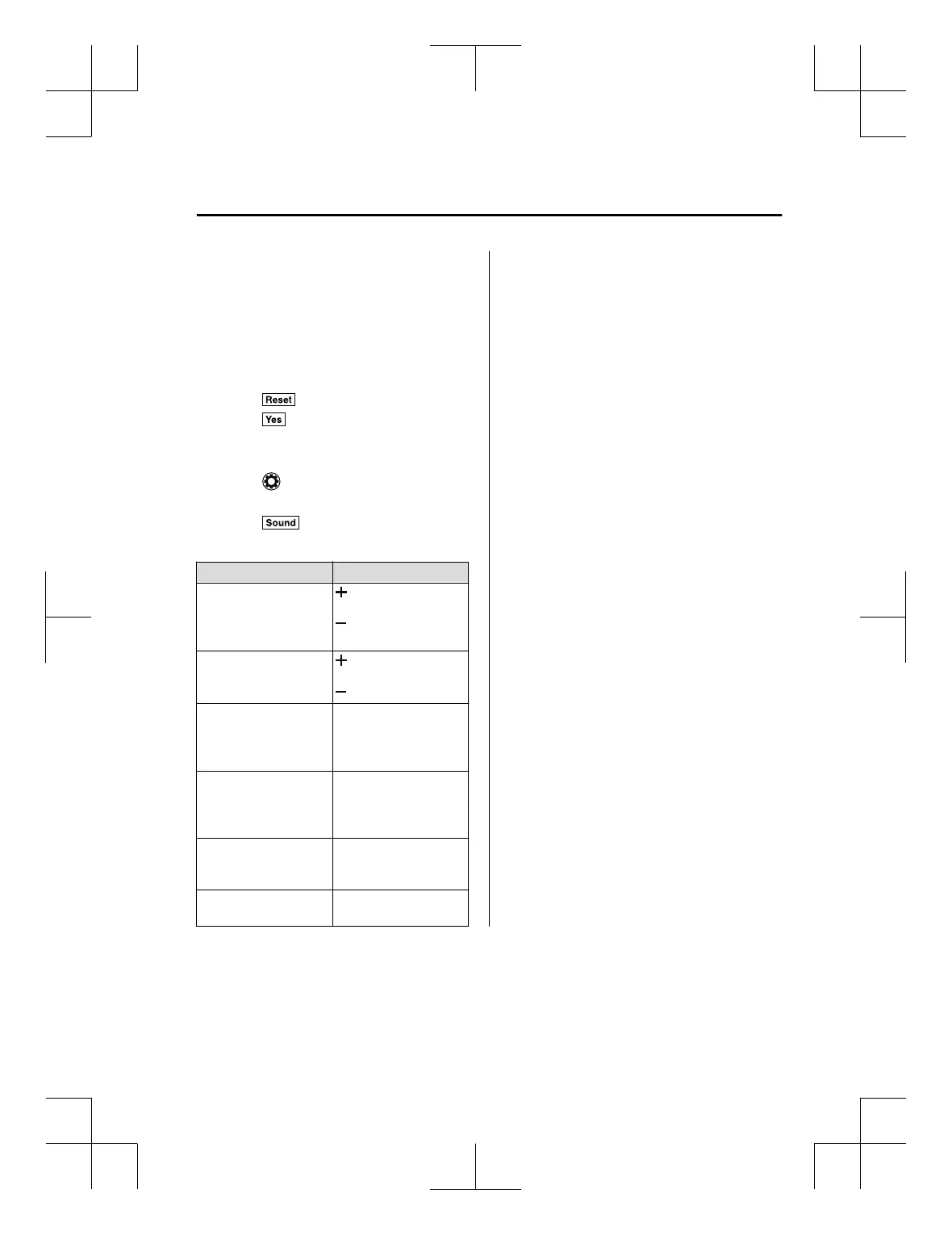
Indication Setting value
Bass
(Low pitch sound)
Side: Low pitch en‐
hancement
Side: Low pitch re‐
duction
Treble
(Treble sound)
Side: Treble enhance‐
ment
Side: Treble reduction
Fade
(Front/Rear volume bal‐
ance)
Front: Front speaker vol‐
ume enhancement
Rear: Rear speaker vol‐
ume enhancement
Balance
(Left/right volume bal‐
ance)
Right: Right speaker
volume enhancement
Left: Left speaker vol‐
ume enhancement
ALC
(Automatic volume ad‐
justment)
Off―Adjustment at sev‐
en levels
Beep
(Audio operation sound)
On/Off
ALC (Automatic volume adjustment)
The automatic level control (ALC) is a
feature that automatically adjusts audio
volume and sound quality according to the
vehicle speed. The volume increases in
accordance with the increase in vehicle
speed, and decreases as vehicle speed
decreases.
Interior Features
Audio Set [Type B (touchscreen)]
5-79
CX-3_8GT4-EE-18D_Edition8_old 2019-11-14 12:53:52



 To Next Page