•
The MRCC with Stop & Go function can switch to the cruise control function.
Refer to Cruise Control Function on page 4-128.
How to set the speed
1. Adjust the vehicle speed to the desired setting using the accelerator pedal.
2. Headway control begins when the SET
or SET switch is pressed.
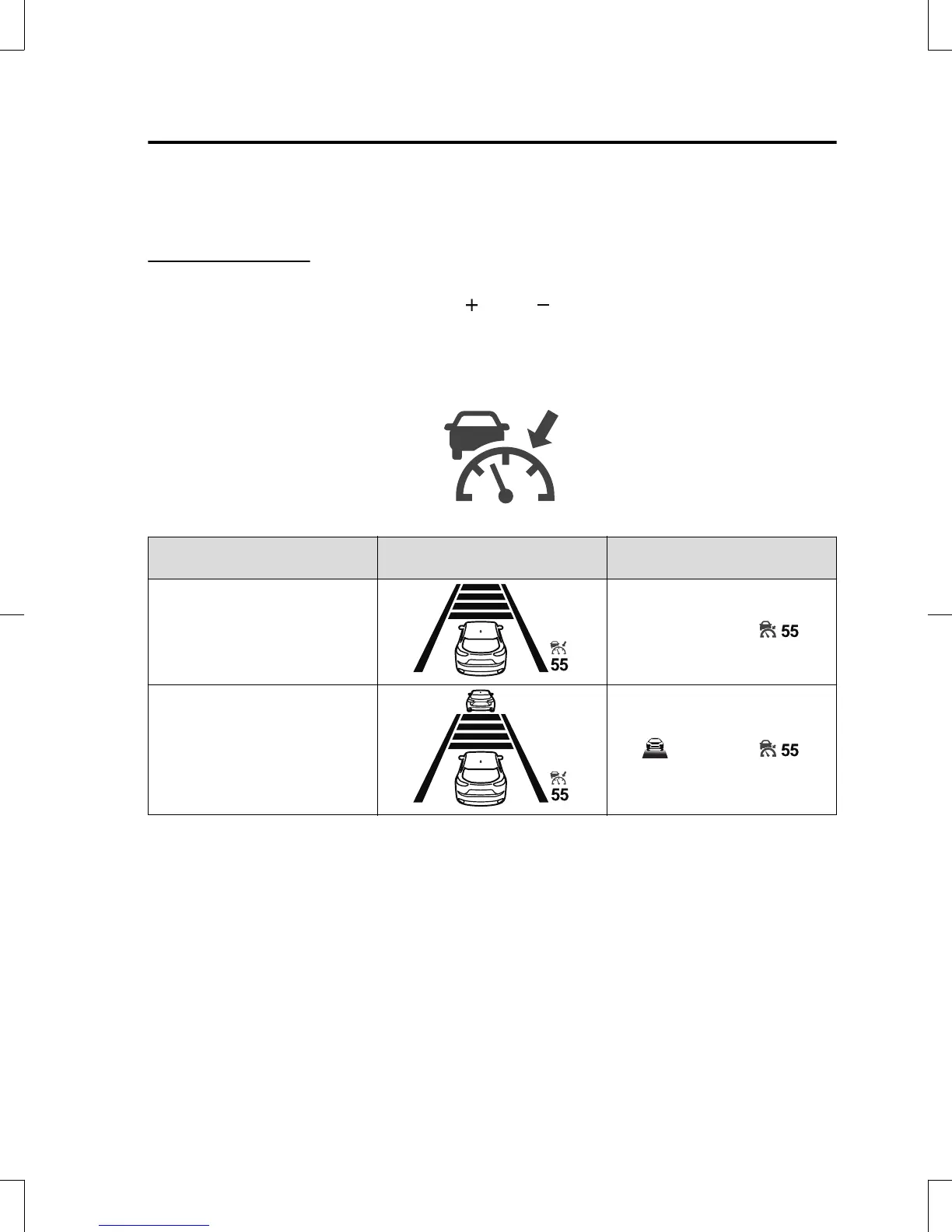
The set speed and the inter-vehicle distance display filled with white lines is displayed.
The MRCC with Stop & Go function main indication (white) switches to the MRCC
with Stop & Go function set indication (green) at the same time.
Travel status
Indication on multi-information
display
Indication on active driving dis-
play
During travel at constant speed
During travel under headway con-
trol
NOTE
•
If a vehicle ahead is detected while traveling at a constant speed, the vehicle-ahead
indication is displayed and headway control is performed. Additionally, when a vehicle
ahead is no longer detected, the vehicle-ahead indication turns off and the system
switches back to travel at constant speed.
•
The lowest possible speed which can be set on the MRCC with Stop & Go function system
is 30 km/h (19 mph).
•
Headway control is not possible if the vehicle ahead is driving faster than your vehicle's
set speed. Adjust the system to the desired vehicle speed using the accelerator pedal.
When Driving
i-ACTIVSENSE
4-123
CX-5_8GB6-EA-17G_Edition1 2017-5-18 10:43:27



 To Next Page