11. Prompt: “Deleted”
▼
Registered device editing
(Bluetooth
®
Hands-Free)
1. Press the pick-up button or talk button
with a short press.
2. Say: [Beep] “Setup”
3. Prompt: “Select one of the following:
Pairing options, confirmation prompts,
language, passcode, select phone or
select music player.”
4. Say: [Beep] “Pairing options”
5. Prompt: “Select one of the following:
Pair, Edit, Delete, List, or Set Pairing
Code.”
6. Say: [Beep] “Edit”
7. Prompt: “Please say the name of the
device you would like to edit.
Available devices are XXXXX... (Ex.
device A), XXXXX... (Ex. device B),
XXXXX... (Ex. device C). Which
device please?”
8. Say: [Beep] “X” (Say the number of
the device to be edited.)
9. Prompt: “New name please?”
10. Say: [Beep] “XXXXX... (Ex. Device
C)” (Speak a “device tag” an arbitrary
name for the device.)
11. Prompt: “XXXXX... (Ex. device C)
(Device tag), is this correct?”
12. Say: [Beep] “Yes”
13. Prompt: “New name saved.”
▼
Bluetooth
®
Audio Preparation
Bluetooth
®
audio device set-up
Bluetooth
®
audio pairing, changes,
deletions, and display of paired device
information can be performed.
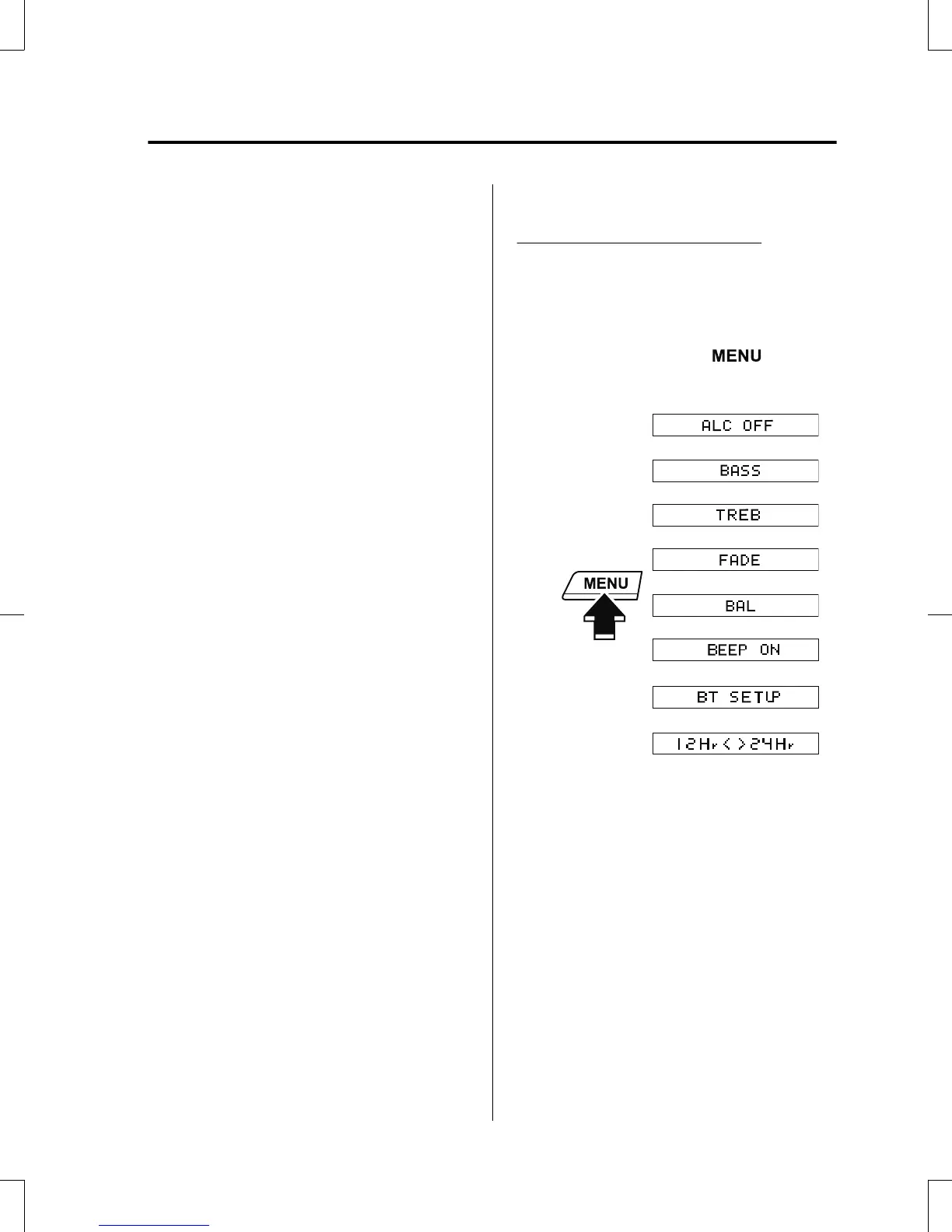
1. The mode changes as follows each
time the menu button (
) is
pressed. Select “BT SETUP”.
*
*
* Depending on the mode selected, the
indication changes.
Interior Features
Audio Set [Type A (non-touchscreen)]
5-39
CX-5_8GB6-EA-17G_Edition1 2017-5-18 10:43:27



 To Next Page