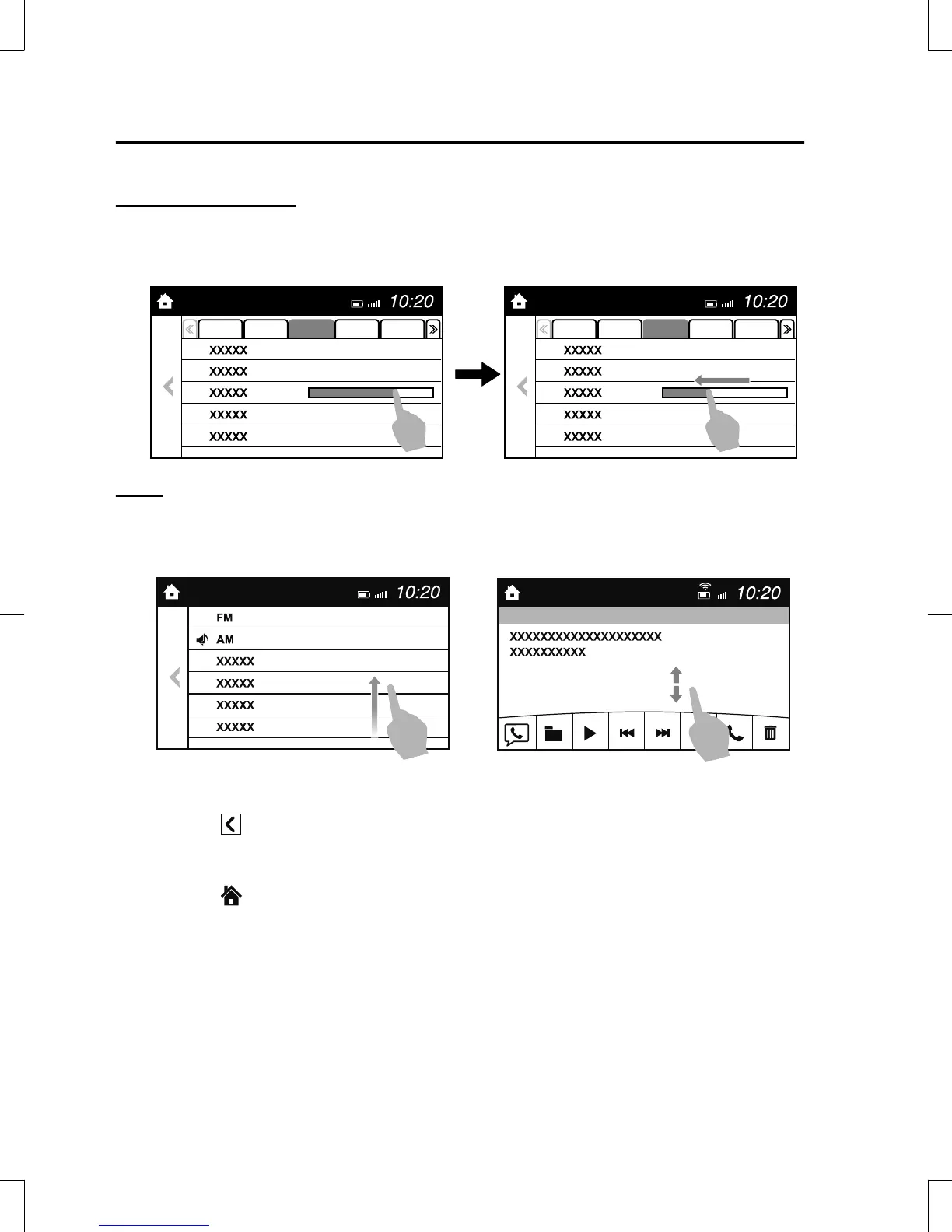
Slide (USB audio only)
1. Touch the setting item displaying a slider bar.
2. Touch the slider with your finger and move to the desired level.
Swipe
1. Touch the screen with your finger and move up or down.
2. Items which were not displayed can be displayed.
Return to previous screen
1. Touch the
.
Displaying the home screen
1. Touch the
.
Interior Features
Audio Set [Type B (touchscreen)]
5-68
CX-5_8GB6-EA-17G_Edition1 2017-5-18 10:43:27



 To Next Page