58
Before
Use
Getting
started
Routing
Address
Book
Voice
Recognition
Volume
Volume
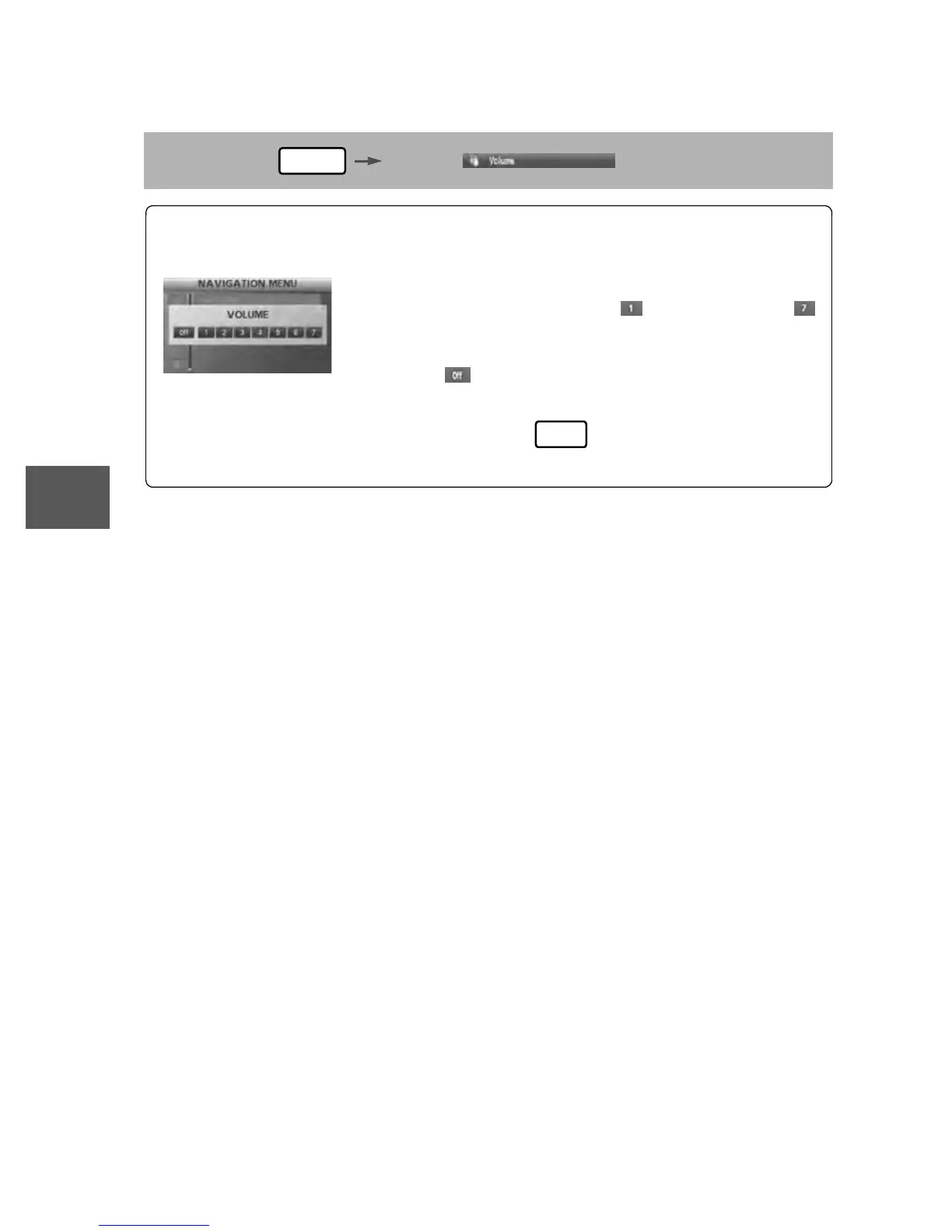
You can adjust the volume control for the voice guidance.
Before Steps
select
MENU
Open the [VOLUME] screen
1
Select the appropriate button to set the
volume to between (minimum) and
(maximum).
:Sound output will be muted.
2
Press the button to return to the
current vehicle position screen.
MAP


 To Next Page
 Loading...





