26
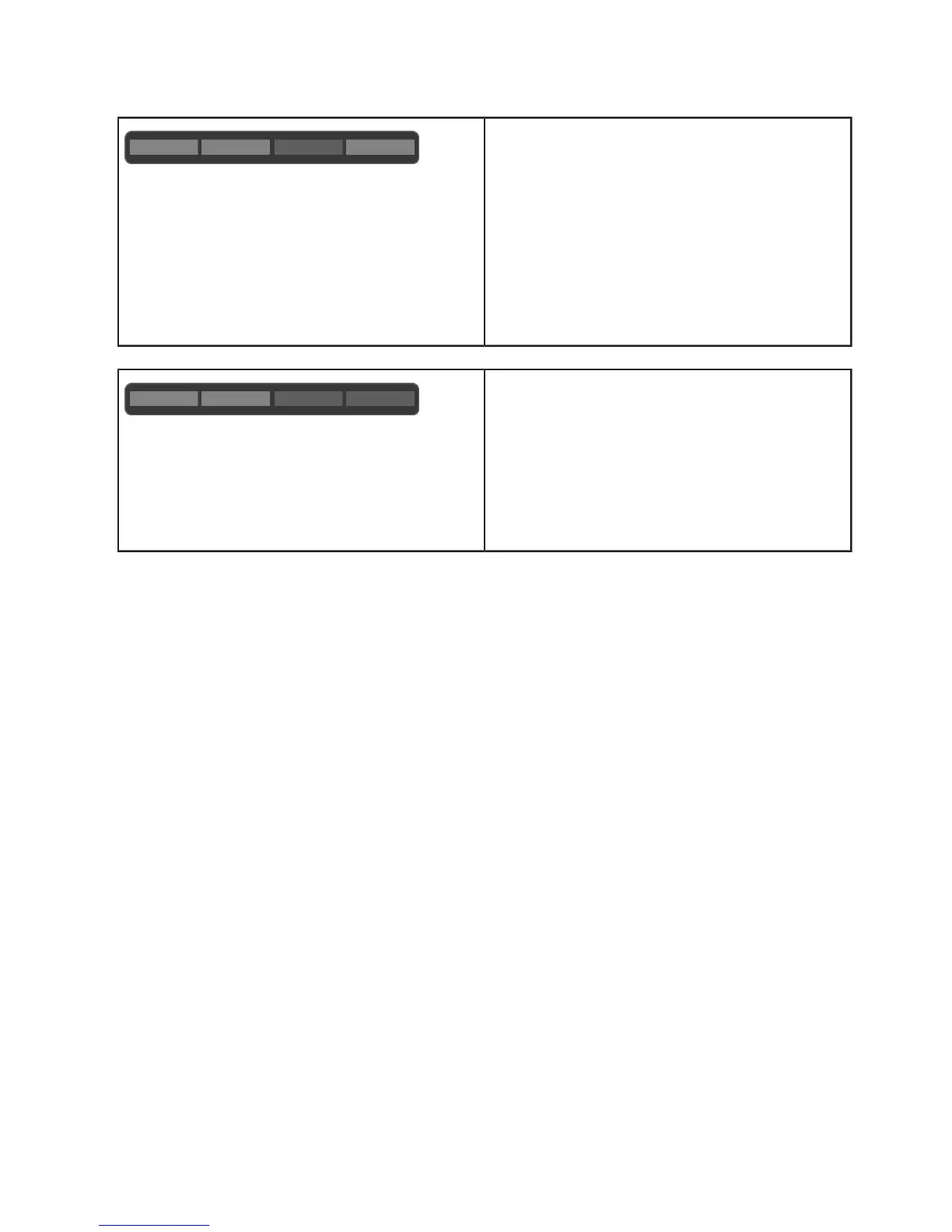
"blue/blue/red/blue"
Error 8002 [0010]
Input voltage outside permitted range.
Cross-section too low or cable too long:
Reduce the preset current, or have the supply
cable upgraded by an electrician.
Voltage limits (min.-max.): 160 V – 280 V
If necessary, ask your energy supplier about the
maximum voltage tolerances in the mains.
"blue/blue/red/red"
Error 4003 [0011]
Overcurrent detected in the vehicle:
The vehicle has not complied with the permitted
maximum current and was shut down – if the
problem continues, have the vehicle inspected in
a workshop.
Resetting an error
If an interruption occurs during a connection or charging process, the Wallbox will attempt to restart the
cycle automatically (a maximum of five times).
If the charging process cannot be restarted, this must be acknowledged by correctly ending the
charging process or possibly by restarting the Wallbox. If an error occurs repeatedly or without any
obvious reason, please contact your service partner.


 To Next Page