EasyManua.ls Logo

MBW i Wallbox Plus - User Manual

MBW i Wallbox Plus
40 pages
Print Icon
To Next Page IconTo Next Page
Loading...
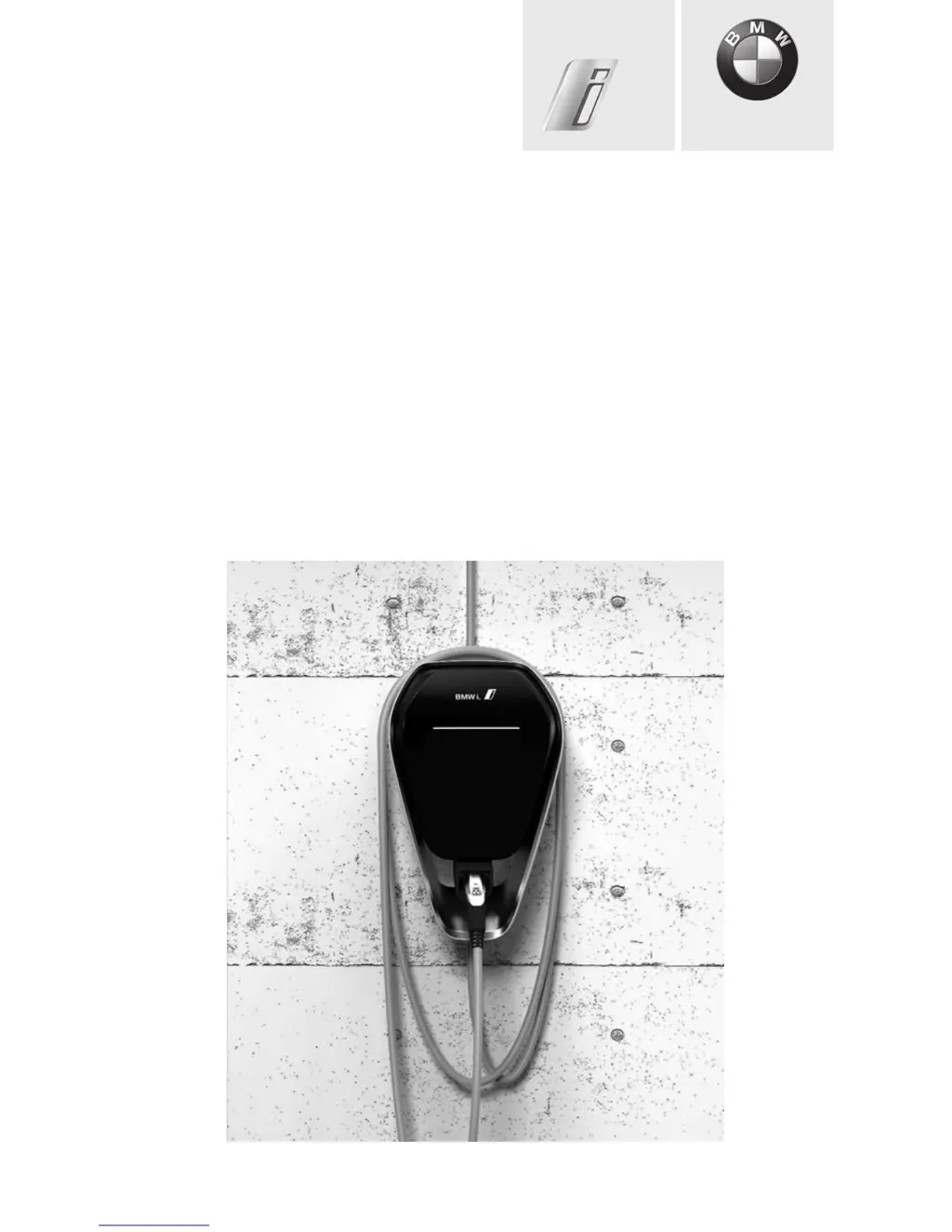
BMW i Wallbox Plus
Owner's manual
Freude am Fahren
BMW i

Questions and Answers

  • A
    Andrew WoodAug 2, 2025
    What to do if the charging process is not started for MBW i Wallbox Plus Automobile Accessories?
    • P
      Philip GarzaAug 3, 2025
      If the charging process doesn't start with your MBW Automobile Accessories, first, ensure the charging cable plug is fully inserted. If it still fails, the plug might be dirty or damaged; try cleaning or replacing it. Also, verify that your vehicle requires energy and doesn't have any faults. Make sure the authorization process is correctly completed by following the manual's instructions. Finally, check if the vehicle is programmed to start charging at a later time.
  • M
    mary41Aug 10, 2025
    What to do if charging cable plug cannot be disconnected (Version with charging socket) of MBW Automobile Accessories?
    • T
      Timothy SkinnerAug 10, 2025
      If the charging cable plug of your MBW Automobile Accessories cannot be disconnected (version with charging socket), first, ensure the charging process has been fully ended by the vehicle, as described in the vehicle manufacturer's manual. If the problem persists, try pushing the charging cable plug in and releasing it again on the vehicle.
  • K
    Kayla AbbottAug 18, 2025
    What to do if the status LED flashes in red on MBW i Wallbox Plus?
    • J
      Joseph DiazAug 18, 2025
      If the status LED flashes red on your MBW Automobile Accessories, check the possible causes of the fault, following the section "Possible causes of errors for a fault (status LED flashes in red)". Then, switch off the supply voltage to the Wallbox using the appropriate mains isolation device, disconnect the charging cable, and switch the supply voltage back on.
  • D
    deborah98Aug 25, 2025
    How to fix status LED if it is not lit on MBW i Wallbox Plus?
    • A
      Adam JonesAug 25, 2025
      If the status LED is not lit on your MBW Automobile Accessories, first check the residual-current circuit breaker and power circuit breaker, and switch them on if necessary. If the issue persists, there may be a fault on the Wallbox, and you should contact your service partner.

Summary

Information and Safety

Safety Information

General safety warnings and precautions for using the Wallbox, including electrical dangers and handling.

Operating the Wallbox

Displays and Controls

Identifies and explains the various displays and controls on the BMW i Wallbox Plus.

Charging Process

Guides on initiating and concluding the charging session for electric vehicles.

Status LED Information

Explains the meaning of different status LED lights and their segments.

User Authorisation and RFID

Wallbox Configuration

Troubleshooting and Faults

General Troubleshooting

Guides to identify and resolve common problems and errors with the Wallbox.

Fault Causes and LED Indicators

Details specific fault codes and their corresponding status LED patterns.

Maintenance and Cleaning

Software Updates

Housing Components

MBW i Wallbox Plus Specifications

General IconGeneral
Charging Power22 kW
Operating Temperature-25°C to +50°C
Protection ClassIP54
Communication ProtocolOCPP 1.6
MountingWall-mounted
CompatibilityAll electric vehicles with Type 2 connector
Charging Current32 A
ConnectivityWi-Fi, Ethernet
Charging CableType 2
Voltage230 V / 400 V
Charging Cable Length7.5 m