20
Browser Interface
Browser Interface Menus
menus:
• Overview
• Settings
•
Overview Menu
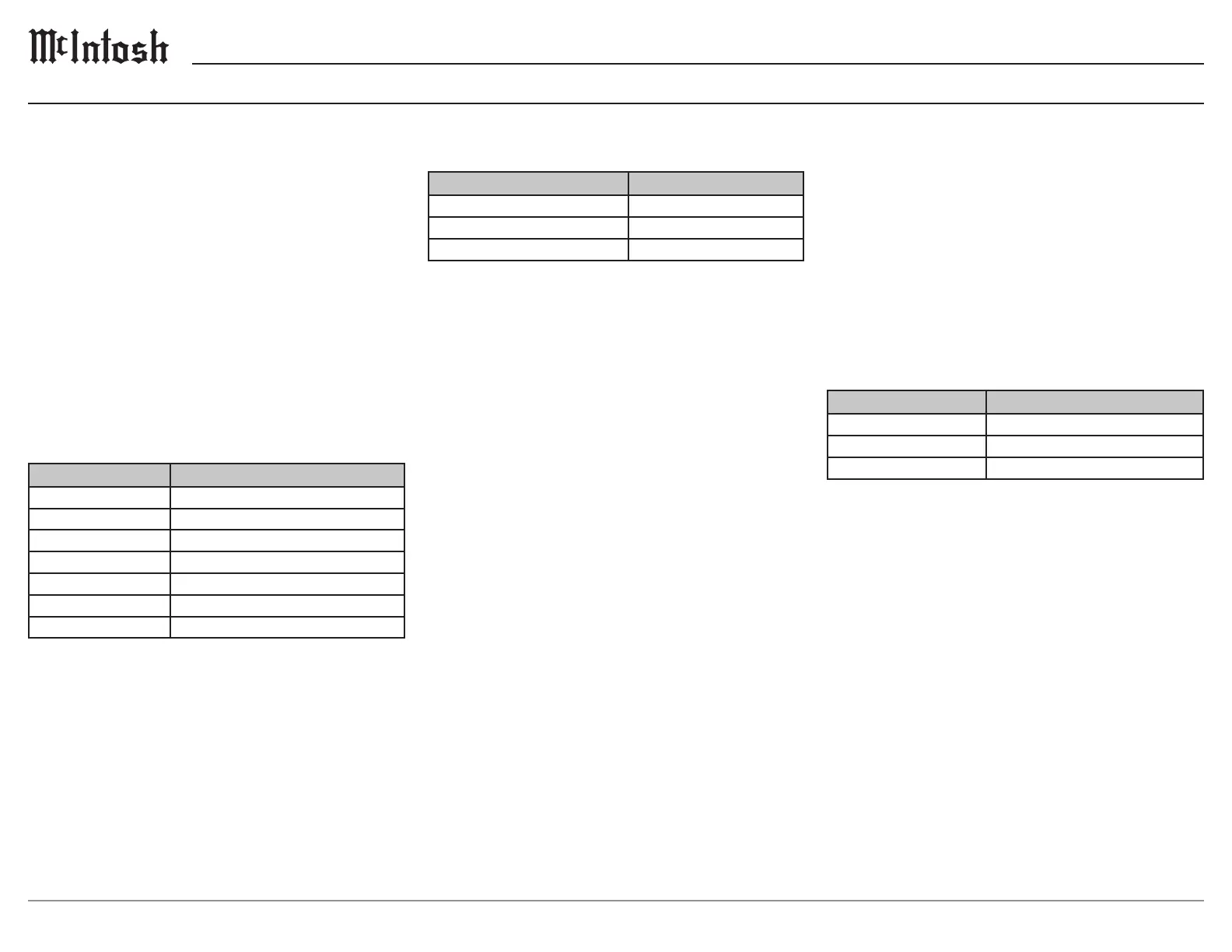
The Overview Menu contains the following:
Settings Options
Model Name MSA5500
Custom Name
Serial Number
Mac Address
Network status
Firmware Product
be changed on the web page.
Settings Menu
The Settings Menu contains the following:
Settings Options
ON, OFF
Power Save Disabled
Automatic, Wired, Wireless
When the Startup Volume Limit is ON, upon
volume level. When switched to OFF, the product
Wired and Wireless network connections.
Power Save
of uninterrupted sleep, the MSA5500 will enter a
consumption is less than 0.5 watts.
Power Save
the red button on the Front Panel.
ethernet cable is unplugged provided the Wireless
network connection to the ethernet port connection.
Select Wireless to setup a Wi-Fi network or to
restrict the network connection to Wi-Fi.
following submenus appear:
• Scan Networks
• Network Password
Update Menu
Settings Options
Start Factory Reset
Service, OTA Auto, OTA Manual
Authorization Code
default of OTA Auto, the MSA5500 will periodi-
-
the Start Search button to the right of Check for
-


 To Next Page