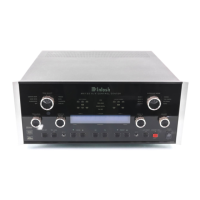
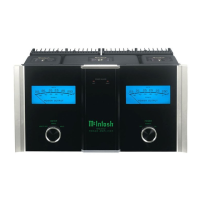
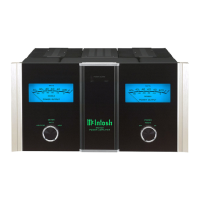
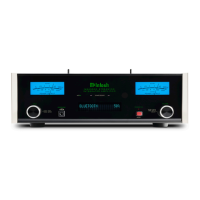
MSA5500
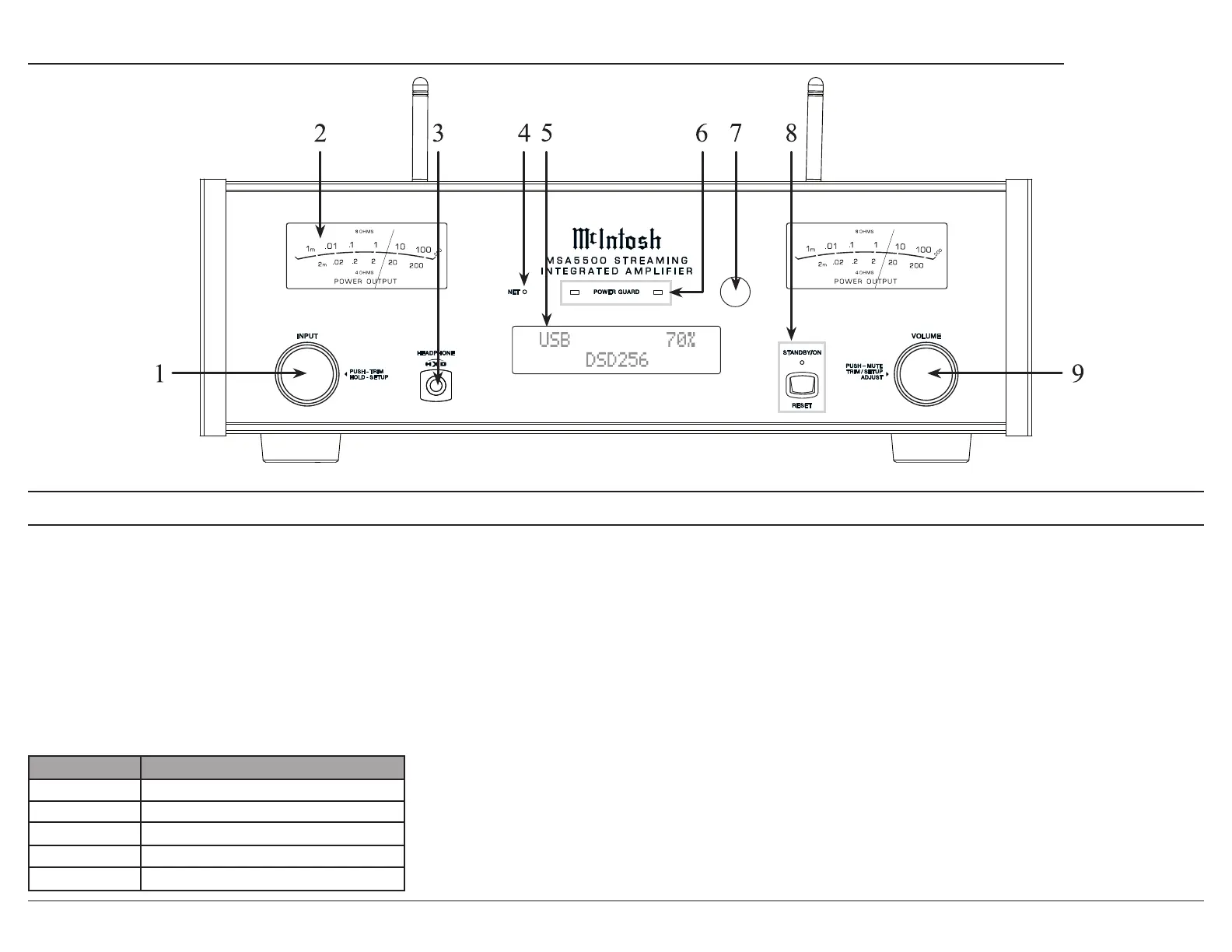
1. INPUT Knob
in.
2. METERS
left and right loudspeakers.
3. HEADPHONE connection for low impedance
Front Panel Displays and Switches
4. N ETwork LED
5. VFD (Vacuum Florescent Display) indicates
adjustable.
6. POWER GUARD LEDs will illuminate under
the following conditions:
• When the audio is muted due to high
temperatures in either of the heatsinks.
• When the audio is muted during the
7. IR Sensor
remote control.
8. STANDY/ON Indicator LED illuminates
when the MSA5500 is connected to AC power.
STANDBY/ON Button turns the MSA5500 On
9. VOLUME Knob adjusts the output level.
Also used to navigate in the menus and trims.
Pressing the knob will mute the volume.
LED Status
None No network connection
Connecting to a network
Network connected
A network error has occurred
Amber solid Firmware requires an update


 To Next Page