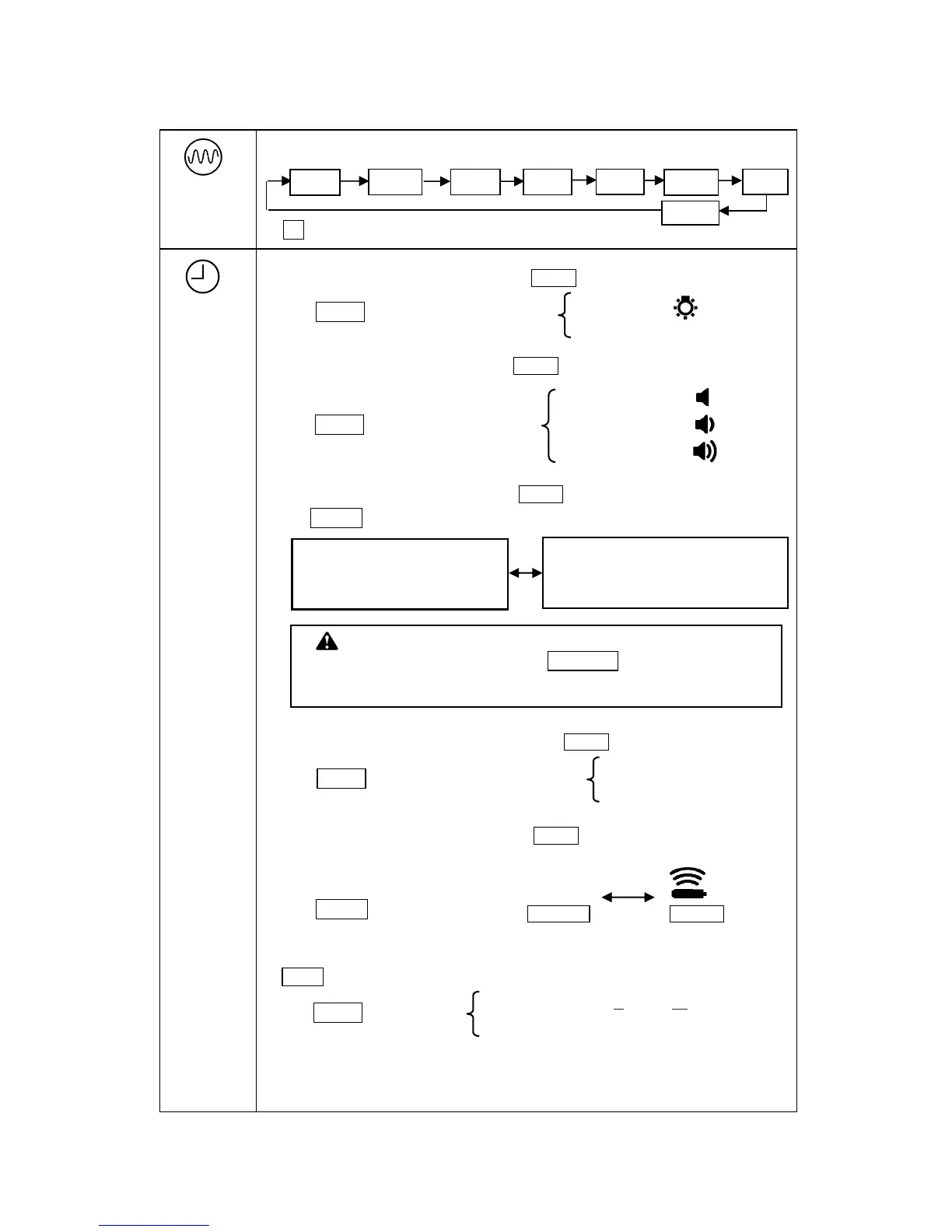
1. Selects backlight options. By pressing Mode , continue on.
2. Selects sound options. By pressing Mode , continue on.
3. Selects Depth function. By pressing Mode , continue on.
4. Selects Gain control operation. By pressing Mode , continue on.
5. Selects PROBE detection. By pressing Mode , continue on.
When Sewer or Mini Probe is employed for the detection of Non-metallic pipe or Boring device,
38kHz, 512Hz and 850Hz are used for Probe.
6. Select real time depth and current displaying in Peak-mode. By pressing
Mode , return to measurement.
*The last setting is saved except Depth and PROBE function.
Press ▼Gain : Select speaker sound On / Off.
Press ▼Gain : Select depth function 0-5m / 0-10m ( 0-16ft / 0-30ft.).
Press ▼Gain : Select detecting
MODE
Selects operating frequency.
CAUTION
When applying Inductive mode, select 0-5m /16ft . Depth measurement
error increases near the Transmitter when 0-10m/30ft is applied.
PRB On .
Probe detection
PRB OFF .
Cable / Pipe detection
Press ▼Gain : Select backlight On / Off.
SPK OFF
SPK On - 1 (Small)
*0-5m / 16ft : Applied for Inductive mode.
Detecting near t he end of the pipe.
Depth measurement range 0 to 5m(16ft).
*0-10m / 30ft : Applied for the depths deeper than
5m(16ft.) , near guardrail or metal fence.
The measurement range of depth 0 to 10m(30ft).
(See page 9)
Press ▼Gain : Select Gain control operation
“No icon”
Press ▼Gain : Select ON/OFF.
Real time Depth and Current are displayed.
, real time depth and current are
always displayed regardless of this setting.
* LF : Low frequency (200~1000Hz). Factory configurable



 To Next Page