- 28 -
8-7. PASSIVE MODE
The Power and Radio passive modes of the Receiver are used to search an area for unknown power
cables and other utility lines, without using the Transmitter.
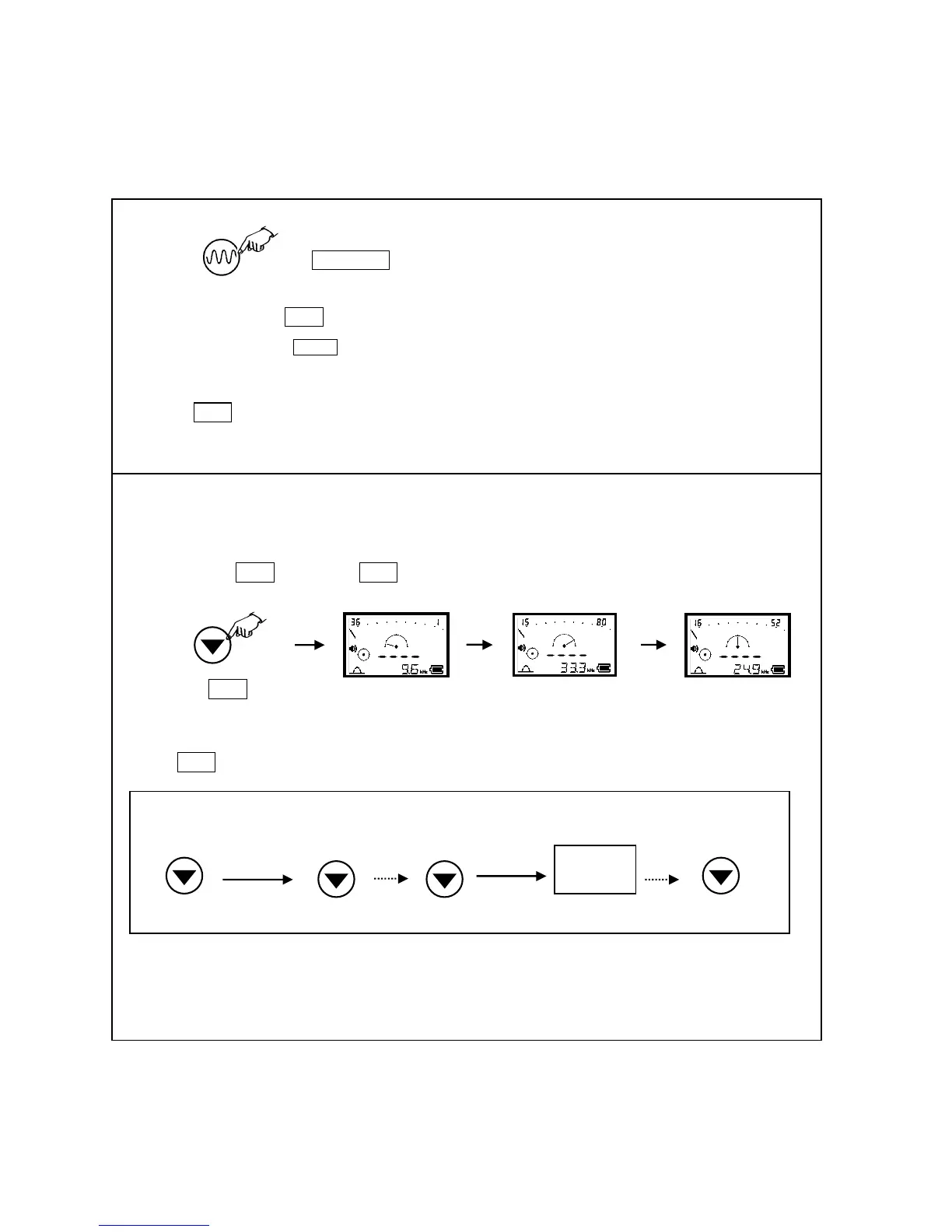
When applying Radio wave (RAD) detection, the most sensitive frequency is selected with auto search function.
Search all frequencies
Set frequency to RAD , Press and hold Gain for one second. And then, search starts.
Search frequencies in several bands
Press Gain during search, Search stops. Resume search, the search starts from the halted frequency.
Above mentioned example shows the first search detects the most sensitive frequency from 9.1k to 17kHz. And then search is
halted. Then, search resumes. The second search detects the most sensitivity frequency from 17k to 32.8kHz
Applying this function, several different kind of cables can be detected in several stages.
Power mode: Power mode detects 50/60 Hz or 100/120Hz frequency radiated by the live power cable.
50Hz / 60Hz : select POW .
100Hz / 120Hz : select 120Hz .



 To Next Page