ATMe, Haze Generator
User Guide, Rev: C/e, March 2023 11 / 33
MENU TREE
The menu is divided in five (5) main menus:
• Status Menu summarizes all the state of the haze generator. None of its sub menus can be modified.
• Control Menu allows the user to control locally the MDG ATMe. All its sub menus can be set, as long
as the generator is not in DMX/RDM mode.
• DMX,RDM Menu allows the user to define or verify the communication via DMX/RDM.
• Timer Menu allows the user to start a ON/OFF Cycle Timer.
• Setting Menu summarizes general configuration of the generator.
The menu is refreshed every second.
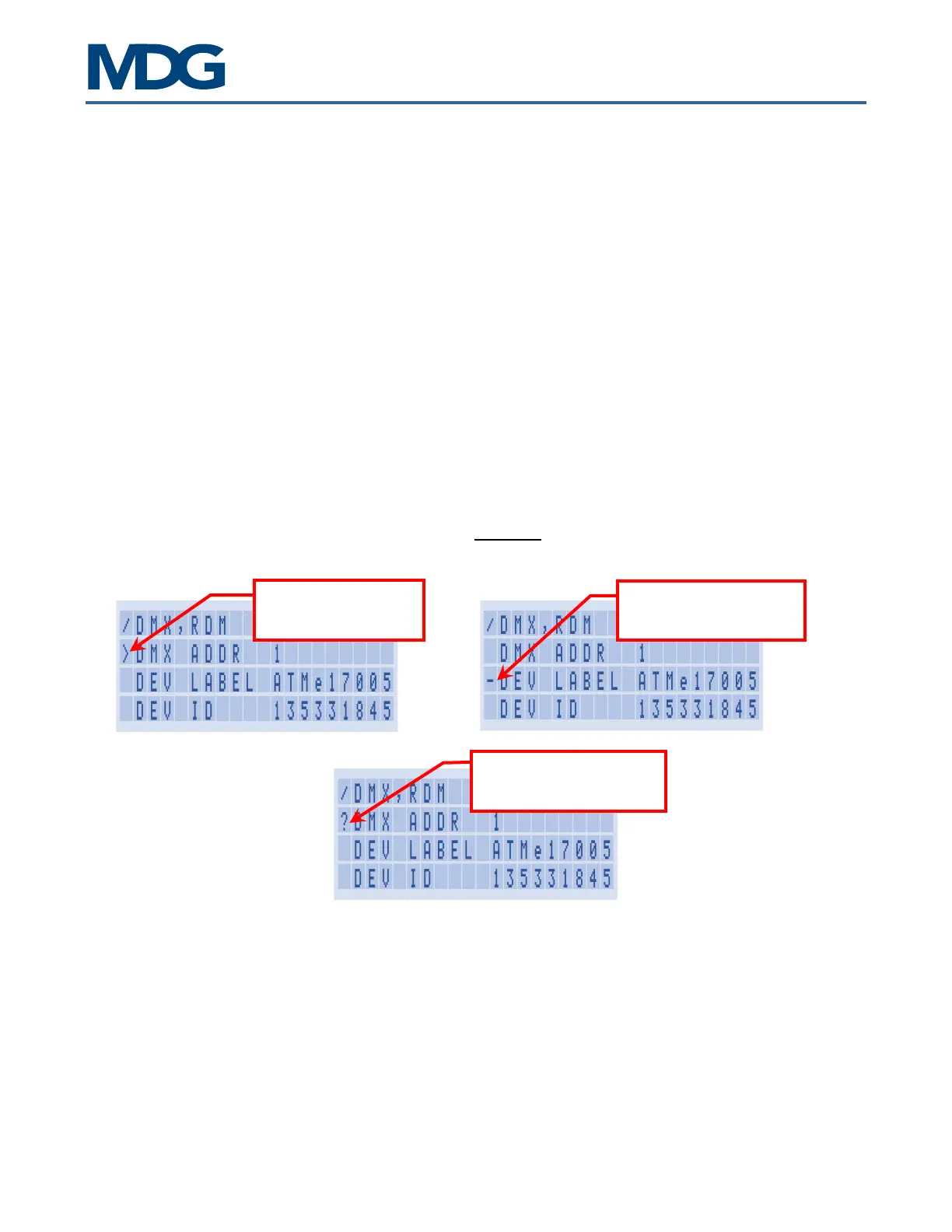
- Items preceded by the « - » character are state messages or parameters, updated by the program. The
user cannot modify them.
- Items preceded by the « > » character are control parameters.
- The user, within specific ranges or choices, can MODIFY them. In user input mode, the value or the
choice is preceded with the « ? » character.
This menu cannot be
This menu can be
The value is presently


 To Next Page