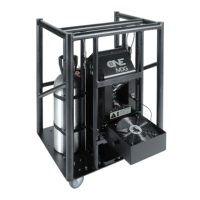
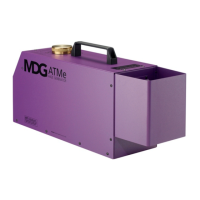
ATMe, Haze Generator
User Guide, Rev: C/e, March 2023 14 / 33
OPERATING INSTRUCTIONS
The MDG ATMe Haze Generator can be controlled either locally, with the keyboard, via DMX (see DMX
control and RDM Control) or a Timer (see Timer Control).
This paragraph focuses on local control.
Starting Procedures
When powering up the generator, the control program configures the Input/Output, and loads the
configuration parameters saved in the EEPROM memory.
At this point, the MDG ATMe switches to stand-by mode, and most of the electronic controls are off.
When the generator is manually switched to «UNIT ON» mode («CONTROLUNITON»), the program
starts the heating cycle («STATUSSTATE = % HEAT»), which will last approximately 7 to 8 minutes.
When the temperature reaches READY level («STATUSSTATE = READY»), the Automatic Purging
System™ (APS™) will be initiated («STATUSSTATE = PURGING»).
After the first purging cycle is completed (approx. time 60 sec.) the generator is ready to produce haze.
Haze Production
When the generator is manually switched to «HAZE ON» mode («CONTROLHAZEON»), the ATMe
will start producing haze.
The amount of the haze emission can be controlled by adjusting the pressure
(«CONTROLPRESSUREXX»)..
In Theater mode («CONTROLTHEATERON»), the speed of the fan is adjusted to the haze output in
order to reduce the sound level.
When the Theater mode is off («CONTROLTHEATEROFF»), the fan speed is always set to its maximum
value.
The MDG ATMe will produce haze as long as the control parameters are within specifications, and the fog
fluid reservoir filled.
If a critical problem occurs, the program shuts down automatically the haze generator, and displays an error
message in the State Menu (see Fail State) and the LCD will flash.
When the generator is manually switched to «HAZE OFF» mode («CONTROLHAZEOFF»), the ATMe
will stop producing haze and initiate the automatic purging cycle.
WARNING
Never power off a generator while it is producing haze –
See the shut down
procedure.


 To Next Page