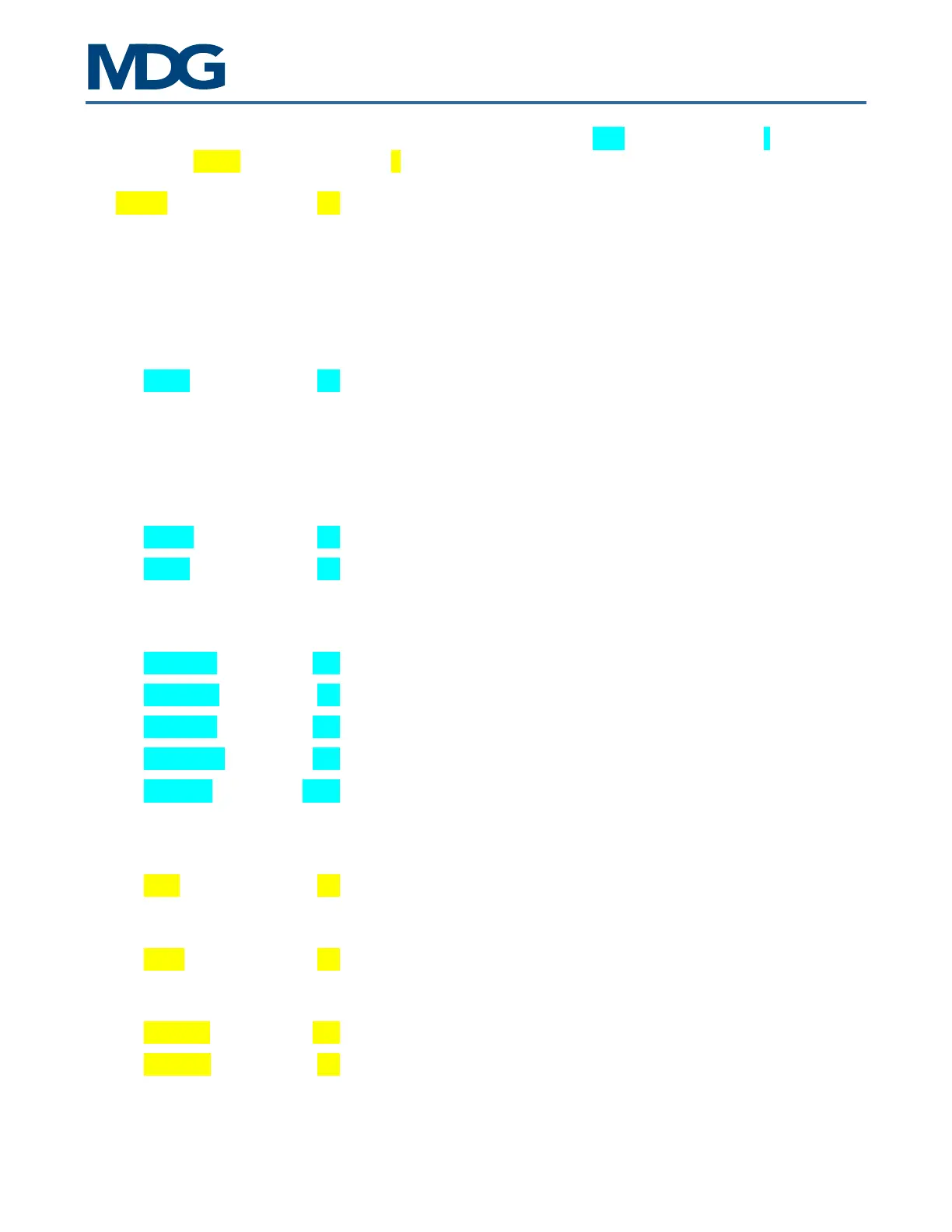
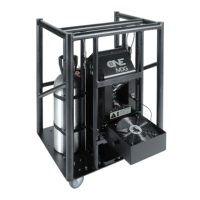
ATMe, Haze Generator
User Guide, Rev: C/e, March 2023 12 / 33
The tree menu architecture is explained below. Items highlighted in blue are state menus ( - ), and those
highlighted in yellow are control menus ( > ).
MODE ---- Communication toggle
AUTO - the generator is controlled by DMX/RDM if a signal is
present, or locally if there is no signal
LOCAL - the generator is controlled by the keyboard ONLY
DMX - the generator is controlled by DMX/RDM ONLY
TIMER - the generator is controlled by the internal timer
STATUS Status menu
STATE ---- Status State
UNIT OFF - the generator is off
xx% HEAT - the generator is heating, but not ready
PURGE - the generator is purging the heating module
READY - the generator is ready to produce haze
HAZE ON - the generator is producing Haze
FAIL - the generator is off, due to a failure (see diagnostic)
ERROR ---- Error message when State = FAIL (see diagnostic)
TEMP. ---- Temperature status (heating module)
TOO LOW - temperature too low
OK - temperature within specifications (ready)
TOO HIGH - temperature too high
PRESSURE xx.x Current reservoir pressure
PCB TEMP ---- Temperature of the board (see Units)
RUN TIME xx.x Total Run Time in decimal hours
HAZE TIME xx.x Total Haze Time in decimal hours
LAST ERR yyyyy Code for the Last five (5) errors
See Fail State paragraph
CONTROL Control menu
UNIT ---- Unit toggle
OFF - the generator is off
ON - the generator is on
HAZE ---- Haze toggle
OFF - the haze is off
ON - the haze is on
SET PRES xx.x HAZE operating pressure (see Units)
THEATER ---- Theater mode (Silent Fan Mode) toggle
OFF - the theater mode is off
ON - the theater mode is on


 To Next Page