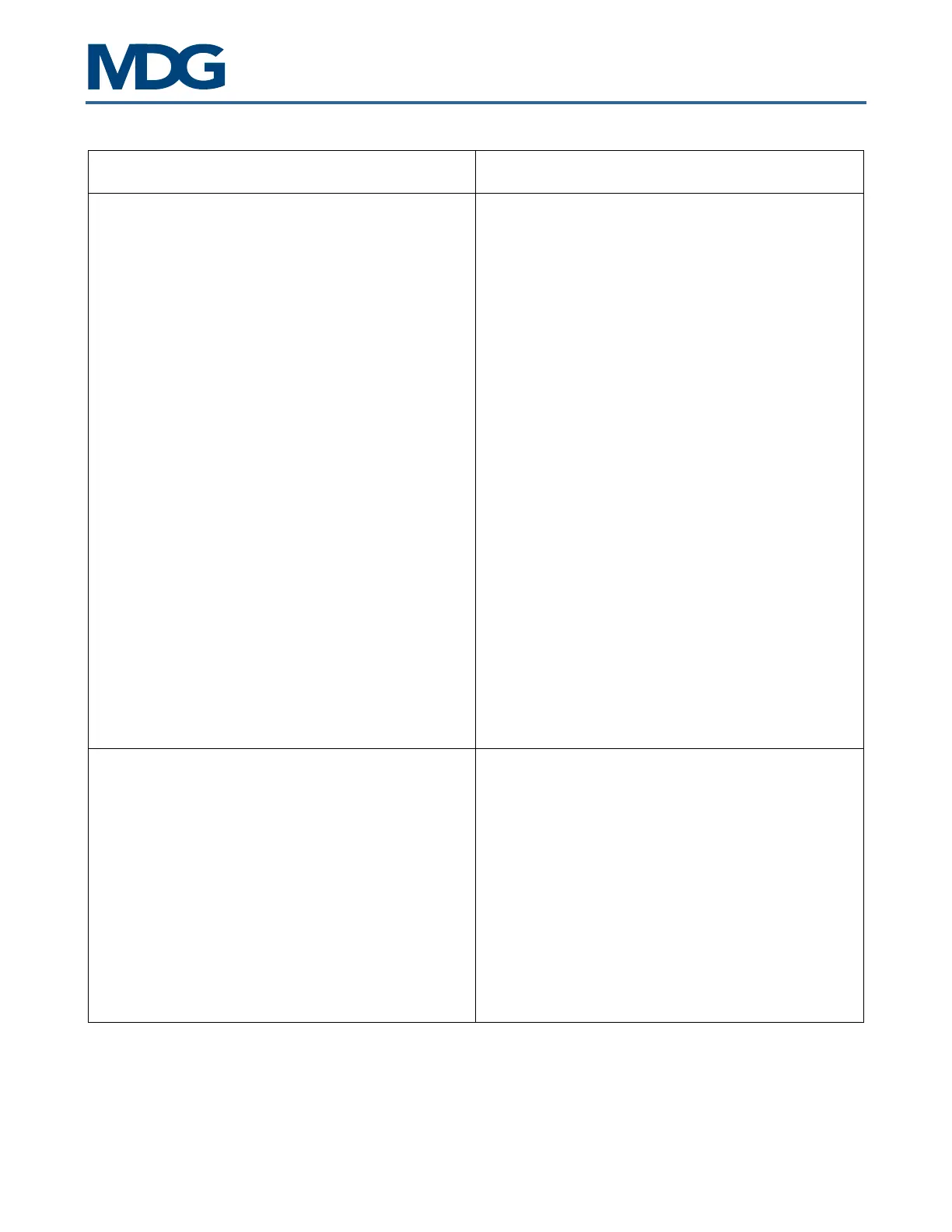
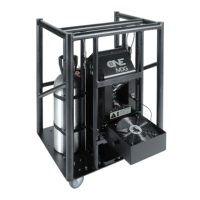
ATMe, Haze Generator
User Guide, Rev: C/e, March 2023 24 / 33
Symptoms Probable Causes and Suggested Actions
• ERROR = T. HIGH
• Restart the generator. This is generally due
to an electronic problem.
Please contact MDG Service if this problem persists.
• ERROR = T. SAF
• Restart the generator. This is generally due
to an electronic or sensor problem.
Please contact MDG Service if this problem
persists.
• ERROR = PCB HIGH
• Stop the generator for few minutes, if it is
possible
• Try to change the position of the generator
to a cooler location.
Please contact MDG Service
persists.
• ERROR = WD RESET
• Restart the generator.
Please contact MDG
persists.
LCD displays strange letters or does not seem to
work normally
In some conditions
(Radio transmission or static
discharges), the LCD
may lose its settings. The
generator is still working, but the LCD displays
strange or no characters:
• Wait 30 seconds without touching any key,
until the LCD saver starts
• Press any key
If the menu does not
generator.
Please contact the Service if this problem persists.


 To Next Page