15
Attaching The Finder:
An eyepiece has a narrow field of view. A viewfinder, or finder, has a wider field of view,
which makes it easier to locate objects.
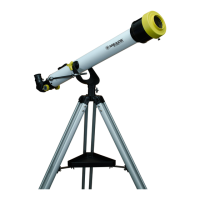
The EclipseView telescopes comes with two different viewfinders. Each finder has a
different use and should only be used as intended.
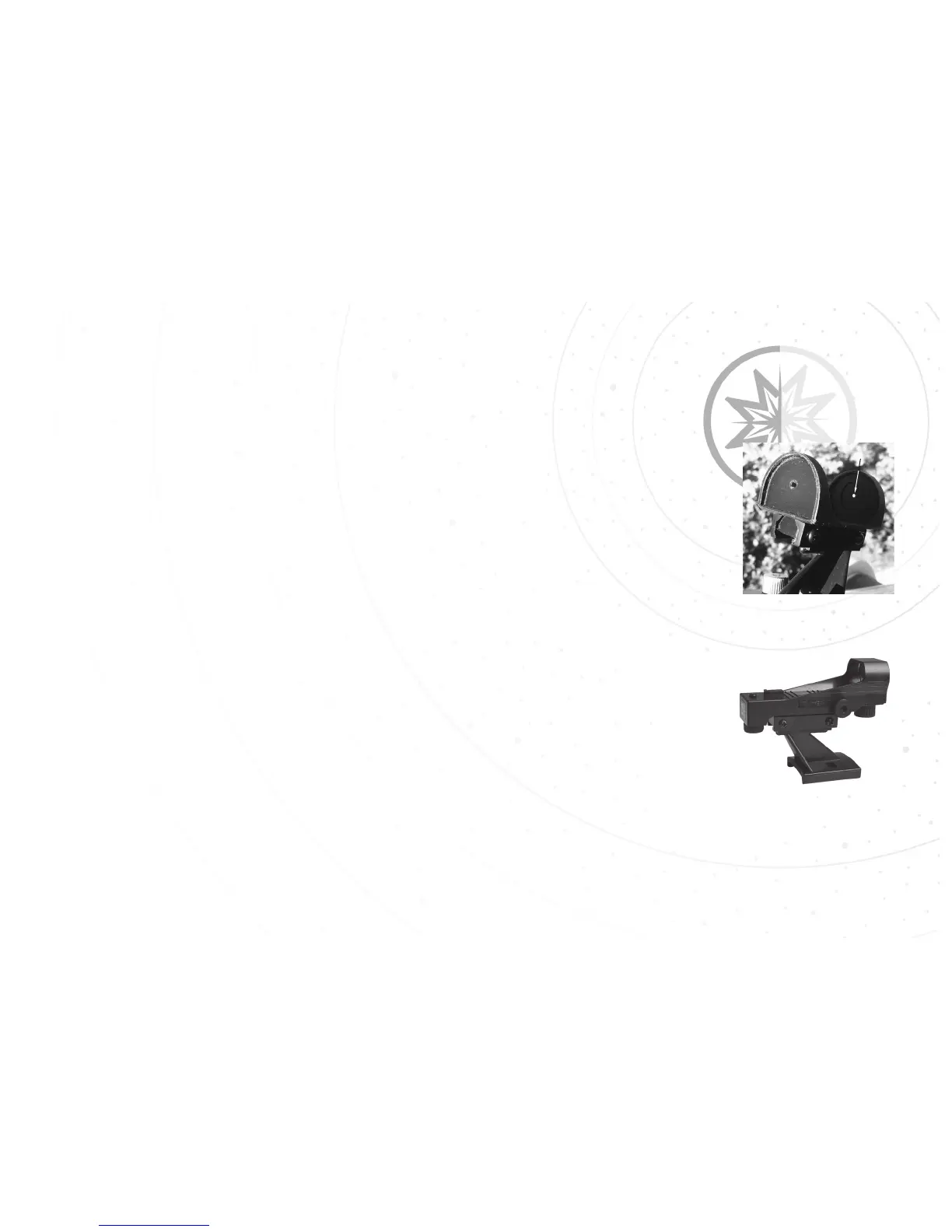
SunFinder: Use only when trying to locate the Sun. This SunFinder uses the Suns bright
light to project a small dot onto the finders back plate. Center the projected white spot in
the centering circle on the back plate. The Sun should then be in the field of view of a low
power eyepiece such as the 26mm MA eyepiece. Always use the included Solar Filter
when looking at or near the Sun.
Red-dot Finder: Use the Red-dot viewfinder only on the night time sky or daytime land
objects. Never use it to look at or near the Sun as permanent eye damage can occur. This
finder has a red dot projected onto a screen which makes it easier to line up more precisely
with the target. To install the finders do the following:
STEP 1: Note the two thumbscrews threaded onto two bolts on the optical tube.
Remove the thumbscrews from the tube.
STEP 2: Line up the two holes on the viewfinder bracket over the two bolts. Slide the
bracket over the bolts.
STEP 3: Replace the thumbscrews onto the bolts and tighten to a firm feel.
14
Red-dot Finder
SunFinder
Projection of Sun



 To Next Page