3
Quick Start - Viewing the Sun
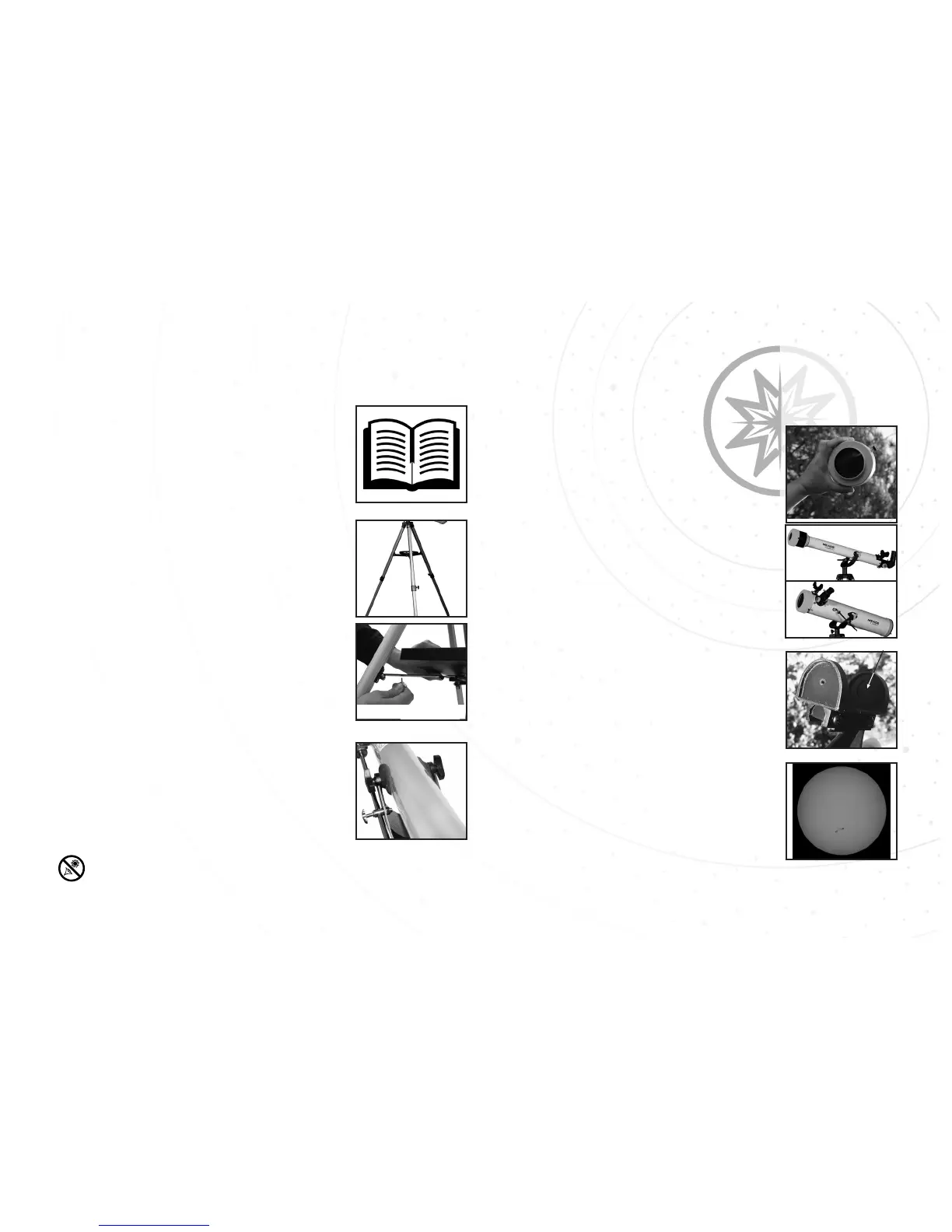
In order to get started observing the Sun, you will need to do the following:
1) Read the Instructions!
• Viewing the Sun can be dangerous.
• Read the instructions carefully.
2
Always use the EclipseView Solar Filter when viewing at or near the Sun or irreversible eye damage may occur.
2) Setup the Tripod
• Expand the tripod legs.
• Adjust tripod leg height.
3) Attach the Accessory Tray
• EclipseView 60: Use the three
wingnuts and thread into bottom side
of tray.
• EclipseView 76: Thread tray into
center nut between tripod legs.
4) Attach Optical tube to Mount
• Remove yellow ota mounting knobs.
• Insert Slow-Motion control rod into
holder.
• Place Optical tube into mount.
• Reattach yellow ota mounting knobs.
5) Confirm Solar Filter is not damaged
and properly installed!
• Viewing the Sun can be dangerous.
• Always confirm the filter is good
before each use.
6) Attach Accessories
• EclipseView60: Attach 90 °
diagonal & 26mm eyepiece. Attach
SunFinder.
• EclipseView76: Attach 26mm eye-
piece. Attach SunFinder.
7) Use the SunFinder to locate the Sun
• Use the Suns projection and place in
center area of SunFinder.
8) Focus the telescope until image is
sharp.
• Only view the Sun with the proper
Meade solar filtering or permanent eye
damage can occur!
Projection of
Sun
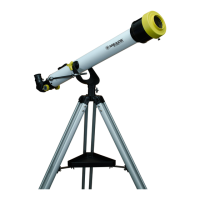
EclipseView76



 To Next Page