33
Aligning The Red-Dot Viewfinder
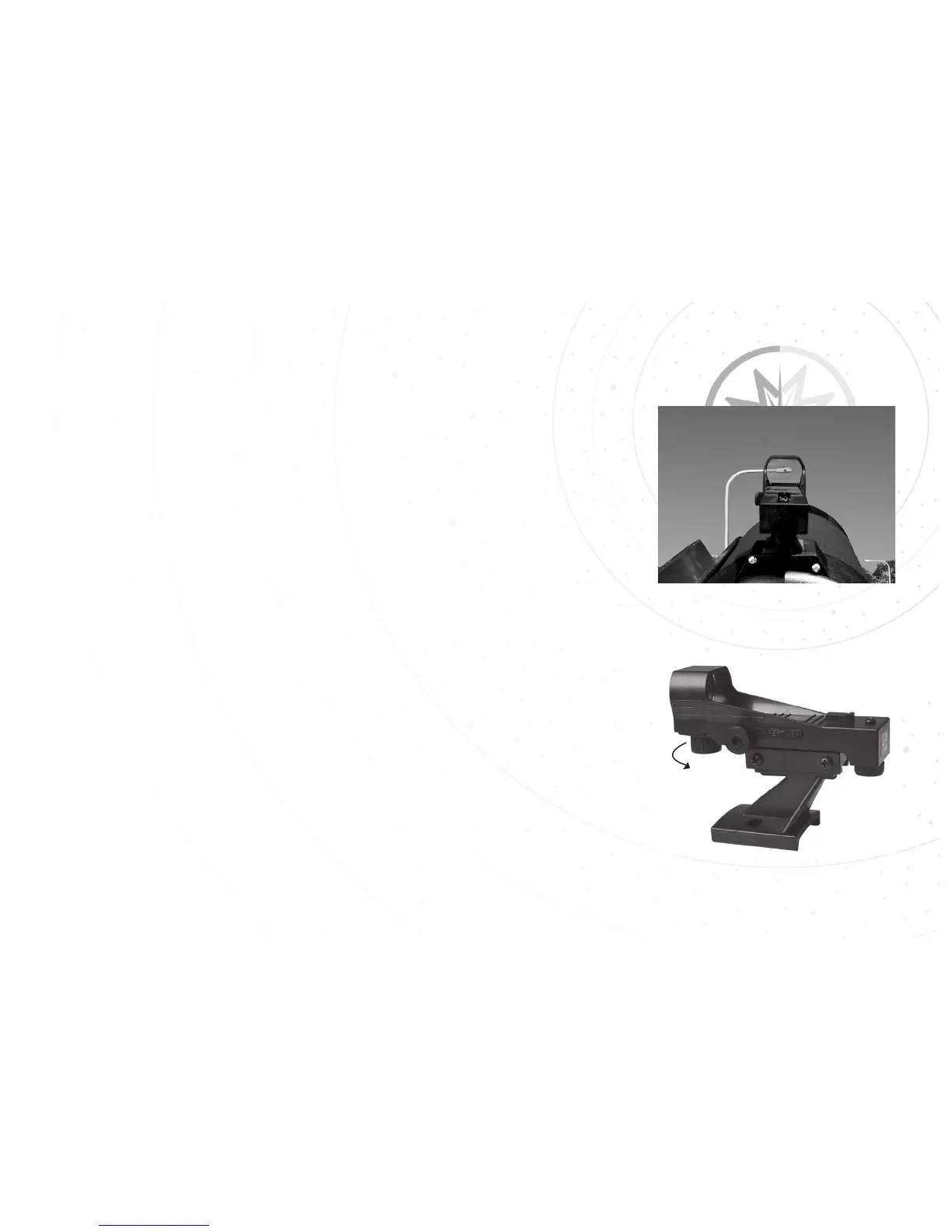
STEP 4: Look through the red-dot viewfinder. Turn one or both of
the viewfinder’s alignment screws until the red-dot is precisely over
the same object as you centered in the eyepiece. The side alignment
screw controls the horizontal, while the rear alignment screw controls
the vertical.
STEP 5: When finished, turn off the red-dot viewfinder by rotating
the on/off switch counter-clockwise.
STEP 6: Check this alignment at night on a celestial object, such as
the Moon or a bright star, and use the viewfinder’s alignment screws
to make any necessary refinements. Once they are aligned and
pointing at the same location, use the red-dot viewfinder to locate
objects by placing the red-dot over the object. Then use the 26mm
eyepiece to view the object.
Step 4.
Step 5.
32



 To Next Page