EHC-C www.easthigh.com.cn 2
2. Unpacking and Setup
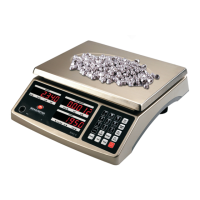
Remove the scale from the box and place it on a firm, level surface. Avoid locations with rapid temperature changes,
excessive dust, moisture, air currents, vibrations, electromagnetic fields, heat or direct sunlight.
Adjust the leveling feet until the bubble is centered in the circle of the level indicator
(located on the front panel).
NOTE: Ensure that the scale is level each time its location is changed.
The internal rechargeable battery should be fully charged for up to 12 hours before using the scale for the first time.
Connect the supplied AC adapter to the power input receptacle underneath the scale. Plug the AC adapter into a
properly grounded power outlet. The battery will begin charging.
If the scale will be stored or transported in the future, save the packaging material to ensure the best possible
protection for the scale.
Contents
Scale
12Vdc/500mA UL adapter
Quick Guide & Technical Manual
3. OVERVIEW OF CONTROLS AND FUNCTIONS
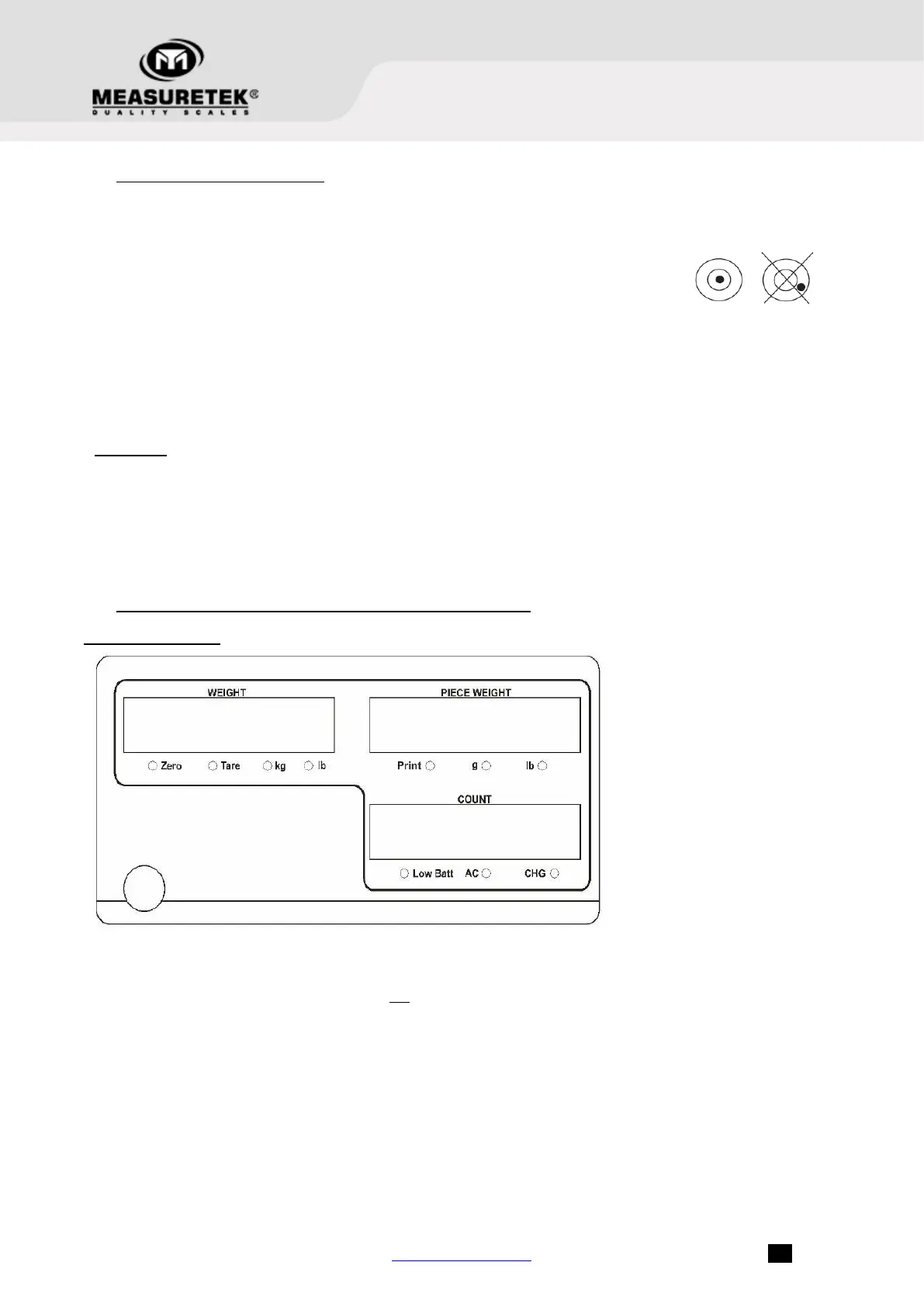
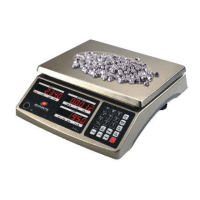
Indicator Display
Weight on platform
Scale is zeroed, gross weight is 0, tare is 0
- Display reading is net weight; tare is not 0
- Overall unit of measure is kg
- Overall unit of measure is lb
The weight per piece used to calculate the piece quantity
- Data output indicator
- The per piece unit of measure is g
- The per piece unit of measure is lb
– Calculated number of pieces based on total weight and piece weight
Battery should be charged soon
AC power is being used
Battery is charging


 To Next Page