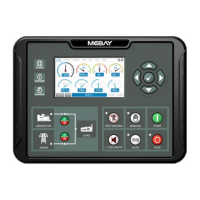
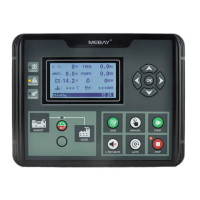
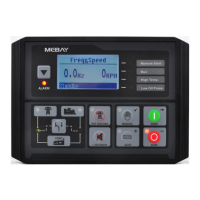
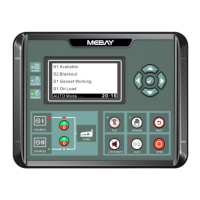
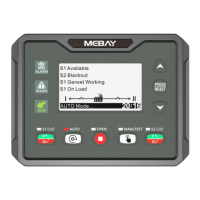
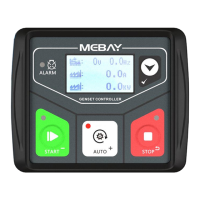
DC32D GENSET CONTROLLER USER MANUAL
12
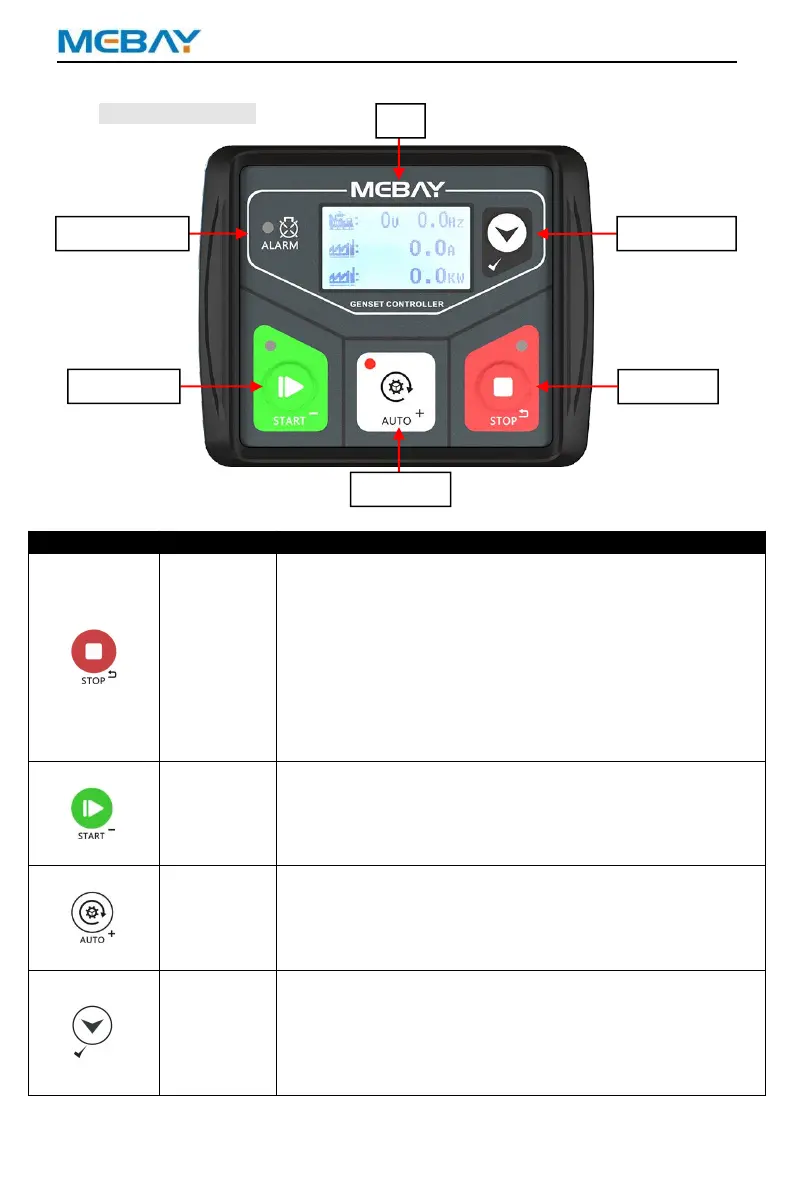
8. Panel and display
Panel Operation
Key Function Description
Can stop generator under manual/auto mode.
Can reset shutdown alarm.
During stop procession, pressing this key again can
stop generator immediately.
Pressing this key can cancel the setting and back to
upper class under edition.
Under the setting mode with checking data, the data
can be saved and system will exit after pressing.
In standby mode, press the button for more than 3
seconds to check the alarm records under stop mode.
Start the genset.
Under edition mode, to decrease the numbers.
Under records mode, pressing this key to change the
page.
Manual Closing Page, Mains Closing;
Pressing this key will set the module into auto mode.
Under edition mode, to increase the numbers.
Under records mode, pressing this key to change the
page.
Manual Closing Page, Gens Closing;
Page change.
Confirm the change under edition mode.
In standby state, press for 3 seconds to enter the
parameter setting mode.
Choose alarm records under records checking mode.
Exit Manual Closing page.


 To Next Page