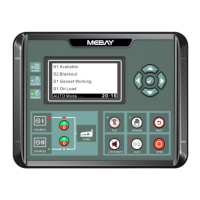
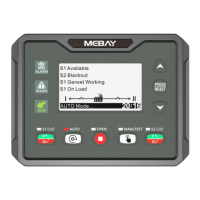
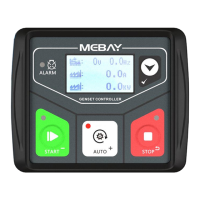
DC32D GENSET CONTROLLER USER MANUAL
21
alarm is reported, "ALARM" lights flicker, Engine stops running, and the current fault
screen displays "Pump fail alarm".
Stop Failure With Speed Alarm
When the controller detects that the speed is not "0" after the execution of the
shutdown, the alarm of stop failure is reported. "ALARM" lights flicker,and displays
"Stop fail-RPM" on the LCD screen.
Stop Failure With Frequency Alarm
When the controller detects that the frequency is not "0" after the execution of the
shutdown, the alarm of stop failure is reported. "ALARM" lights flicker,and displays
"Stop fail-Hz" on the LCD screen.
9. Parameter setting
Please set the parameters according to below steps:
1)In the stop mode, please and simultaneously, then loose so that you
can come to configuration mode.
2)Select the “Set Parameters” menu and press ,then you can come to enter
password interface,the default password is “07623”.
3)Under the parameter browsing interface,press to shift up the parameters,
press to shift down the parameters, press to get into parameter changing
page.
4)Under the parameter modification interface, Press to add number 1, press
to reduce number 1, press to turn the digit into right and done.
5)Under the parameter modification interface, Press to cancer parameter
modification and return to parameter browsing interface.
6)Under the parameter browsing interface,Press to save the parameters and
exit from edition page.
Revert back to default: input password “97011” when coming into parameters
setting, then all the parameters can be set as defaults.
Note: the data can not be saved if the user didn’t press STOP to confirm the
setting.
Parameter list.
1) Basic setting
0-English
1-
简体中文
2-Español
3-Pусский
4-Türk dili
5-Français
6-繁体中文
Language option.
Display language selection. 0: English,
1: Simplified Chinese, 2: Spanish, 3: Russian,
4: Turkish, 5: French,6: Traditional Chinese, 7:
Romanian, 8: Polish, 9: Portuguese, 10:
German, 11: Korean, 12: Vietnamese,
13:Arabic 14: Bahasa Indonesia, 15: Persian.


 To Next Page