Page 18 Micro 26 - Operator’s Manual
March 2019Section 7 - Operating Instructions and Function Tests
Operation from Platform
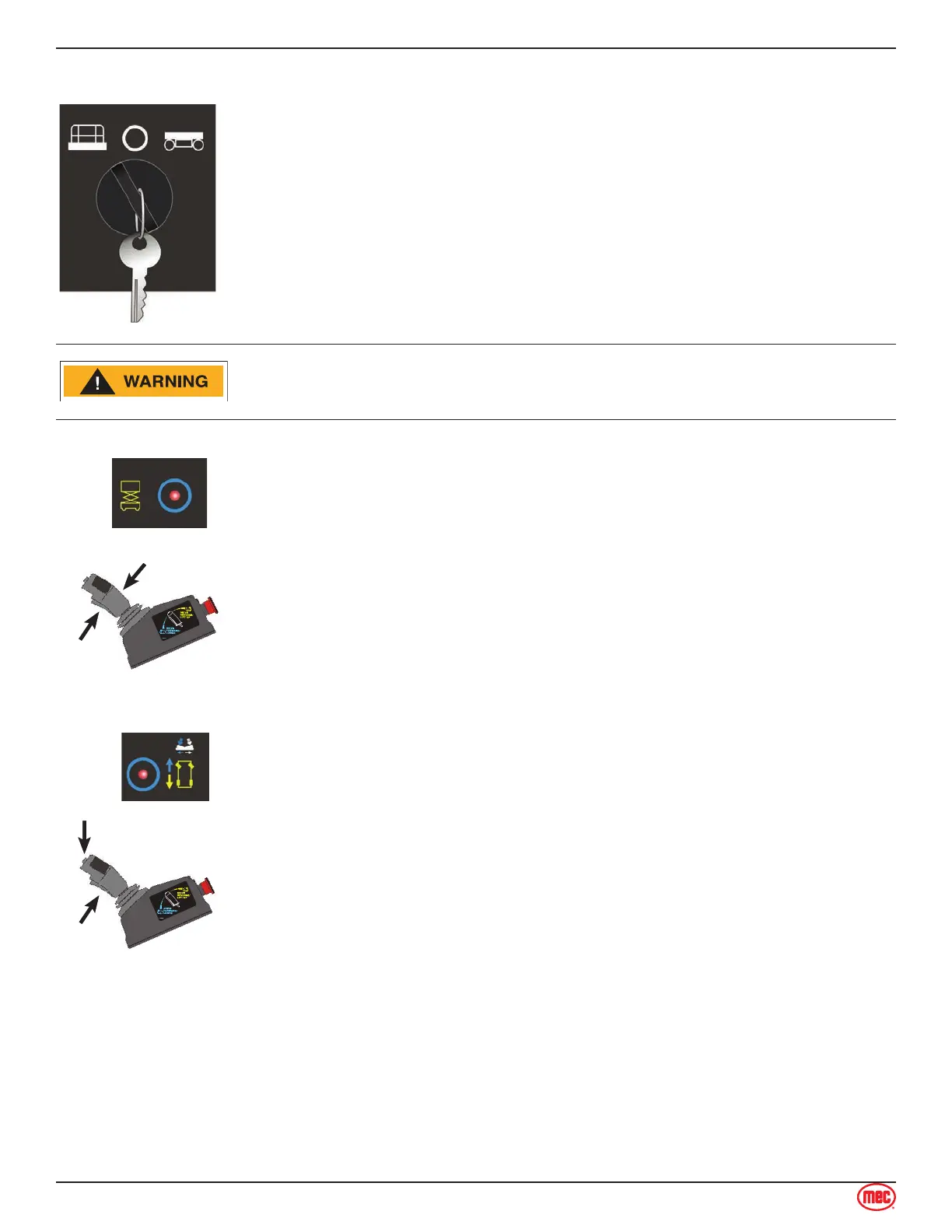
Turn the Key Switch to platform control.
Pull or turn the red Emergency Stop button clockwise to the on position at
both the ground and platform controls.
Be sure the battery pack is connected before operating the machine.
1.
2.
3.
Check the area above and around the machine for obstructions and
electrical power lines before operating the machine.
To Position Platform
Control Handle
Function
Enable
ART_5020
Press the lift function select button.
Press and hold the Function Enable Switch on the control handle.
Pull the control handle upward to raise the platform.
Push the control handle downward to lower the platform
Regardless of if the Function Enable Switch is pressed or released, if no
machine movement is made in 10 seconds then the current selection of Lift will
time-out.
Release then press the Function Enable Switch to reactivate selected function.
1.
2.
3.
4.
To Steer
ART_5021
Steer Switch
Function
Enable
Press the drive function select button.
Press and hold the Function Enable Switch on the control handle.
Turn the steer wheels with the thumb rocker switch located on the top of
the control handle.
1.
2.
3.



 To Next Page