92
5 FUNCTIONALITIES
5.1 Operating mode
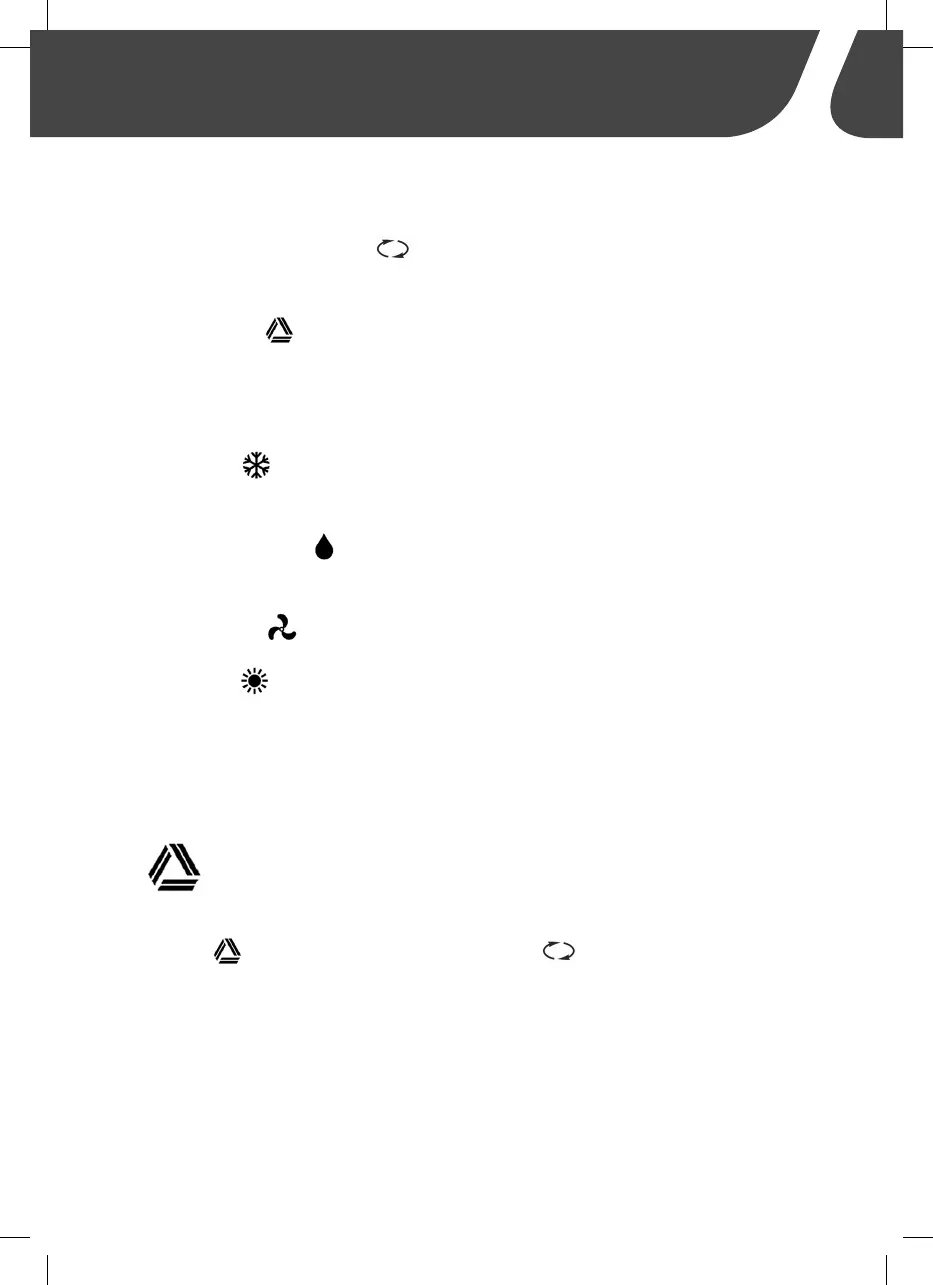
Using the MODE button ( ) on the remote control, select the desired
air conditioning mode:
•
Automatic : The air conditioner automatically adjusts the tempera-
ture by automatically raising or lowering it according to the set tempera-
ture through cooling or heating (only for models which include heating)
and regulates the necessary ventilation power.
• Cooling : The air conditioning system cools the passenger compart-
ment to the set temperature.
• Dehumidifying : This function serves to remove humidity, increas-
ing comfort.
•
Ventilation : Creates a flow of air inside the passenger compartment.
• Heating : (for selected models only) You set the desired temperature
and ventilation power; the air conditioning heats the passenger compart-
ment to the set temperature.
5.2 Selecting “Automatic” mode
Turn on the air conditioner with the on/off button, select the Automatic
mode ( ) by pressing the MODE button
( ) until the corresponding
symbol appears on the display. You can set the temperature between 16°C
and 30°C with the + or - buttons.
The rooftop air conditioner confirms that it has received the data by emitting
a loud beep.
In this mode, the air conditioner will automatically select the ideal mode to
reach the set temperature
.


 To Next Page