Insert the pins of the children’s connecting piece for safety lock into the small holes at
the bottom of the speech processor: Secure the assembly by attaching the safety lock
(see Fig. 15).
For young children, it is mandatory to use the safety lock to prevent them from disassembling
the speech processor (see Chapter 5, OPUS 2 speech processor, Safety lock).
To insert batteries open the battery pack lid of the Children’s Battery Pack by pushing the
lever at the back of the device as shown in Fig. 18 and hold it in this position. Now push the
battery pack lid backwards about 3 mm, then remove it by pushing it to the front.
Add fresh batteries.
To close the battery pack lid, put it on the housing so that it overhangs the back of the
Children’s Battery Pack by about 3 mm. Gently push the battery pack lid onto the housing.
When the battery pack lid is positioned correctly, it can be pushed forward, where it snaps
in place easily. Never put the battery pack lid on the very back of the housing, pushing it
forward by force. This could damage the Children’s Battery Pack. Do not use excessive
force when closing the battery pack.
Switch on the speech processor at the back of the Children’s Battery Pack.
The red indicator light in the earhook will blink up to four times indicating the activated
program.
Attach the Children’s Battery Pack to the clothes, put the control unit on the ear and place
the coil over the implant.
Choose the desired program, volume and sensitivity settings with the FineTuner.
An ear-mold may help keep the processor in position on the ear. Contact your CI center or
audiologist for assistance.
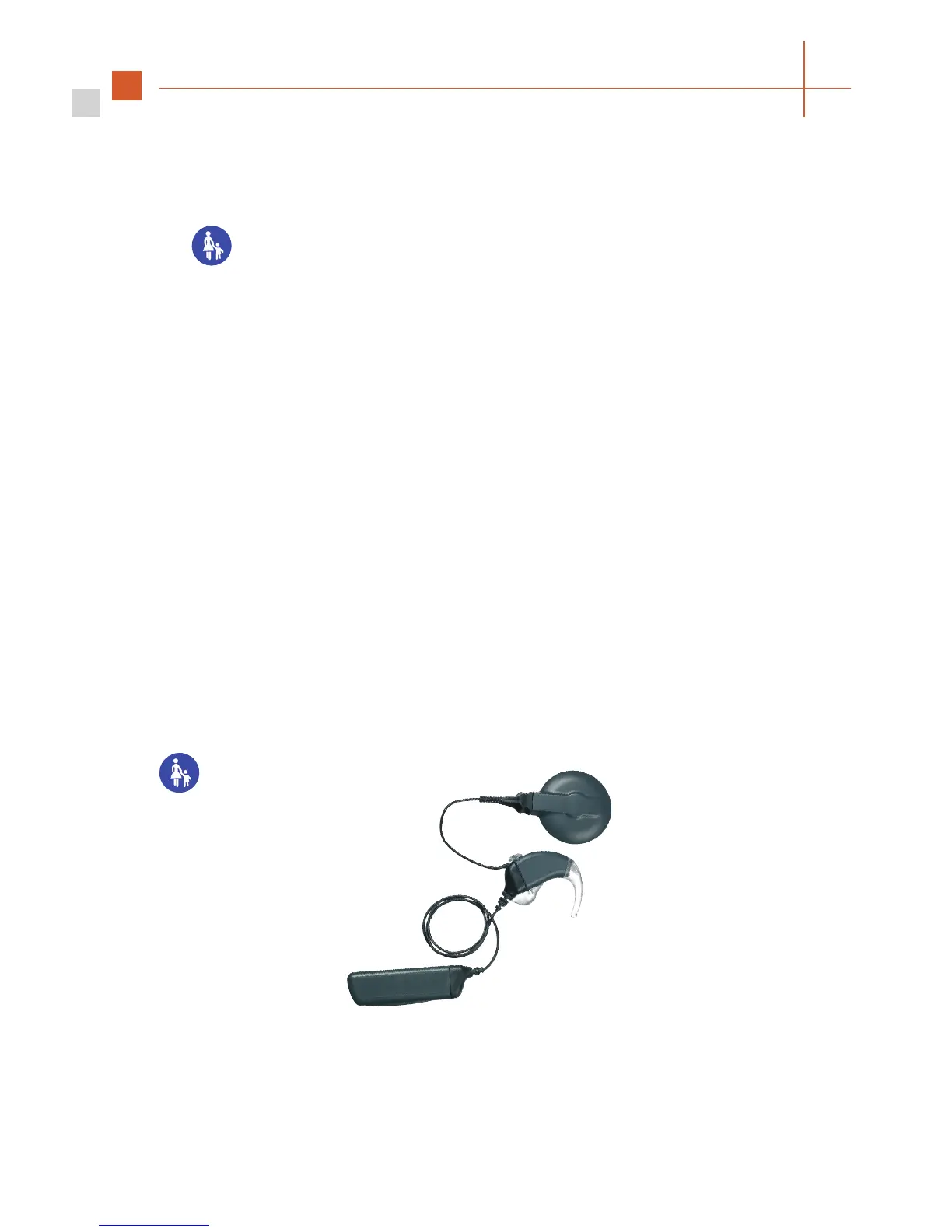
The Children’s Battery Pack, in contrast to the other battery pack versions, is provided with
a locking lever. With this lever, the battery door can be opened only by using a ballpoint or
other pointed object. Thus, a small child is not able to open the battery pack lid to take out the
batteries and possibly swallow them.
Fig. 12 OPUS 2 Children’s Battery Pack



 To Next Page