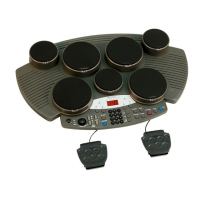
Pad and Trigger Setting(UTILITY)
You can set the parameters of each drum pad and cymbals in
the Trigger menu. During the setting, you can select each
trigger by hitting the corresponding trigger or use the drum
buttons on the panel.
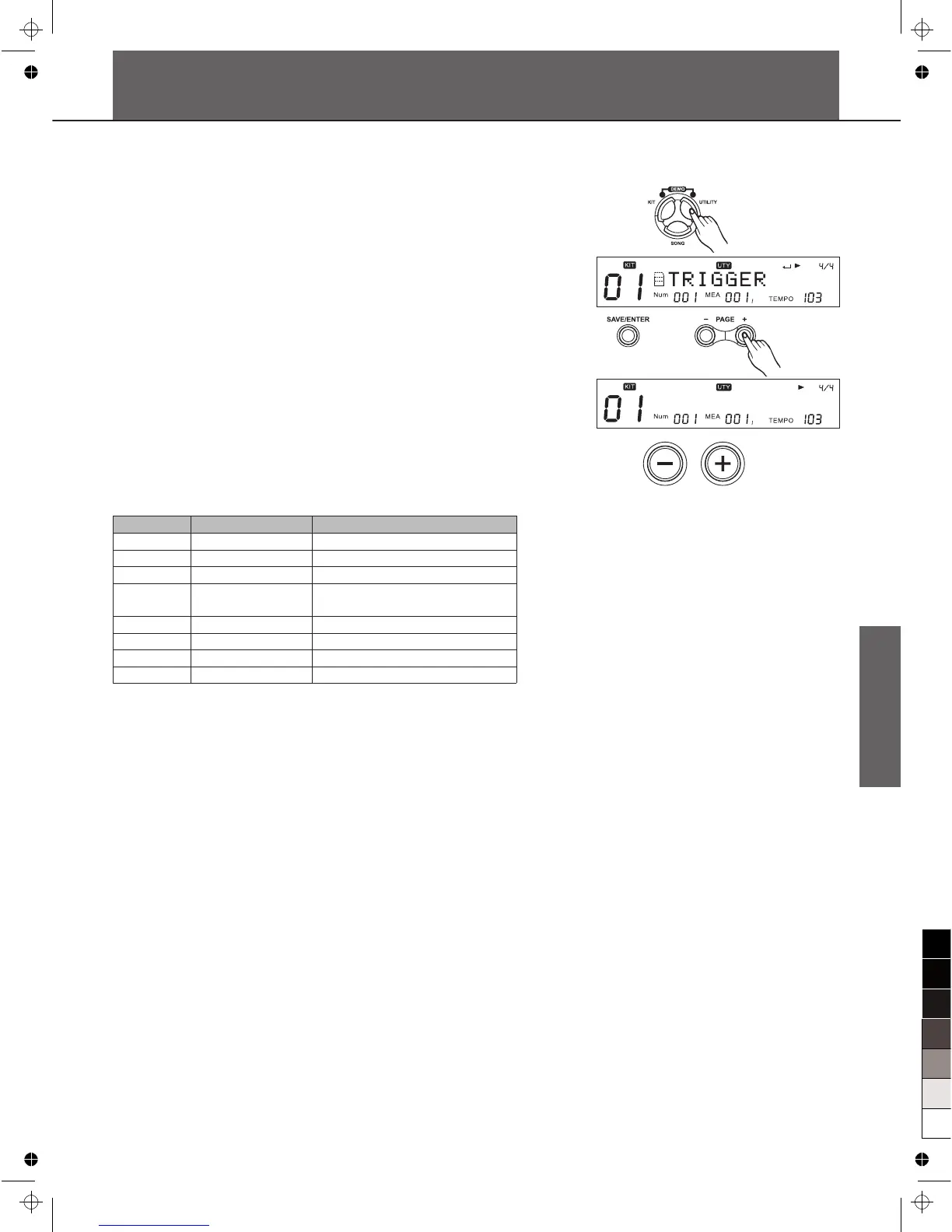
1. Press [UTILITY] button to enter the utility menu. The display
will show "TRIGGER".
2. Press [SAVE/ENTER] to enter the Trigger parameter menu.
Press Pad Select button or strike a pad you wish.
3. Then Press [Page+]/[Page-] to select the parameter to be
setting.
4. Press [+]/[-] button or use the DIAL to make the setting.
Type
The trigger type is a collection of parameters optimized for
specific models of pad. But in this digital drum you can only
specify the trigger type for snare.
Sensitive(Sensitivity)
Adjust the sensitivity of the pad to regulate the pad response.
Higher settings result in higher sensitivity, so that the pad will
produce a loud volume even when struck softly.
You can also adjust the sensitivity of the splash in SPLASH
SENSITIVITY.
Thresh(Threshold)
This setting allows a trigger signal to be received only when the
pad is struck harder than a specified force. This can be used to
prevent a pad from sounding in response to extraneous
vibrations from another pad.
T y p e : M e s h
Parameter
Type*
Sensitive*
Thresh*
Curve*
Retrig-C*
X-Talk*
Rim-Adj*
Splash-S*
Function
Pad type
Sensitivity
Threshold
Trigger curve
Retrigger cancel
Cross talk
Rim Shot Adjust
Splash sensitivity
PARA RANGE ([+]/[-])
Mesh/Rubber
1~32
0~31
Normal/Exp1/Exp2/Log1/Log2
/Loud
1~16
0~16
0~16
1~8
31



 To Next Page