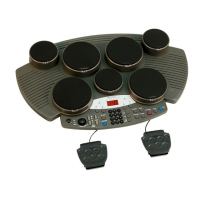
Factory Reset
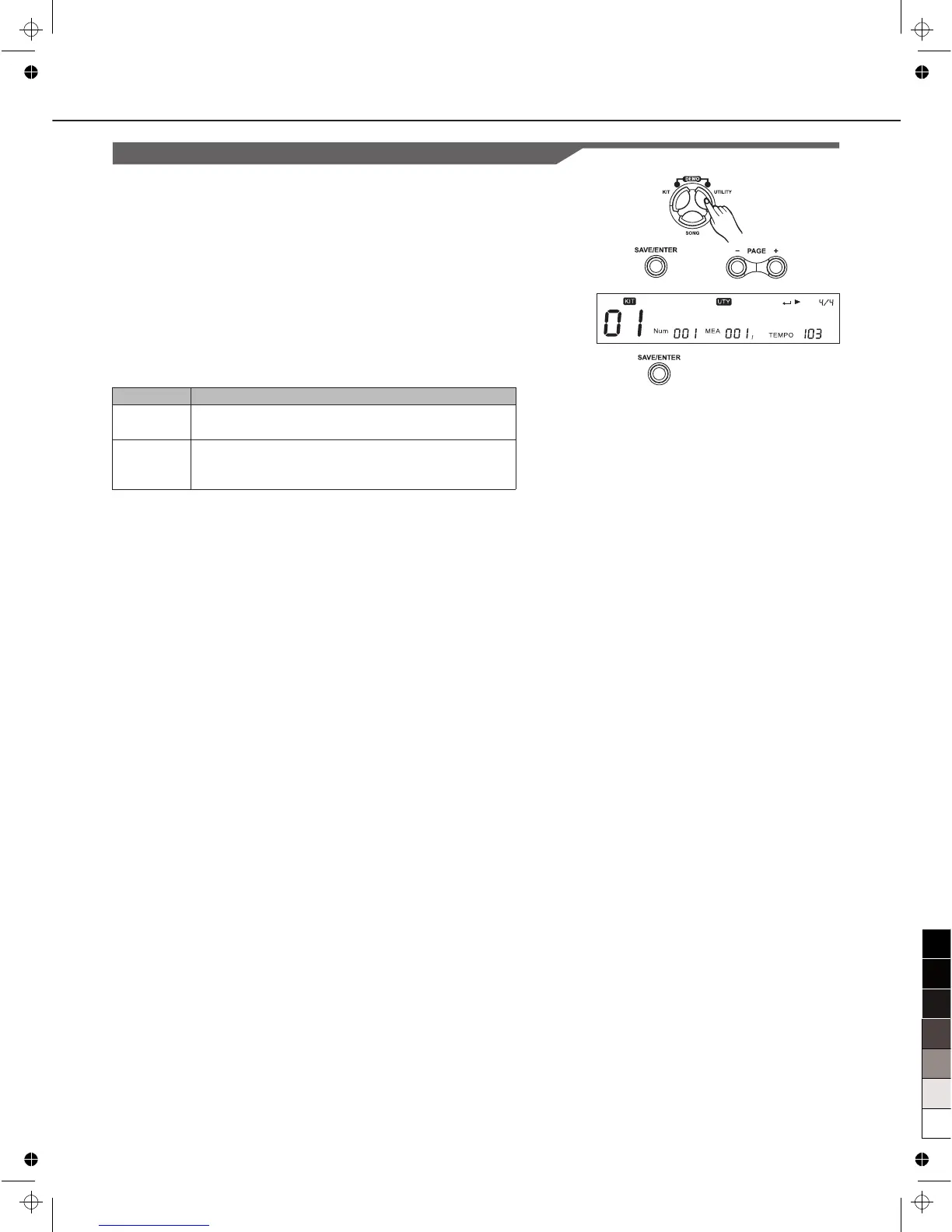
1. Press [UTILITY], then [Page+]button to select the RESET
menu.
2. Press [SAVE/ENTER] ,then Press [Page+]/[Page-] to select
“ResetPara” or “ResetAll”.
3. Press [SAVE/ENTER] again to finish the setting.
R e s e t P a r a
Item
Reset Para
Reset All
Function
Reset only global settings (MIXER, UTILITY
trigger settings, CLICK, Song setup, etc.).
Reset the global setting and all user songs, user
kits. After the operation, it will back to the main
screen display.
Setting Effect (REVERB/EQ)
34



 To Next Page