System Time
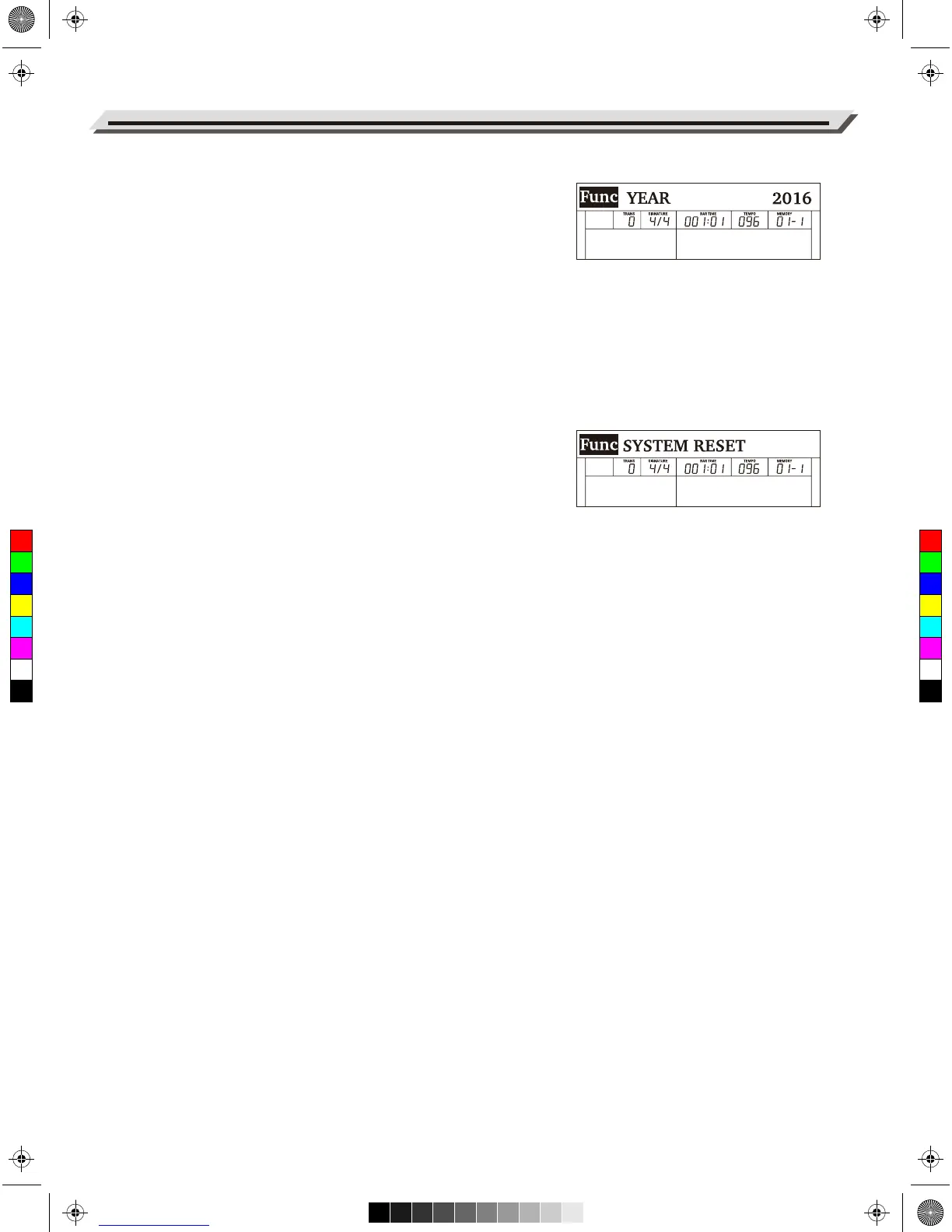
You may want to set the correct system time, as it will appear on files
saved to a USB flash drive and other applications.
1. In the function menu, use the data dial to select “YEAR” /
“MONTH” / “DAY”/ “HOUR” / “MINUTE”.
2. Use the [+/YES]/[-/NO] buttons to set the time.
Note:
Your setting will be automatically saved when you press [POWER] to
turn off the instrument.
Factory Reset
1. In the function menu, use the data dial to select “SYSTEM RESET”.
2. Press [+/YES]. The LCD will show “Reset all settings?”
3. Press [+/YES] to confirm. Note: The operation will delete all user
settings.
4. The LCD will show “Delete the user song?”
5. Press [+/YES] to confirm. Note: The operation will delete all user
songs.
6. The reset procedure may take several minutes to complete.
Note:
Do not turn off the power when factory reset is in progress, otherwise it
may corrupt the internal data and cause malfunction.
Function Menu
26
C
M
Y
CM
MY
CY
CMY
K
aw_DP720_Manual_G03_170523.pdf 26 17/5/24 09:15


 To Next Page