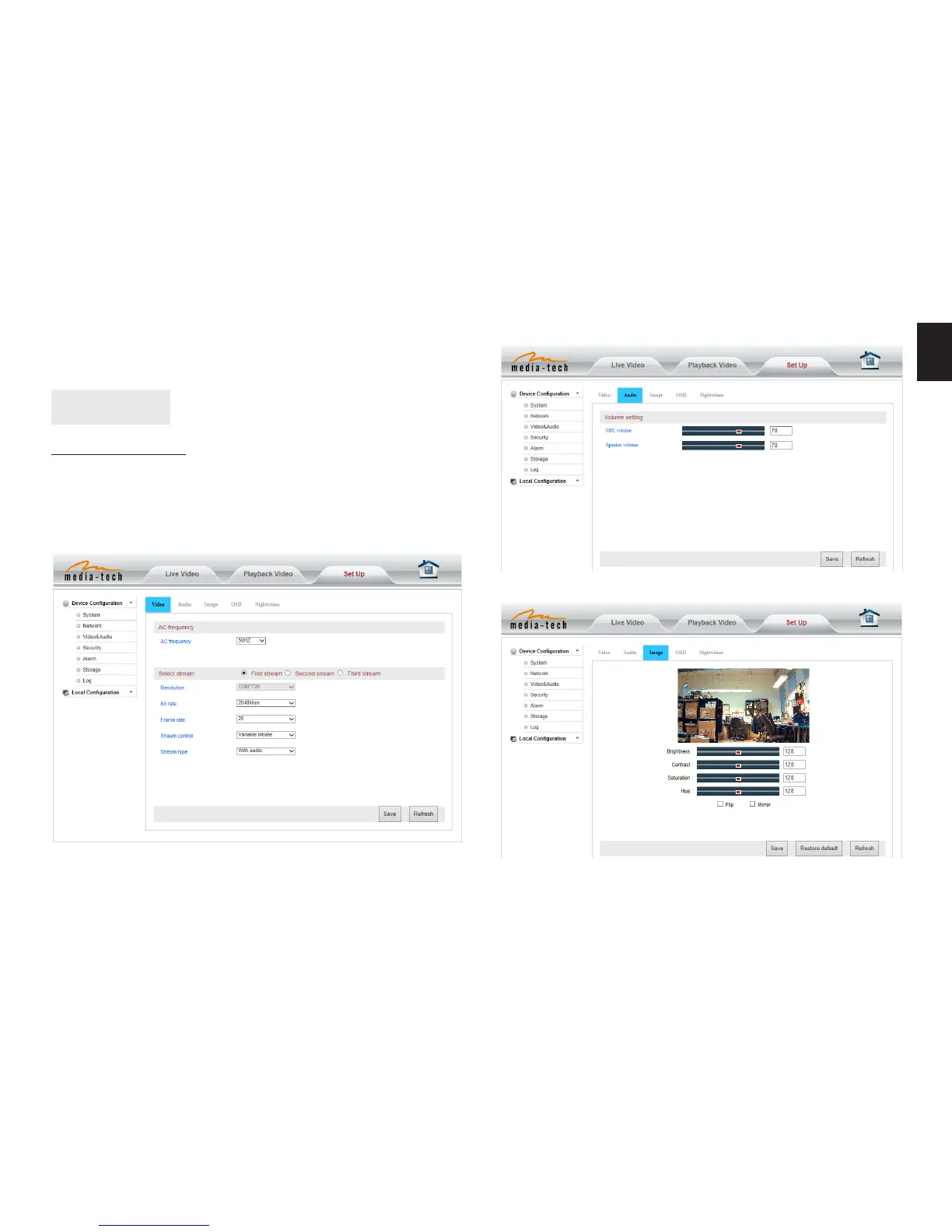
All settings
Video setting
In the setting, you can adjust the video, audio and image
setting according to actual environment for getting best
eect�
Video parameters
rtsp://ip:port/12 (View video by second stream)
rtsp://ip:port/13 (View video by third stream)
The port is RTSP port�
First stream is for best quality (view by LAN connection),
third stream is for mobile devices (small size, better com-
pression, less data transfer)�
Audio parameters
Image parameters
You can disable IR LED when you don’t need it, go to
“Nightvision” tab and check “turn o IR LED”�


 To Next Page