There are 3 levels of user authorization in it�
Administrator: “admin” has the highest authority� It can
do any settings� The factory default password: 123456�
Operator: user can only operate the device but can’t do
any settings�
Viewer: user can view the video, but can’t operate the
device�
Note: Please change these passwords when your rst use
to ensure your safety�
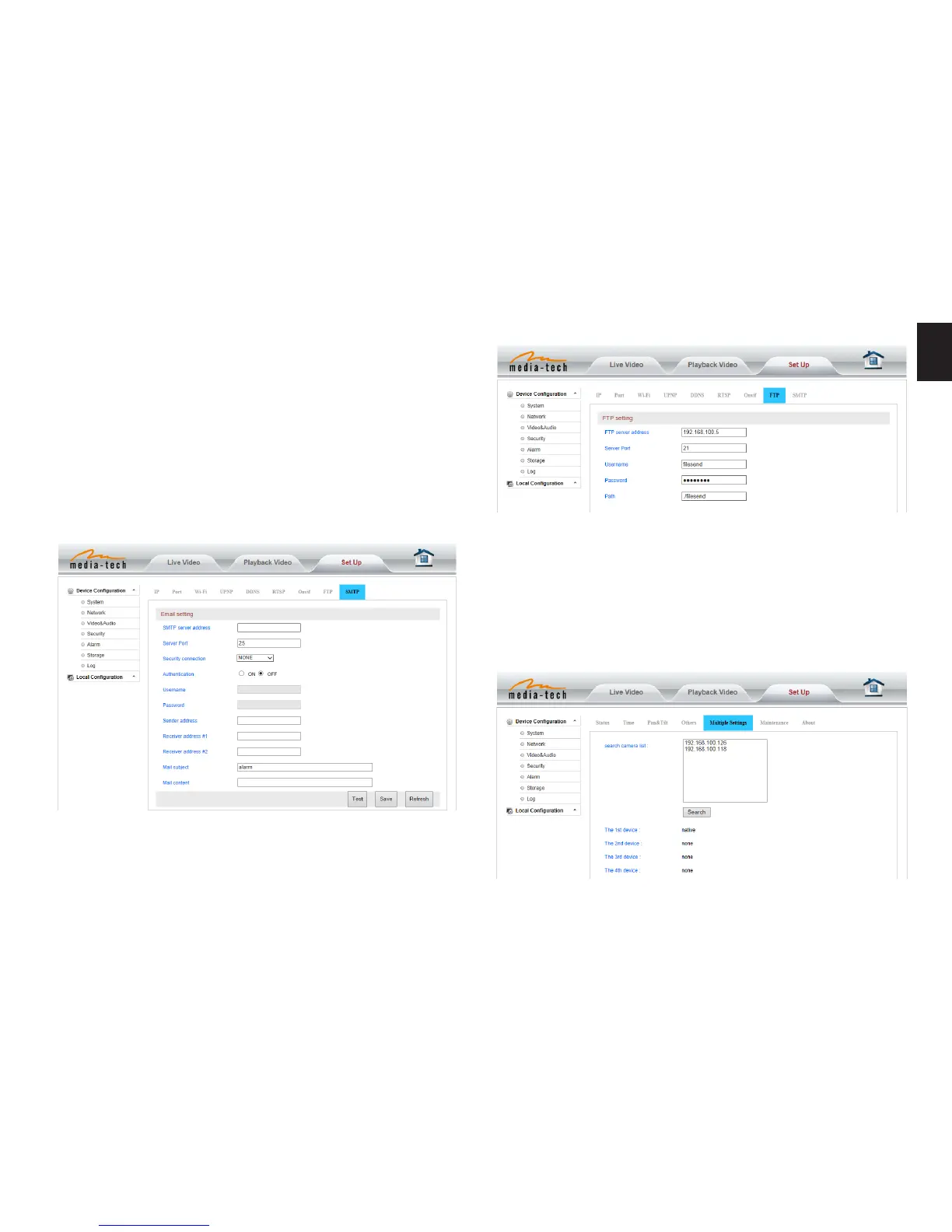
Please click “Test” to test if the E-mail setting is successful�
E-mail Setting
FTP setting
Before to use FTP function, please get the following ready�
1� FTP user name and password
2� FTP storage space and the authority
3� Create sub-category to store the video or pictures�
Notice: The password should not contain special charac-
ters�
Multiple settings
Please set multiple devices here rst to view 4 split screen�


 To Next Page