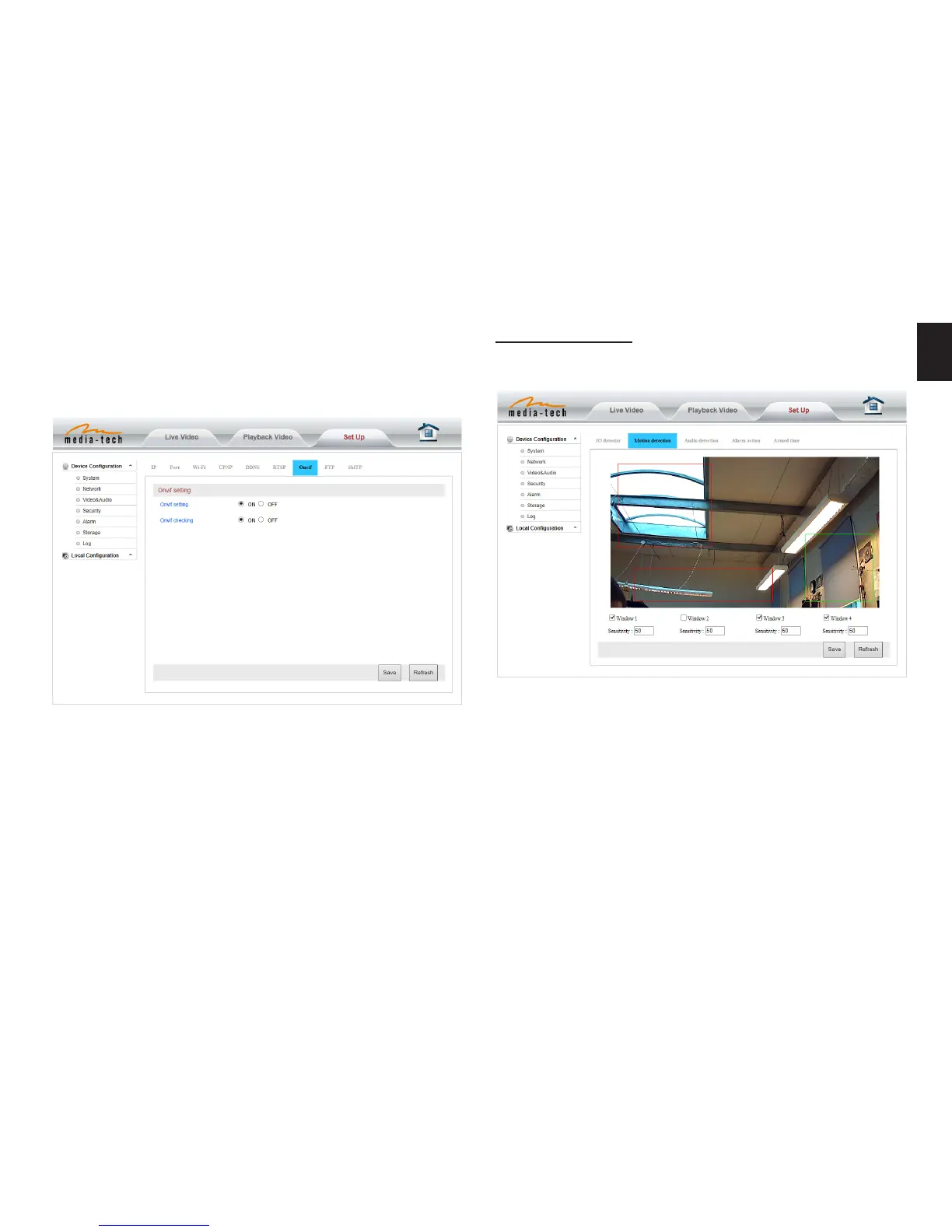
The camera supports ONVIF protocol, so it can be intercon-
nected with other factory camera with ONVIF�
Tips: The device supports ONVIF 2�0�1 at present�
Notice: Using the third party DDNS, if the http port is not
80, the port number should be adding to the domain name
with colon� Example: http://mydomain.dyndns.org:81.
ONVIF setting
Alarm setting
Motion Detection Setting
Please click “save” after the settings are done, and motion
detection takes eect� The higher value, the higher sensi-
tivity� The camera will trigger corresponding alarm when
any change occurs in the detection area�


 To Next Page