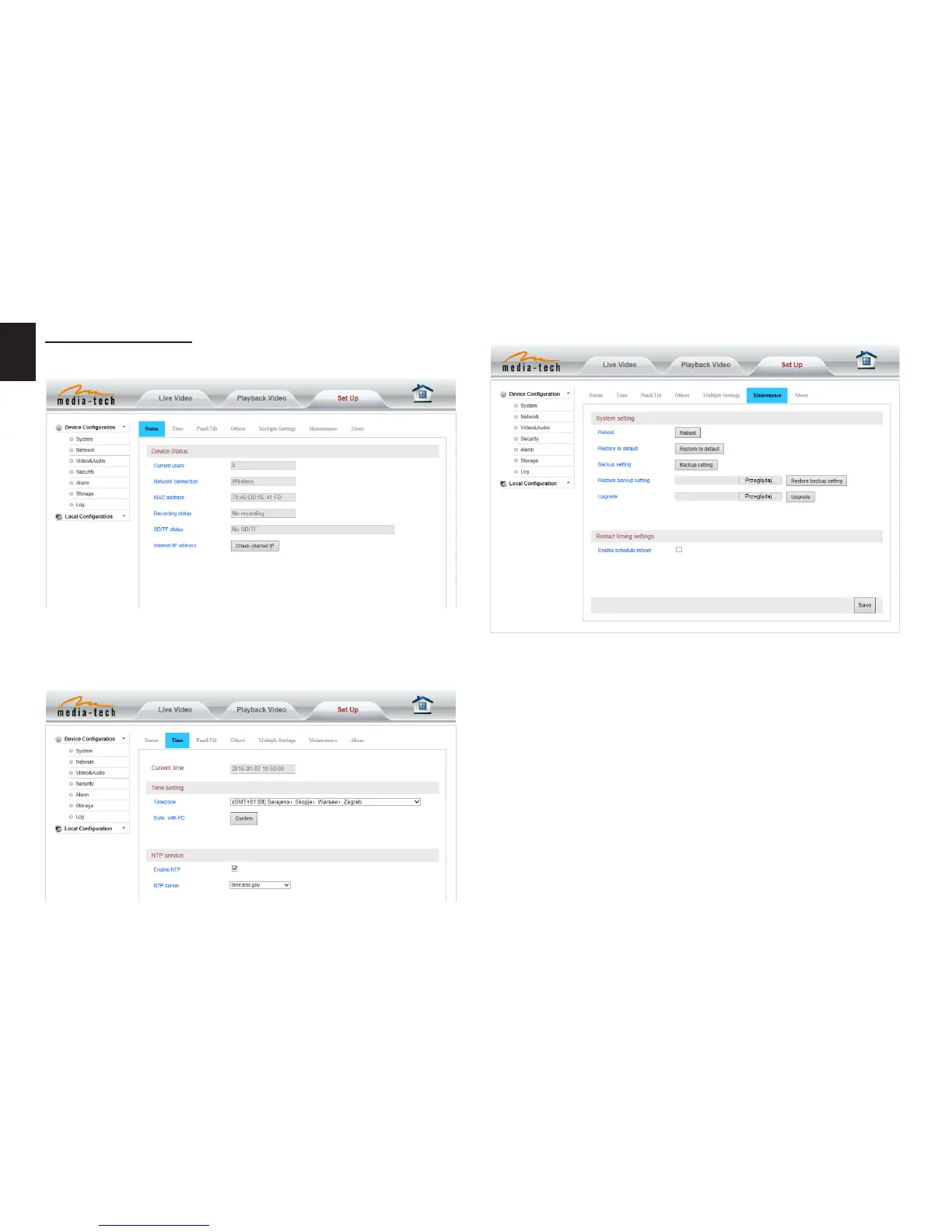
Date and time setting
Initialize setting
System setting
Device information
Please select the time zone at rst and then select a NTP
server and obtain time from network time server�
If you click “Conrm” of Backup setting data, the camera
will create a le, you can store it to your computer, and you
can directly call this le to restore the settings� The func-
tion helps to manage the cameras and no need to do all
the settings again�
The rmware upgrade is for updating system rmware and
web UI�

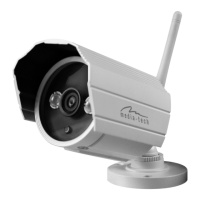

 To Next Page