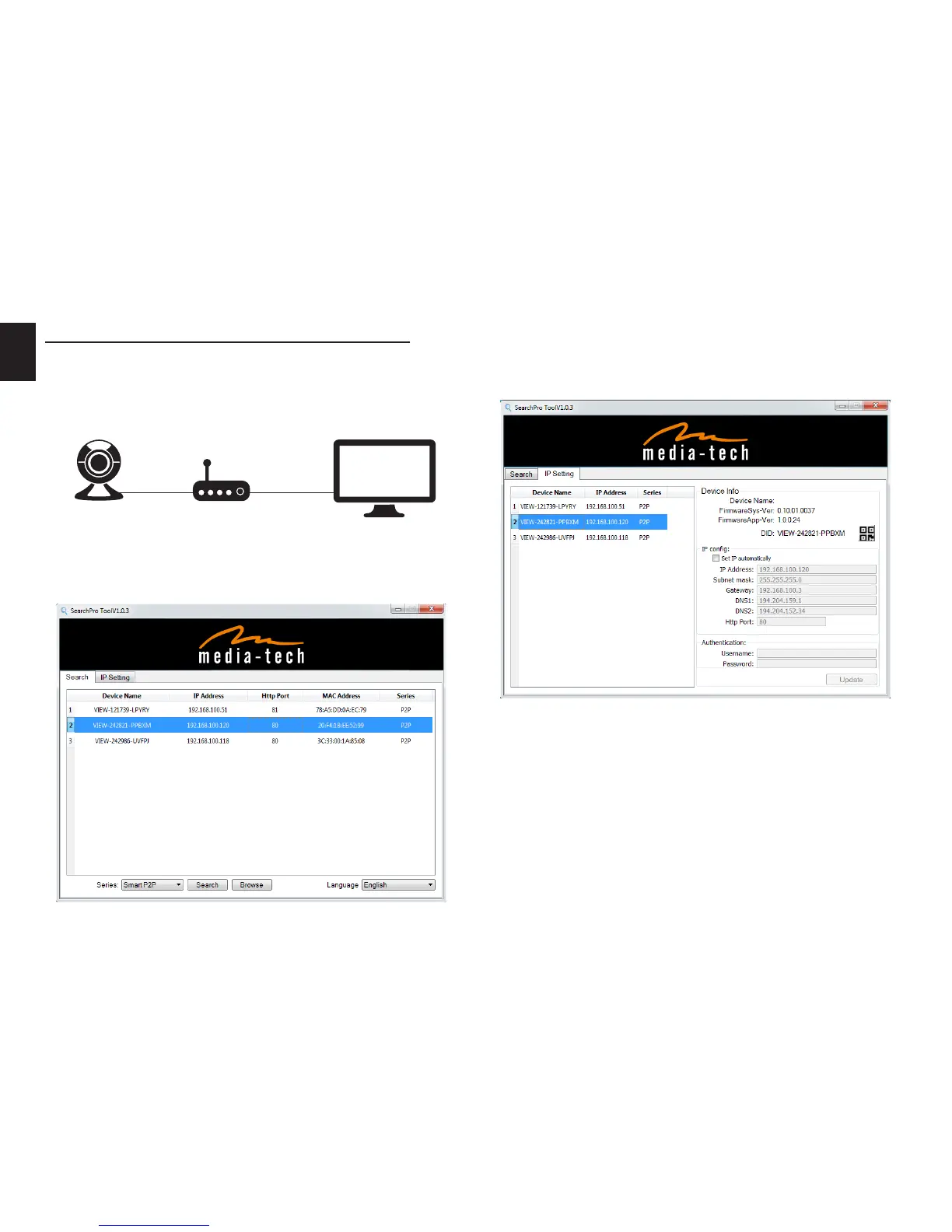
View video by wired connection in LAN
Power on the IP camera (please check carefully the voltage
of power adaptor, don’t insert incorrect power, otherwise it
will be damaged), connect IP camera to router by network
cable and connect computer to the same router�
Insert attached CD to computer driver, install “SearchPro”
application and run it, you will see interface, please oper-
ate as the following steps:
1) Click “Search” (Please make sure your rewall will not
block up the item to be searched)�
2) Choose a camera and click “IP setting” tab
3) Open web browser and enter address as given in “IP ad-
dress” – this is address assign to selected camera� You
can also double click camera name in the “Search” tab;
For instance given above you should enter
http://192.168.100.120
4) Enter user name (default: admin) and password (de-
fault: 123456) and login IP camera to view the video�
(please use IE browser at rst time)�
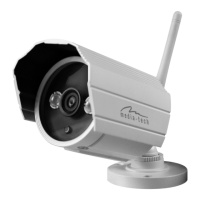
MT4052
Router


 To Next Page