MEGA65 Welcome Guide
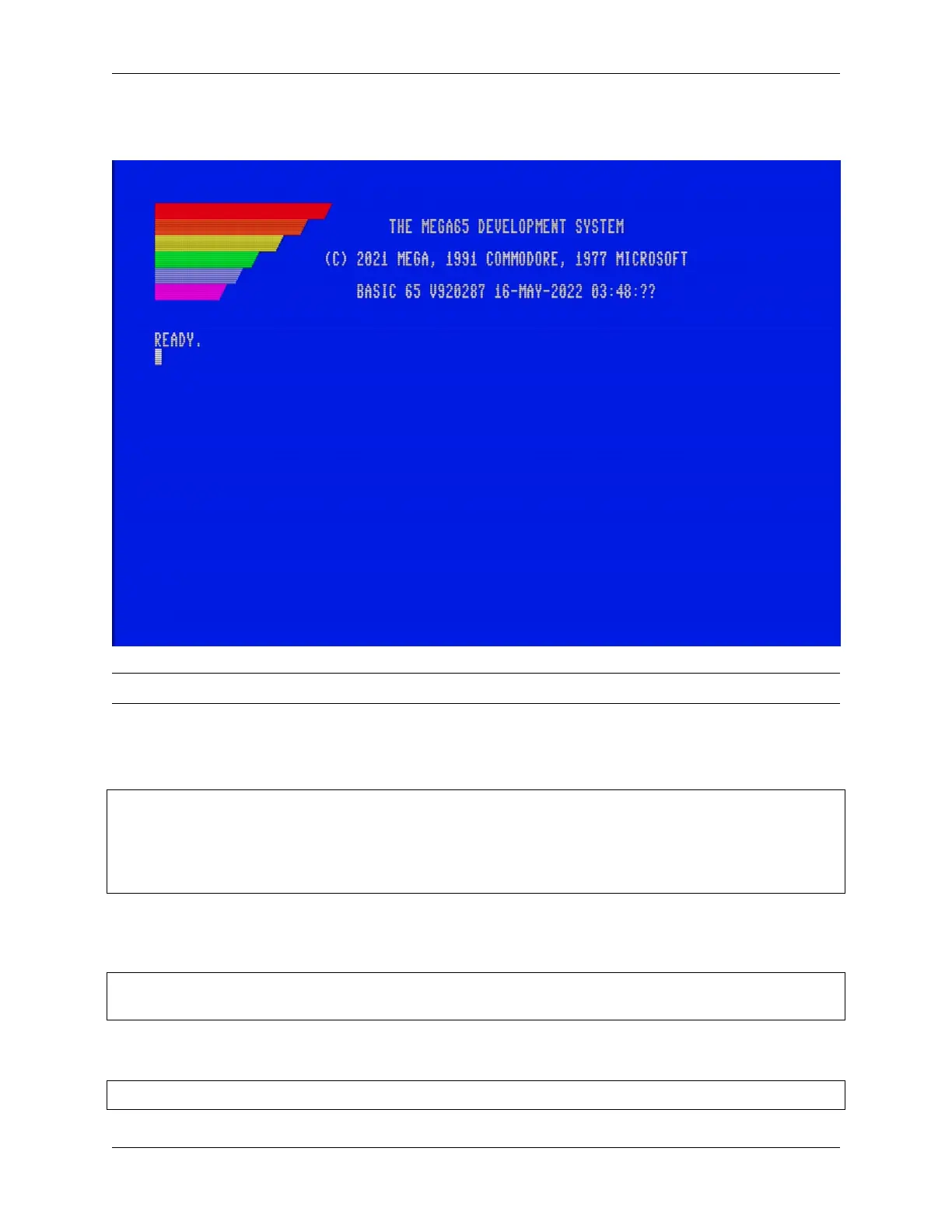
ment is similar to the Commodore 64 and 128, where you can give the computer commands, write programs in the
BASIC programming language, and load and save programs.
Tip: The User’s Guide does an excellent job describing the BASIC environment. See chapter 3, starting page 9.
The demonstration menu is itself a BASIC program! When you exit from the menu to BASIC, this program will still
be in memory. You can use the LIST command to see its source code. If you want to clear memory to write a new
program, use the NEW command before entering statements.
NEW
10 FOR X=1 TO 100
20 PRINT "MEGA65! ";
30 NEXT X
RUN
Once you have tried all of the demo programs, you will probably no longer want your MEGA65 to start the demon-
stration mode every time it turns on. Select the “Disable auto-boot” menu option to disable it. You can get back to this
menu later by loading and running the program with these commands:
LOAD "MENU"
RUN
If you change your mind and want your MEGA65 to automatically load the demonstration menu when it turns on, use
this command to restore this capability:
RENAME "MENU" TO "AUTOBOOT.C65"
12 Chapter 3. Try this first!



 To Next Page