MEGA65 Welcome Guide
11.3 Using M65Connect
The M65Connect app is a useful multitool that takes advantage of the JTAG connection.
11.3.1 Setting up
Download the M65Connect app for Windows, Mac, or Linux, available from the Filehost.
If you’re on a Mac, you will need to install a library called libusb. Install the Homebrew package manager if you
don’t already have it installed, then run this command:
brew install libusb-compat
If you’re using Linux, open the Help menu and select Manual to view the M65Connect user manual, then follow the
instructions in the Requirements section.
To set up M65Connect for the first time:
1. Turn off your MEGA65.
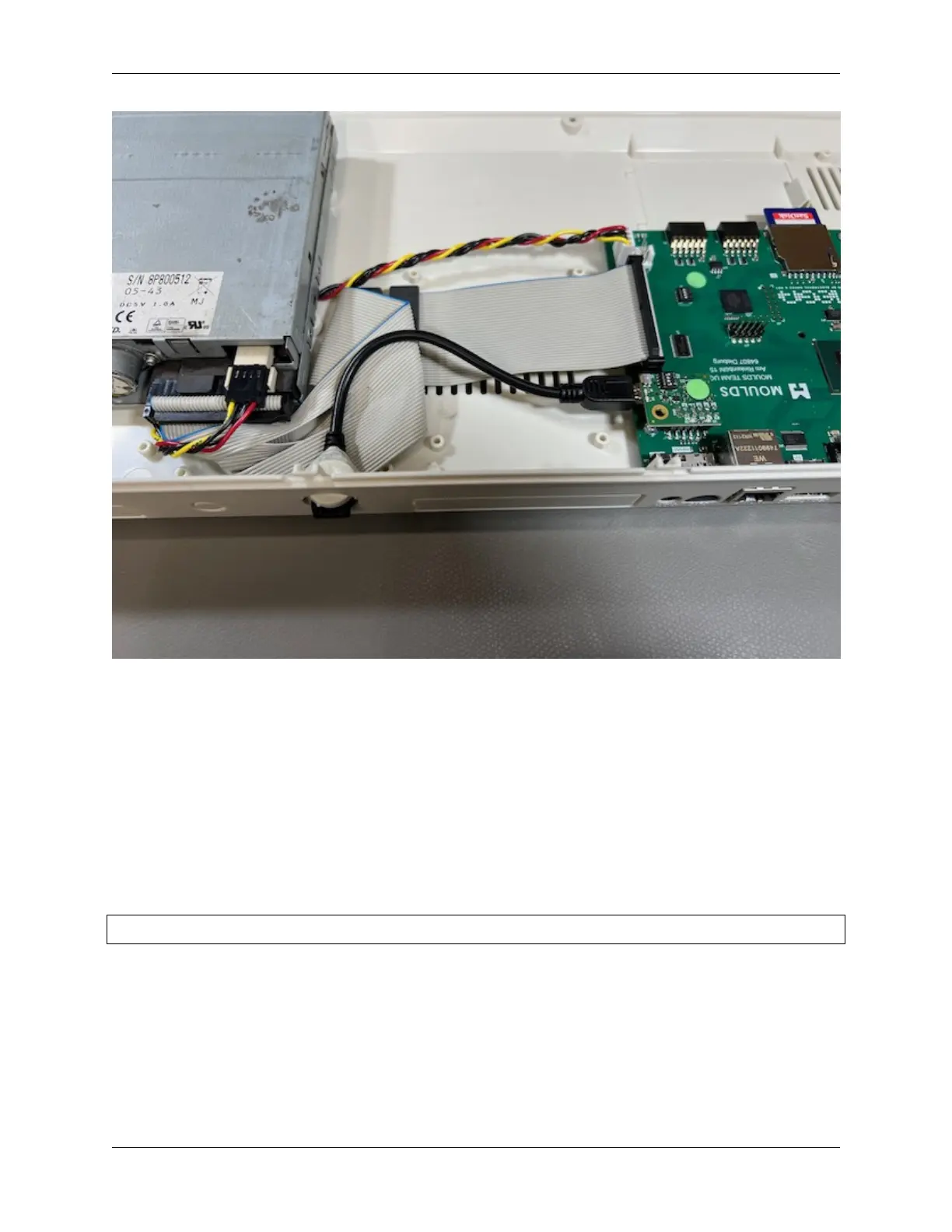
2. Connect the MEGA65 to your PC via the JTAG connection and USB cable that you installed.
3. Start M65Connect. It begins by attempting to identify the serial port.
11.3. Using M65Connect 67



 To Next Page