MEGA65 Welcome Guide
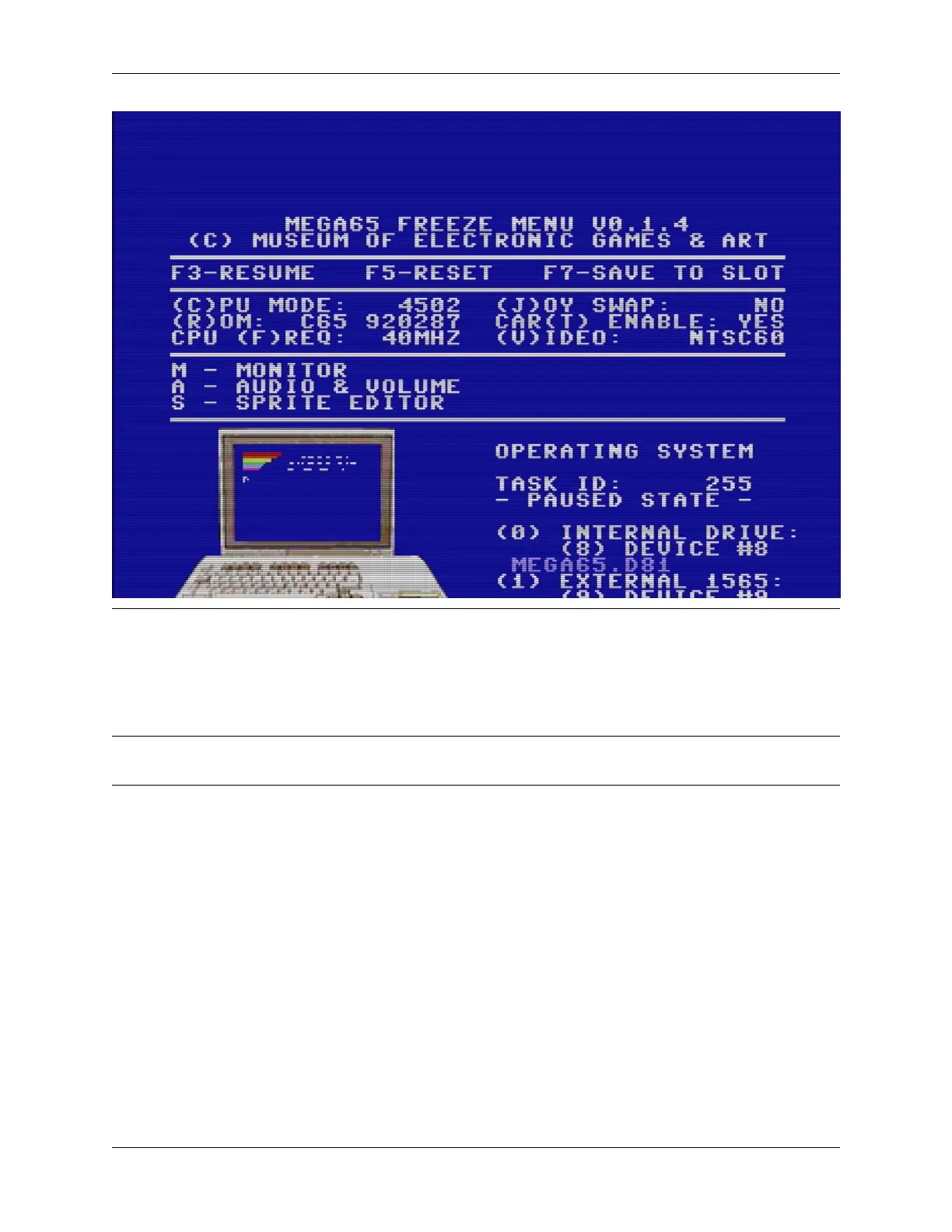
There are many useful features in the Freeze menu. Try them out!
One feature to remember when playing games is the “(J)OY SWAP.” This causes the two joystick ports to trade numbers.
If you have a joystick in port 2 and you start a game that expects a joystick in port 1, instead of disconnecting and
reconnecting the joystick, open the Freeze menu, press J to swap the port numbers, then resume your game.
Note: As of this writing, it is possible—and usually undesireable—to freeze the Freeze menu by pressing Restore
again while the Freeze menu is open. If you do this accidentally, reset and try again.
3.6 Disk images
One of the MEGA65’s most useful features is its virtual disk drive. Of course, you can use vintage 3-1/2” floppy disks
with the MEGA65’s built-in physical drive. More often, you will use files that represent disks (“disk images”) that
reside on a modern SD memory card. You can use the Freeze menu to tell MEGA65 whether to use the physical drive
or a disk image file as a disk drive.
MEGA65 comes bundled with several disk images, including one named MEGA65.D81 that contains the demonstration
menu and all of the demo programs. You can make your own D81 disk images, and can download MEGA65 software
as D81 disk image files over the Internet using your PC.
Try browsing one of the disk images included with your MEGA65:
1. If the Freeze menu is not already open, hold the Restore key for a second then release it.
2. Press 0 to see the options for setting up the first drive.
14 Chapter 3. Try this first!



 To Next Page