MEGA65 Welcome Guide
3.5 The Freeze menu
The MEGA65 spends most of its time behaving as a Commodore 65 computer would, either running a program or
awaiting instructions in the BASIC environment. Your MEGA65 has additional features that were not part of the
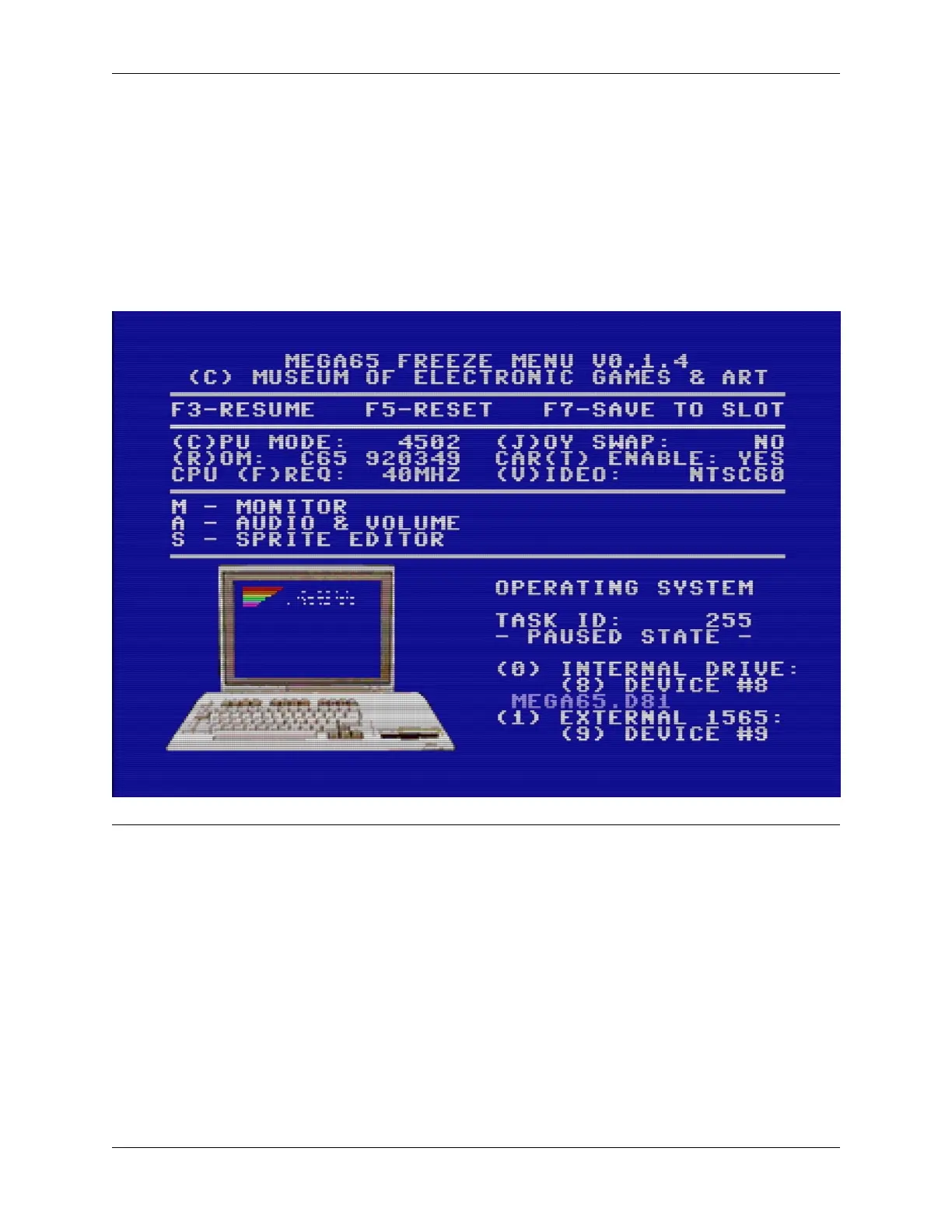
original C65 design. You can access many of these features from the Freeze menu.
To open the Freeze menu, hold the Restore key for a second or more, then release it. The MEGA65 will pause whatever
it is doing, flicker the border color, then open the Freeze menu. Whatever program was running remains in memory
and can be resumed by pressing the F3 key from the Freeze menu. You can also abandon the running program and
reset the MEGA65 by pressing F5.
Note: Does your Freeze menu appear too low on the screen? This is a bug in the version of the software that shipped
with the first batch of MEGA65 computers. It is fixed in a newer version of the software. You will upgrade the software
later in this Guide.
If you are experiencing this issue, you can complete this section of the Guide with the broken display, or you can skip
this and return after you have installed the update in a later section.
3.5. The Freeze menu 13



 To Next Page