MEGA65 Welcome Guide
GIT commit: development,20220506.10,bdeeb15
(Or just bdeeb15.)
Alternatively, you can see the version of the MEGA65 core while the computer is running without turning it off. At
any time with the MEGA65 core running, hold the Mega key (the fancy M in the lower left of your keyboard) and
press Tab. Welcome to “Matrix mode!” This is a special mode used by the MEGA65 development team to tweak the
memory of the computer while it is running, among other things. It also displays the version of the running MEGA65
core. Press Mega+Tab again to exit.
Tip: The file downloads for core updates on Filehost are labeled with both the GIT commit suffix (like bdeeb15) and
a build version number (build 180, or version 180). You can find the full list of builds at the Filehost page: click
the grey “All versions” box to access all previous builds.
5.2 The MEGA65 ROM version
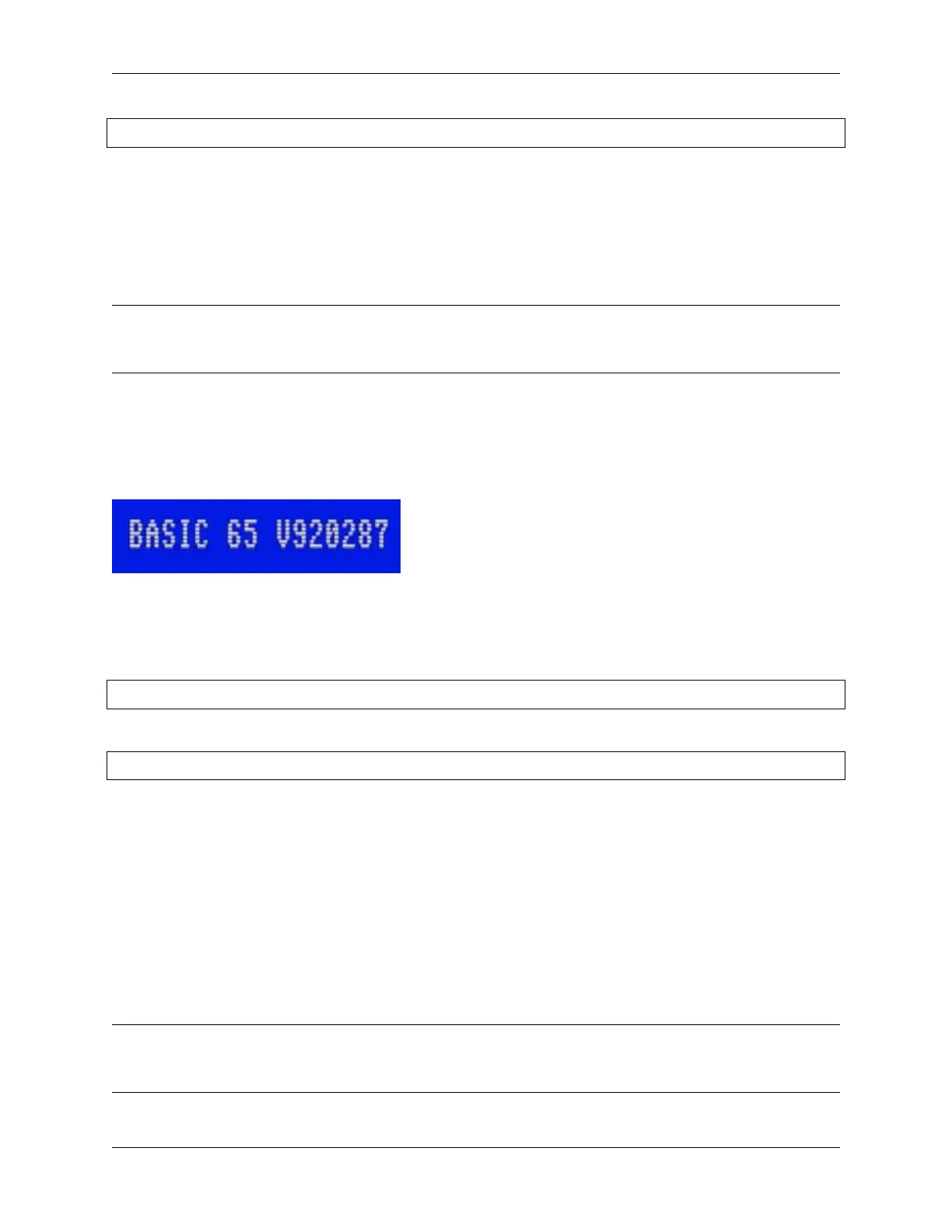
You can determine the version of the MEGA65 ROM that is running from the BASIC title screen.
The original Commodore 65 ROM data used a number resembling a date to represent the software version, such as
910828 or 911001. The MEGA65 enhanced versions of the original ROMs continues the numbering sequentially from
92xxxx.
The MEGA65 ROM that shipped with batch #1 in 2022 has this version number:
920287
As of this writing, the latest available version of the MEGA65 ROM is:
920356
5.3 Hypervisor and Freeze versions
The Hypervisor and Freeze functions have their own version numbers. They are displayed on their respective screens.
To see the Hypervisor screen, hold Ctrl while turning on the computer. As of core bdeeb15, the Hypervisor version is
v00.16. The Hypervisor is built into the core.
To see the Freeze screen, simply open the menu: hole Restore for a second, then release. As of core bdeeb15, the
Freeze menu version is v0.1.4. It is possible to upgrade the Freeze menu separately from the core with a file on the SD
card.
Note: A fix to the issue with the Freeze menu appearing too low on the screen was released in a newer version, but
the Freeze menu version number was not incremented. When we upgrade later in this Guide, the Freeze menu version
number will not change.
30 Chapter 5. Determining the versions of things



 To Next Page