CHAPTER
TWELVE
JOINING THE COMMUNITY
Your fellow MEGA65 owners hang out together online. Come join us!
The official MEGA65 support forum is a traditional web forum for discussions and searchable post history. Note that
the account system for the forum is separate from the Filehost, so you will need to register a new account to participate.
For real-time chat, the action is in the official MEGA65 Discord server. Join with your Discord account and app.
Once you are on the Discord server, you can register yourself as a proud MEGA65 owner. This changes your username
color to blue, and may potentially have other benefits in the future, such as owner-specific rooms.
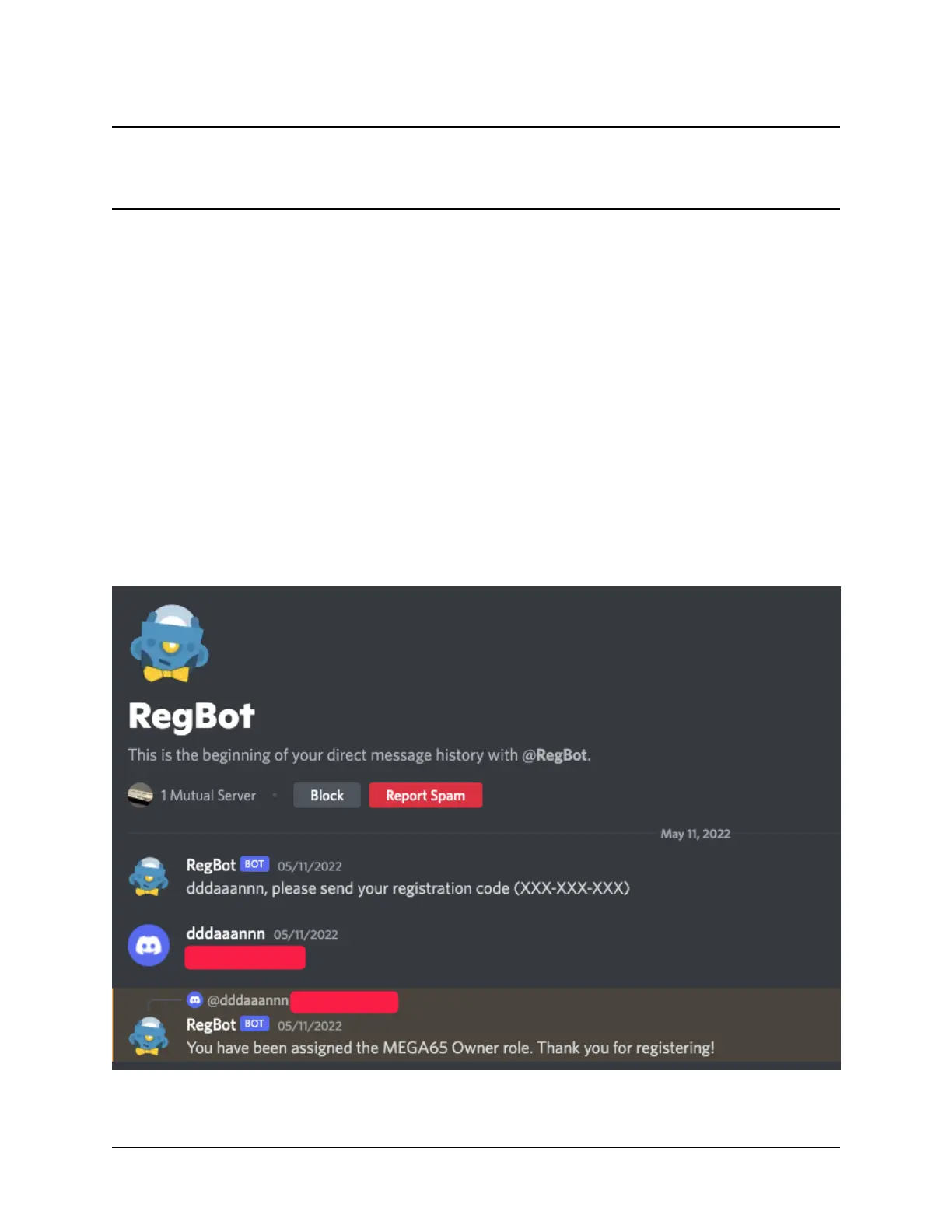
To register your ownership role on Discord, go to the #general channel and say !register. (Yes, they want us to
say this publicly in front of everybody. Be proud.) The @RegBot automated account (“BOT”) will see your request
and send you a direct message asking for your registration code. Reply with your nine-character registration code from
that piece of paper. RegBot will assign you the ownership role and change your username color.
75



 To Next Page