CHAPTER
EIGHT
SETTING UP THE MICROSD CARD
Your microSD card will be your MEGA65’s primary storage, and the primary way to transfer files to and from your PC.
You will use it to update the firmware and store updated system software and ROMs. You will also use it to manage
D81 disk images and store applications you have downloaded.
8.1 Preparing the microSD memory card
To use an SD card with the MEGA65, it must be formatted (erased and prepared) using the MEGA65. The SD card
works like a regular storage drive when connected to your PC, but it contains additional data not visible to the PC that
is used by MEGA65.
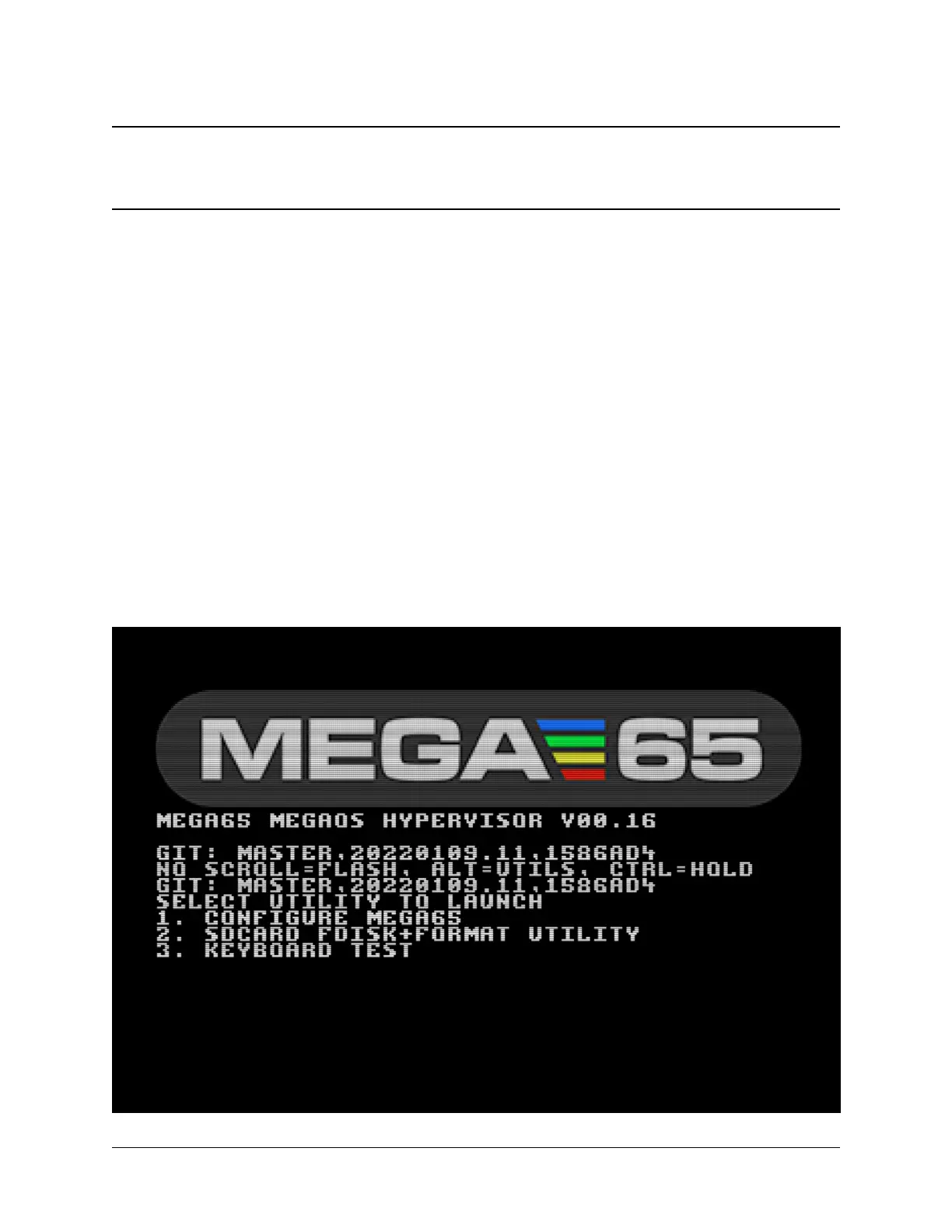
To prepare a new microSD card for use, insert it into your MEGA65’s external microSD card slot. Turn off your
MEGA65, then hold the Alt key (top row near the left) and turn it on. Select option 2: SDCard FDisk+Format Utility
(press 2).
39



 To Next Page