MEGA65 Welcome Guide
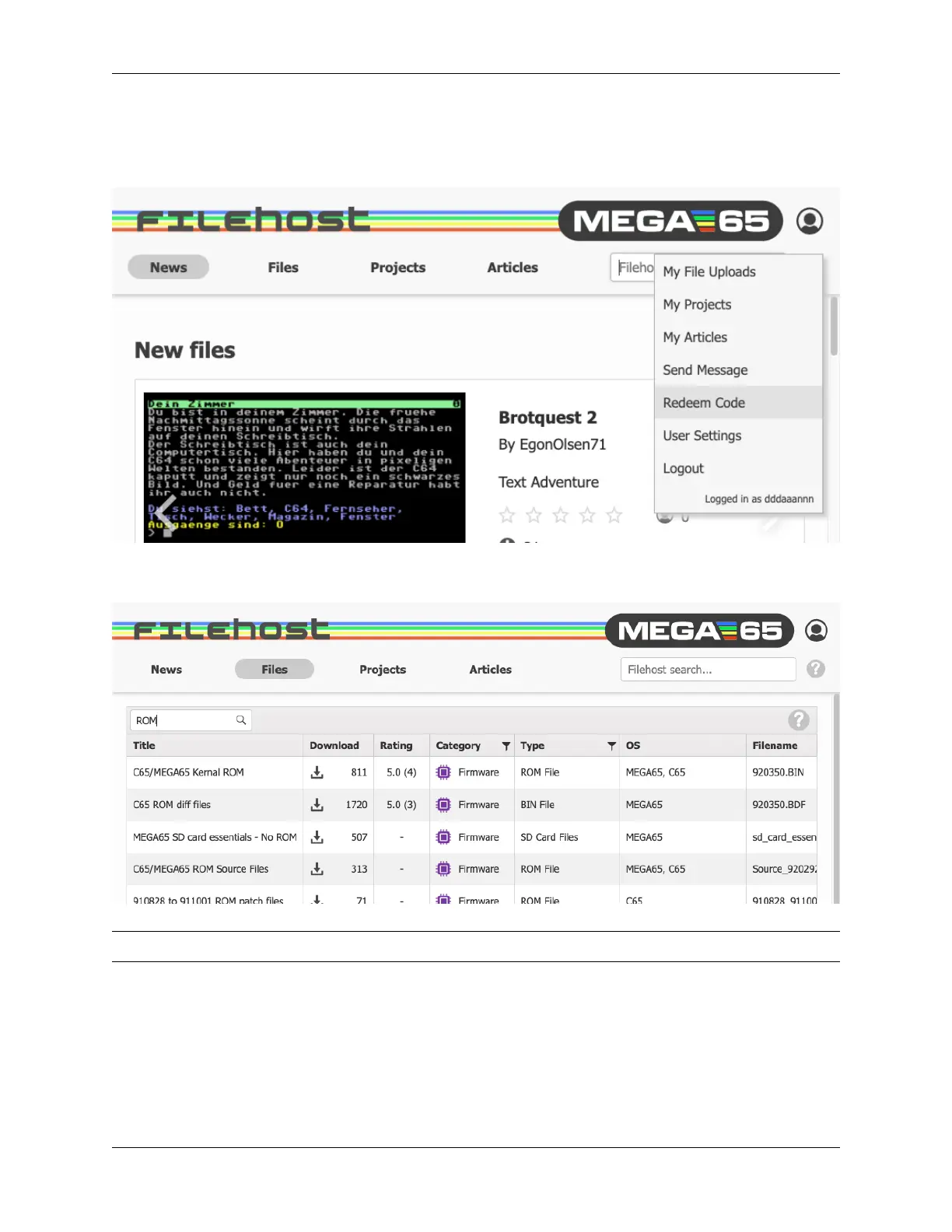
4. In the dialog that opens, enter the nine-character registration code that was included with your MEGA65 on a
piece of paper. It looks something like 123-ABC-456.
5. Open the menu again and “Logout,” then “Login” again.
To verify that you can see the licensed files, click “Files,” click the search field, type “ROM” and press enter. If you
are registered correctly, the file “C65/MEGA65 Kernal ROM” should be one of the results.
Tip: Not seeing the licensed ROM after registering? Log out, then log back in again.
38 Chapter 7. Accessing the MEGA65 Filehost



 To Next Page