MEGA65 Welcome Guide
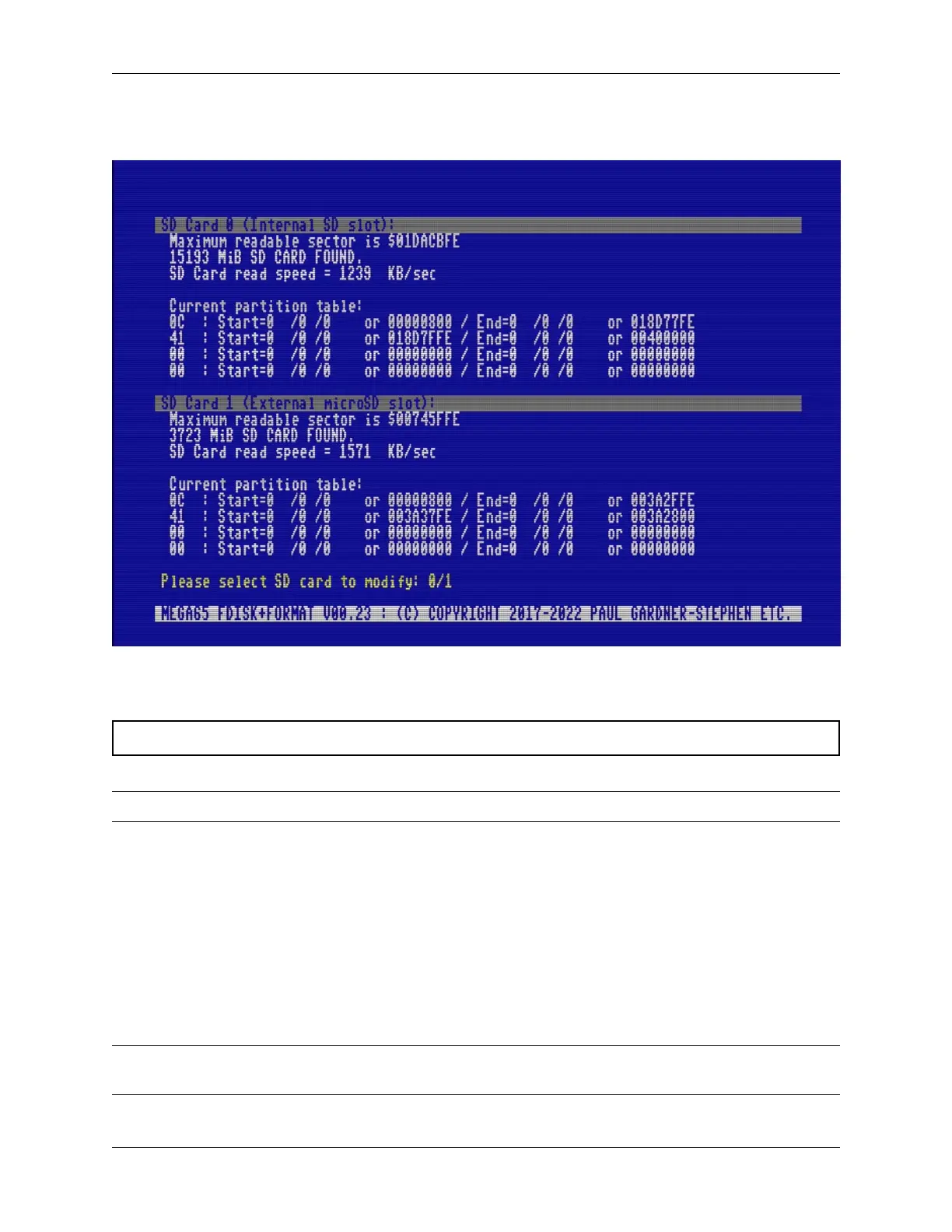
The SD card utility will look for cards in the available slots. Confirm that it has detected your microSD card correctly,
then select option 1 for the external microSD slot (press 1). Follow the prompts.
The MEGA65 formats the SD card, erasing all of its data. It also writes the factory-installed ROM files, the demo disk
image, and a few other things.
Caution: The SD card utility will erase the internal SD card if you ask it to. Be careful to select the correct card.
Tip: For more on preparing SD cards for use, see the User’s Manual, starting page 23.
8.2 Updating the SD card essentials
MEGA65 prepares the SD card with files from the factory-installed core. You will want to update these files with newer
versions.
Visit the Filehost website and make sure you are signed in. Select “Files,” then filter the Category column for the
Firmware category. Locate the item named “MEGA65 SD card essentials,” click it to open the item, then click Down-
load.
Note: There is also a “MEGA65 SD card essentials - No ROM” file. This is the same archive, but with the licensed
ROM files removed.
40 Chapter 8. Setting up the microSD card



 To Next Page